What cabinetmaking shops usually need from CAD/CAM
Most cabinetmaking shops are not looking for complicated programming for its own sake. They need a fast way to move from a drawing or cut list to accurate toolpaths, drilling patterns and machine code that matches the way their nesting router or panel line actually works. If your team is cutting melamine, MDF, plywood or compact laminate, the software has to handle sheet sizes, grain direction, edge allowances and boring patterns without slowing the day down.
In Pretoria, Johannesburg and Vereeniging we often see shops juggling kitchen carcasses, wardrobe doors and built-in units on the same machine. That means the setup must suit both repeat work and one-off changes. A good system should also make it easy to manage offcuts, machine offsets and tool changes, especially when a job lands late and the team is trying to finish before the power goes off.
- Nesting for full sheets and offcuts
- Drilling and pocketing for carcasses, shelves and hinge plates
- Edge banding and label handover for the workshop floor
- Toolpath output for routing, drilling, sawing and plasma where needed
Typical machine set in a cabinet shop
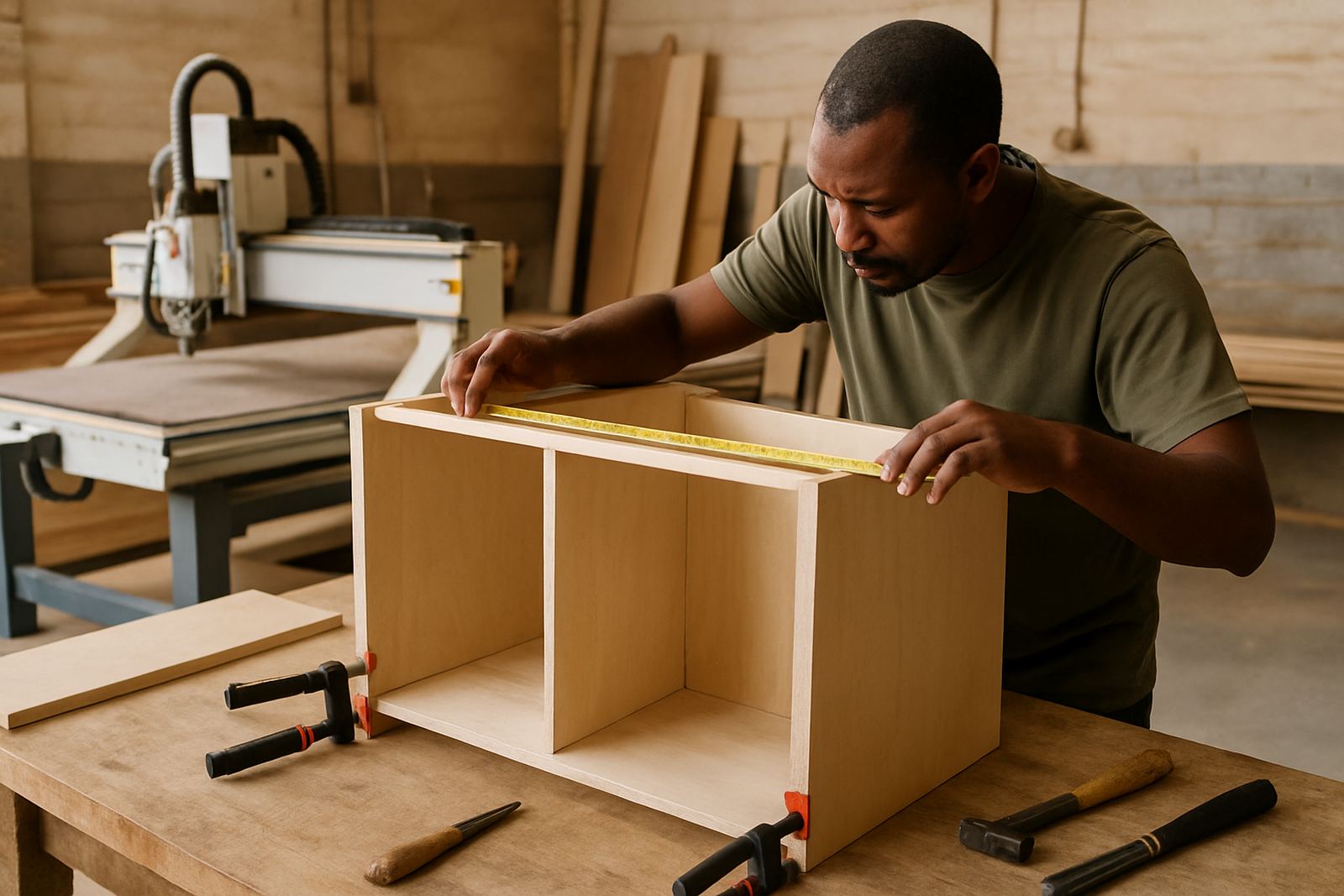
A cabinetmaking workshop in South Africa may have one main nesting router, a smaller router for doors or specials, and a drill or boring machine for hardware prep. Some shops also run a panel saw, a compressor, dust extraction and a label printer. The software and post-processor need to support that full workflow, not just the router on its own.
For coastal areas like Durban and Cape Town, humidity can affect boards, adhesives and storage. That makes accurate labels, consistent part sizes and proper nesting more important because swollen boards and bad handling waste money fast. In Johannesburg and Centurion, dust control and machine uptime are usually the bigger issue, so the team needs reliable posting and quick recovery when a tool breaks or a sheet is moved by mistake.
- Nesting router with vacuum table
- Drilling head or boring spindle
- Panel saw for breakdown work
- Dust extraction, compressor and label printing
- Office PC for quoting, drawing and program preparation
How we plan the setup before installation
Before any licence is installed, we look at how the shop actually runs. Do you nest every carcass, or do you split some work onto the panel saw. Are you running single jobs or batches of 20 kitchens at a time. Do your operators read drawings, or do they need part labels with clear hole callouts. These questions matter because the software should fit the team, not force the team to change everything at once.
We also check the machine controller, the post format, the tool library and the folder structure on your PCs. If the post is wrong, the machine may still run but the job will be messy and costly. If the tool list is incomplete, you get wrong depths, broken cutters or holes in the wrong place. That is why machine onboarding and post tuning are often the first two steps for cabinet shops.
For shops in East Rand and West Rand industrial areas, we often recommend a simple staging area near the machine: one place for sheets to be scanned, one place for labels, and one place for completed parts. That small change can cut confusion during busy shifts, especially when two jobs are running at once.
Common mistakes cabinetmakers make when they start
The biggest mistake is trying to copy another shop’s settings without checking the machine, the tooling or the material sizes. A program that works in a Durban factory with one nesting router may fail in a smaller Pretoria shop with a different controller and a narrower board size. Another common problem is letting the tool library drift over time, so the cutter list no longer matches the actual cutters in the cabinet.
We also see shops skip operator training and expect the same person who assembles cupboards to manage programming too. That usually leads to incorrect sheet layout, missed dowel holes and wasted boards. A few hours of proper training can save many Rand in material and rework.
- Using the wrong post-processor for the controller
- Ignoring tool wear and feed rates
- Not setting up clear part labels
- Skipping first job support after go-live
- Letting nested sheets run without a backup plan for power cuts
Budget ranges for cabinetmaking software projects
Budgets vary depending on the machine count, number of users and whether you need one custom post or several. A small cabinet shop with one machine and one programmer may only need a licence installation, basic training and a standard post. A larger operation with multiple routers, separate offices and several operators will need more setup time, more testing and perhaps annual support planning.
As a guide, many cabinetmaking projects fall into these ranges: basic licence installation and setup from about R12 000 to R25 000, custom post work from about R8 000 to R30 000 depending on complexity, and practical on-site training from about R6 500 to R18 000 per day, plus travel. Workflow audits, tool library builds, and first-job support are usually quoted after we have checked the machine and the shop layout. For some teams in Cape Town or Durban, travel and accommodation can add to the total if the site is outside the main metro area.
If your shop is growing fast, it is usually cheaper to fix the workflow early than to keep paying for wasted board, late deliveries and machine downtime. That is especially true when a municipal power interruption or load-shedding slot can leave half-finished parts on the table until the next shift.
Training for programmers, operators and owners
Cabinetmaking shops often need different training for different people. The programmer needs to understand nesting strategy, toolpaths and part naming. The operator needs clear machine loading, label reading and recovery steps. The owner needs enough knowledge to see where the bottlenecks are and how the software setup affects labour, waste and turnaround time. We keep training practical and tied to the actual parts your shop makes.
We provide on-site training in Centurion, Pretoria, Johannesburg, Vereeniging, Durban and Cape Town, and we also support East Rand and West Rand shops that need help with a live machine. When possible, we work on your own jobs so the team leaves with usable settings and a process they can repeat the next day.
If your cabinet shop is ready to improve nesting, drilling and panel flow, the main goal is simple: fewer errors, faster handover, and a cleaner path from quote to cut sheet to finished furniture.