Plastic Routing Problems on the Shop Floor
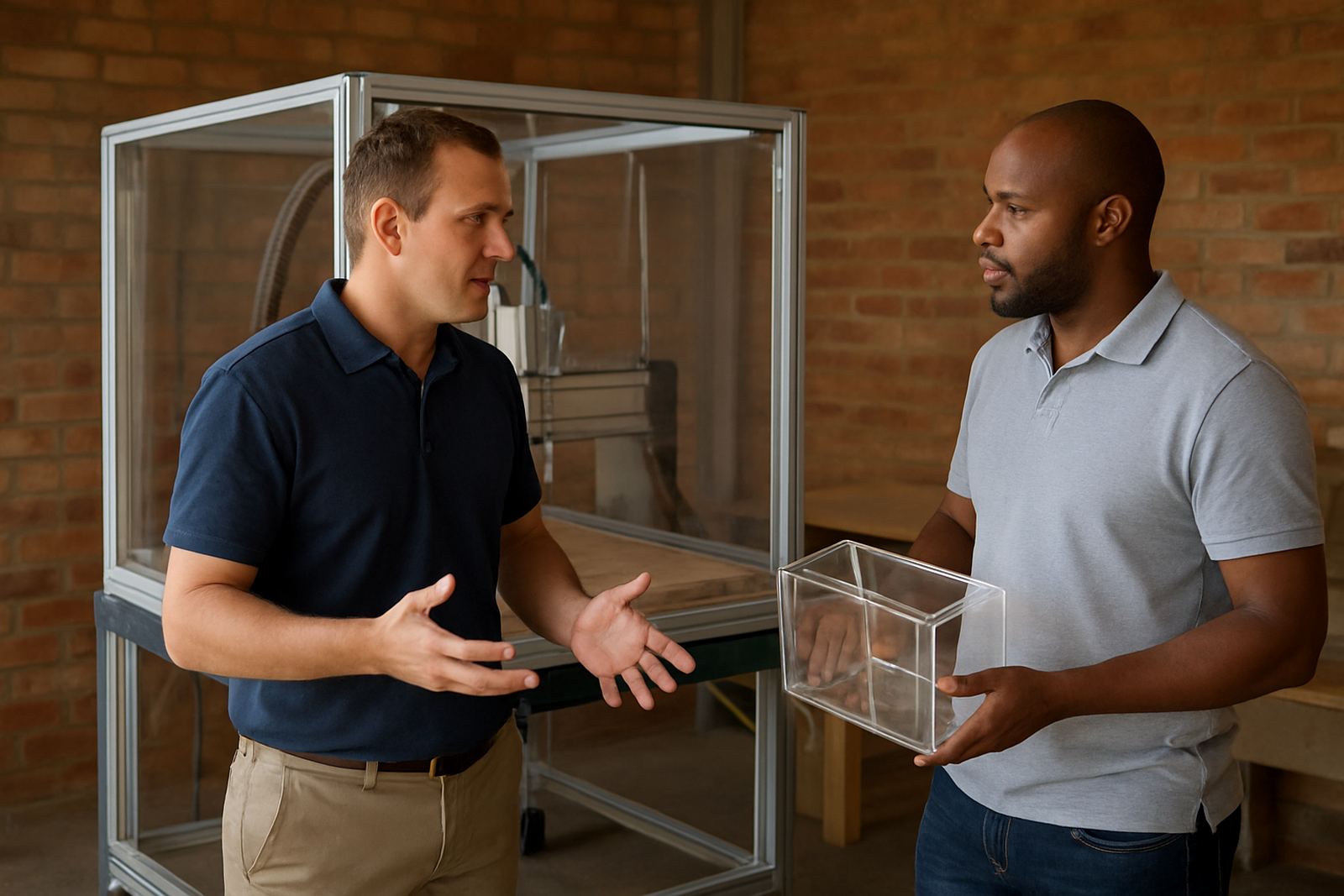
The client was a plastics conversion and fabrication shop in Roodepoort working mostly with acrylic sheet, plus a mix of PVC, polycarbonate and high impact materials. Their work included display parts, small enclosures, point of sale items and cut-to-size panels, so the router had to handle both neat visible edges and repeatable batch work.
The brief was practical: improve edge quality on acrylic, reduce chip-out on corners, get better sheet nesting from standard 2440 x 1220 mm boards, and make sure the post output matched the machine settings the operators were already using. They also wanted the team to spend less time fixing jobs after the fact, especially when the workshop was under pressure and the power schedule made planning harder.
From the first visit, the Roodepoort shop had a few practical limits to plan around. The shop could not stop production for long, and the team had different skill levels on programming and setup. They also needed a solution that would still work during load-shedding, with clear notes for restart, homing and job recovery after a shutdown. In short, the process had to be practical and not depend on one person only.
What We Changed in the First Week
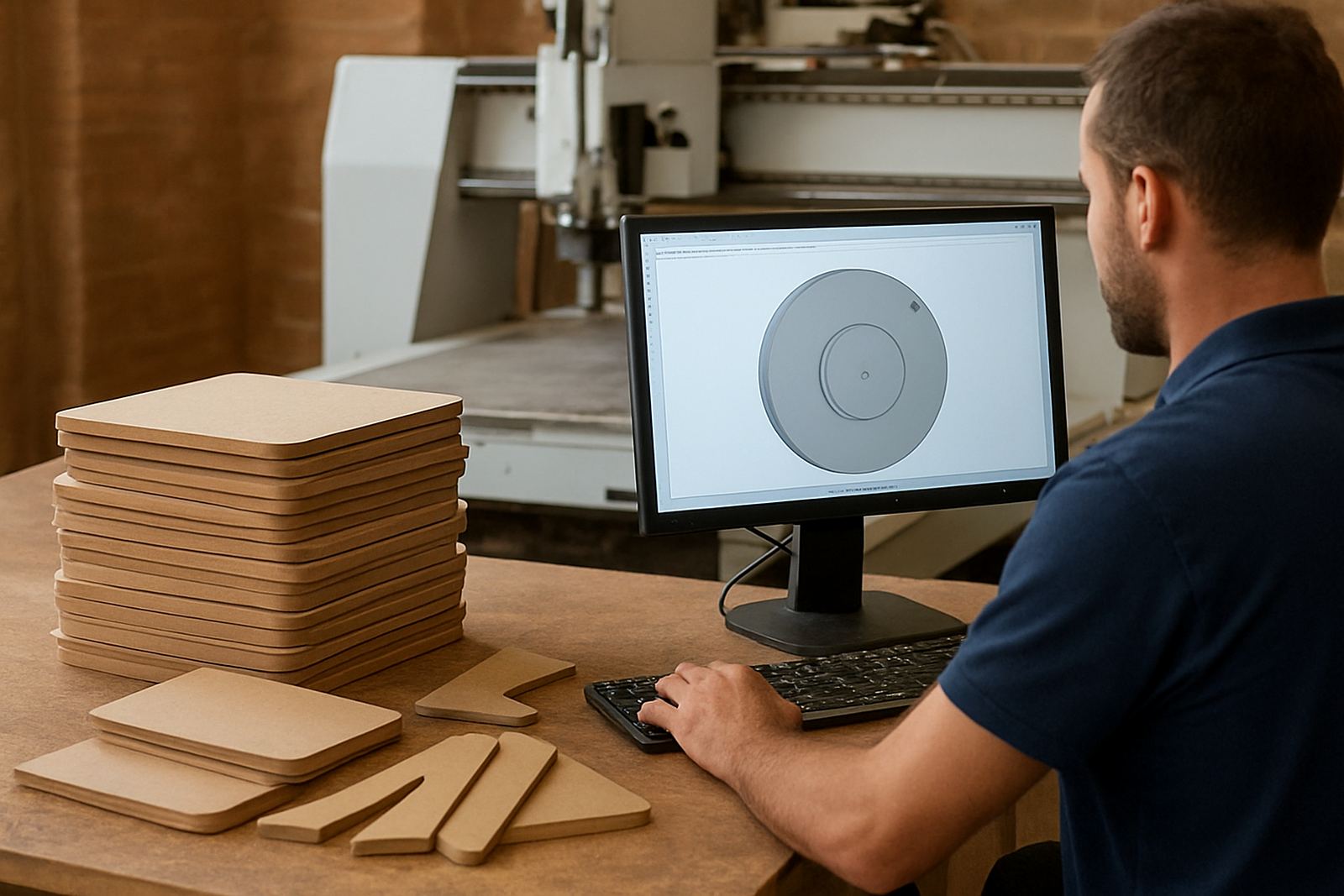
We began with a short audit of the current routing workflow, from CAD file prep through to toolpath generation and machine output. That showed a few common pain points: cut order was not ideal for fragile acrylic corners, entry moves were too aggressive for some tools, and the nesting layout was leaving usable offcuts trapped in awkward areas.
During the first week we installed the required licence on the planning workstation, checked the machine profile, and built a custom post-processor for the router setup on site. The aim was to keep the code simple, consistent and easy for the operators to read when a job came back from the office. We also aligned the post with the machine controller format, including safe Z moves, spindle start timing and tool-change behaviour.
- Licence installation and activation on the main programming PC
- Custom post-processor setup for the router controller
- Basic machine profile review and tool table check
- Cut order changes for cleaner acrylic edges
- Nesting adjustments to reduce waste on standard sheet sizes
Training the Team for Daily Production
The second week focused on hands-on training. We worked with the programmers and operators together, because in a small shop the handover between office and machine is where most delays start. The training covered job setup, tool selection, feed and speed logic, lead-ins, lead-outs, hold-down awareness and the difference between a neat finish and a fast finish.
For the acrylic work, we spent time on chip control and edge quality. That meant using the right cutter type for the material, choosing smaller step-downs where needed, and changing the order of operations so internal pockets did not spoil visible outer edges. We also showed the team how to build repeatable sheet nests for common part families, so they could get more parts per board without risking part movement or excessive scrap.
There was a lot of value in simple habits. Clean tool naming, consistent material notes and checking fixture clearance before starting the machine saved time immediately. One of the operators said the biggest change was not a new button or menu, but having a repeatable method they could follow on a busy day.
- Operator training on safe setup and machine start-up
- Programmer training on toolpath order and acrylic finishing
- Owner training on production control and job costing inputs
- First job support on live parts from the production queue
Post Tuning for Cleaner Acrylic Edges
The custom post needed a few rounds of tuning before it was ready for normal use. We adjusted retract heights, verified tool change lines, checked modal behaviour and made sure the output stayed predictable after a tool swap or a paused cycle. That matters in a plastics shop because a small code issue can mark a visible face, or worse stop the machine halfway through a sheet.
We also refined the restart logic so the team could recover more easily after a power interruption. In Roodepoort that can be the difference between saving a half-finished panel and scrapping it. With the new settings in place, the operator could return to the job with a clearer recovery process and less guesswork.
By the end of week three the output was much steadier. The acrylic edges were cleaner, chip control improved on the corners and the nesting sheets were giving better yield on common job sizes. The team also reported less confusion between programmed paths and actual machine motion, which reduced the need for last-minute edits.
What We Supplied and How It Was Used
This project was not about adding more software for the sake of it. It was about setting up the right tools around the machine, then making sure the team could use them without constant support. We supplied and implemented the licence, custom post work, operator guidance and live support for the first jobs through the system.
- CAD/CAM licence for production use
- Custom post-processor tailored to the router controller
- Machine onboarding and workflow review
- Remote troubleshooting during the first production runs
- Tool library build for common acrylic and plastic cutters
The shop now has a base they can build on for new part types and future staff training. Instead of each job being handled as a one-off, the programmers can follow the same path from file to finished part. That is important for a plastics business where turnaround times are tight and customers often want the same item repeated weeks later with the same finish.
Results After Three Weeks
By the end of the project the client had a cleaner routing process and a team that understood why the setup worked. The most visible result was the improvement in acrylic edge quality, but the bigger gain was consistency. Sheet nesting became more predictable, the machine code was easier to trust, and the operators had a clearer routine for starting, checking and finishing jobs.
We would do the same kind of rollout again for any Roodepoort or Gauteng plastics shop that runs mixed sheet work and needs better control over router output. The key is to start with the machine and the people on the floor, then tune the software to match how the shop actually works. If the workflow is too complicated, it will slip when things get busy. If it is simple and well set up, the shop keeps moving even when the power is not ideal.
For this client, the combination of post tuning, practical training and first job support gave them a solid base within 3 weeks. That meant less scrap, fewer arguments over settings, and a more confident team on the machine.
Key facts
| Project type | Router training and workflow setup for a plastics shop |
|---|---|
| Town | Roodepoort, Gauteng |
| Material focus | Acrylic, PVC and polycarbonate sheet |
| Sheet size | Standard 2440 x 1220 mm nesting |
| Timeline | 3 weeks from first visit to final handover |
| Main outcomes | Cleaner edges, better chip control, improved nesting yield |