What the Midrand shop needed from day one
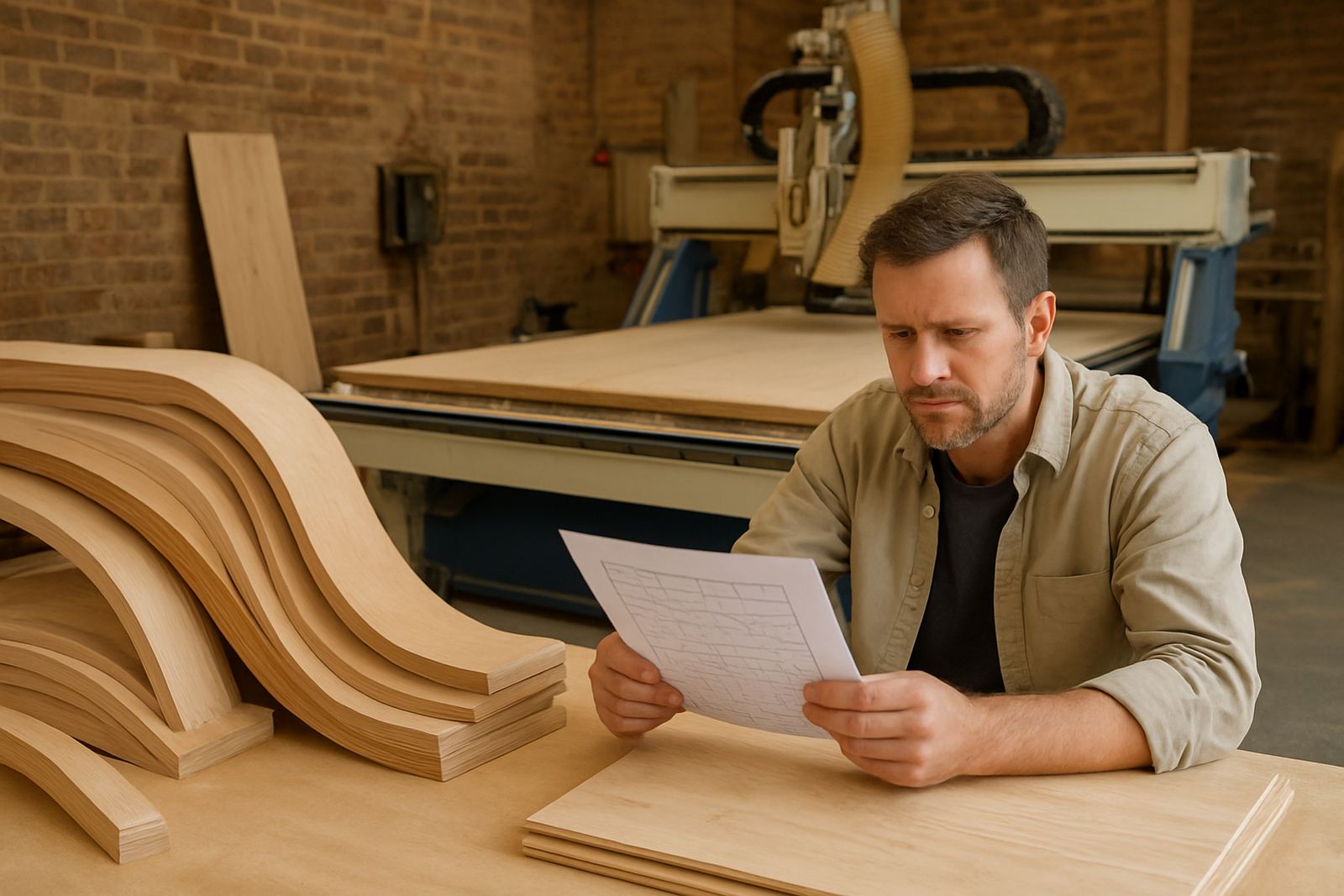
The client was a small to medium sign and display workshop in Midrand, serving local retail, office parks and a few industrial customers that needed signs turned around quickly. Their work included ACM panels, acrylic lettering, PVC board, engraved labels and the occasional aluminium component, so the software had to handle mixed materials without slowing the team down.
The brief was direct. They wanted fewer setup errors, cleaner toolpaths for routing and engraving, and a way to move from file to machine without spending half the morning checking code by hand. Their operators were already skilled on the workshop floor, but the programming workflow was inconsistent and job prep was taking longer than it should. On top of that, they needed a setup that would keep running during load-shedding and still make sense when staff changed between shifts.
Midrand adds its own pressure because work often comes in late and goes out the same day. The shop needed a system that could handle short runs, repeat work and a few one-off jobs in between. They also wanted something practical for a team that split time between design, machine prep and delivery, so the implementation had to be simple enough to stick, not another layer of admin.
Software setup for routing, engraving and shorter prep times
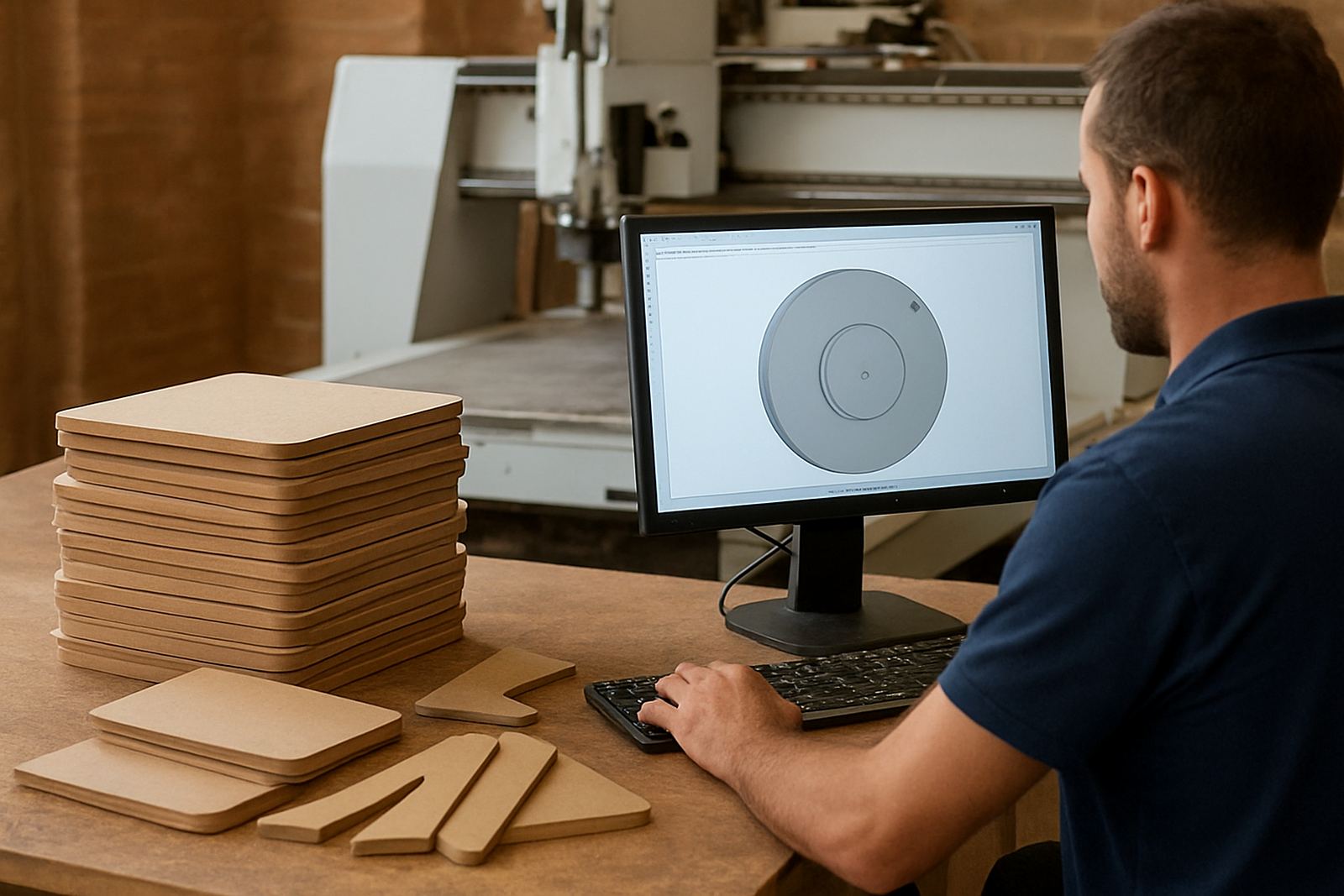
We supplied CAD/CAM licence installation, a custom post-processor for the shop's router and milling workflow, and a setup review for the main job types they cut every week. The core focus was on making the output match the machine behaviour properly so the operator did not need to keep editing code after every program export.
The machine side of the job covered routing for sign panels, engraving for labels and small detail work, plus a few drilling and contour operations. We tuned the post to suit the control format already used on site, then checked lead-ins, safe height moves, feed notes and restart points. That mattered because a sign shop can't afford a damaged panel just because a tool came in too fast on the first pass.
We also built a cleaner tool library for the cutters they use most often. That included standard engraving tools, straight and spiral routers, V-bits for lettering, and larger diameter cutters for sheet breakdown. By keeping the tool data consistent, the team could move faster from job to job and avoid re-entering settings every time.
- Licence installation and workstation setup
- Custom post-processor for their router workflow
- Tool library build for the common cutters used on site
- Output checks for engraving, contour cutting and drill cycles
What we changed on the machine side
Once the software was in place, we worked through the machine behaviour in plain terms with the operators. The goal was not just to make the code look neat, but to make sure the cutter moved in a way that suited the material thickness, vacuum hold-down and the actual way the shop loads sheets.
We adjusted the post so the shop could run cleaner starts and stops, use safer retract heights between nested parts, and reduce the little delays that build up on short jobs. For engraving, we made sure the depth steps and finish passes stayed predictable, which is important when a client expects a crisp result on acrylic or coated board. For routed signs, we kept the cycle behaviour steady so they could run repeat jobs with less supervision.
There was also a practical side to the work. The shop needed a setup that could be handed over to another operator without a long explanation. We kept the screen steps and output naming simple, and made sure the team understood which settings to leave alone and which ones they could change for a new job. That saved time when work piled up and the day got busy.
Training in two sessions and one follow-up week
The implementation ran over 3 weeks in total. Week 1 covered licence installation, machine mapping and sample output checks. Week 2 was hands-on training with the programmers and operators. Week 3 was support and follow-up, including remote troubleshooting after the first live jobs had gone through the machine.
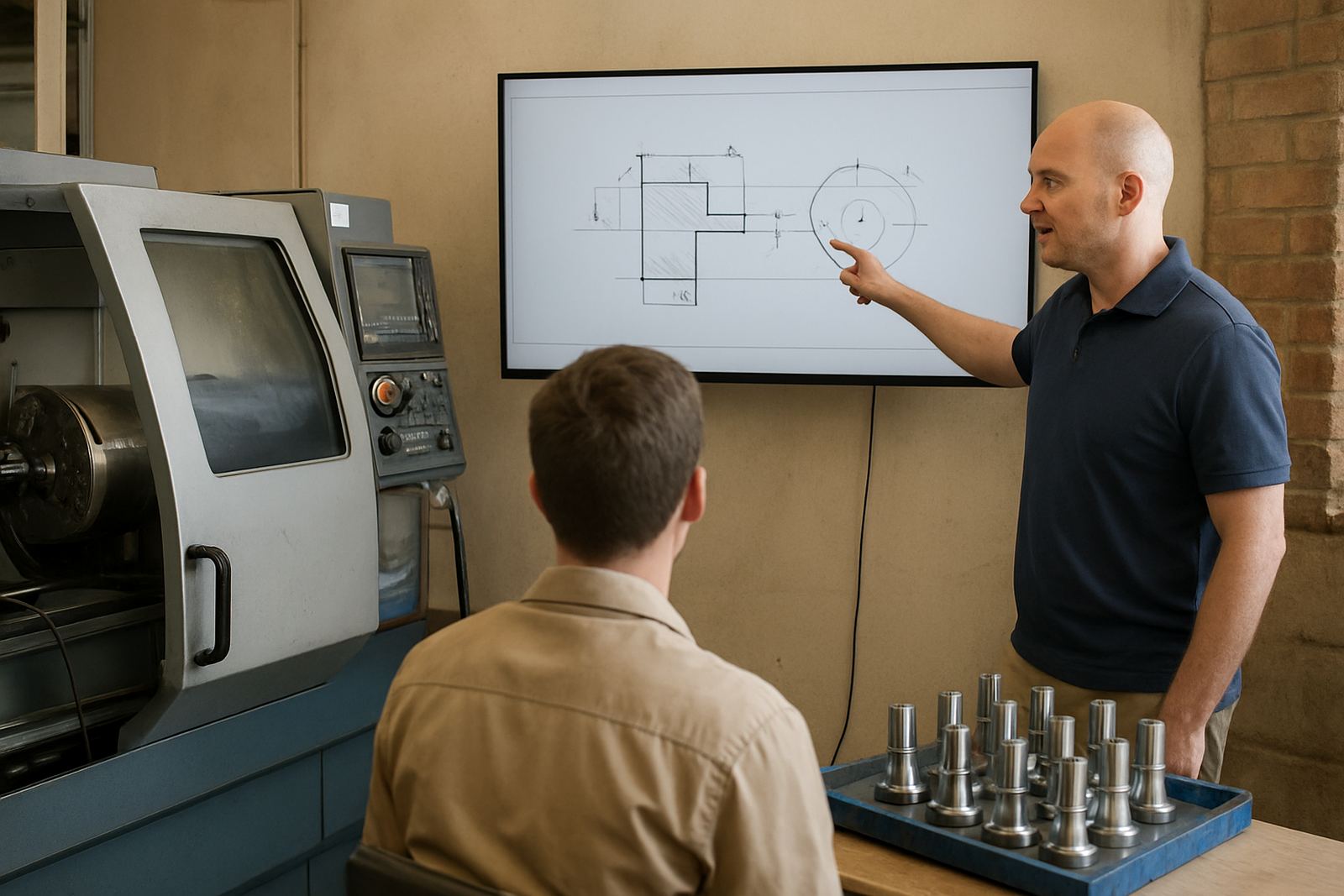
Training was split between programming basics and workshop use. The programmers focused on job setup, cutter selection, nesting checks and safe export. The operators worked on loading, zeroing, start-up checks and what to watch for if a job paused or needed to be restarted. We also covered what to do during a power interruption because a Midrand shop cannot afford confusion when municipal supply drops or generator changeover kicks in.
- Programmer training on job setup and output checking
- Operator training on machine start-up and restart procedures
- Owner-level overview of licences, file flow and support steps
- First job support on the shop floor and by remote follow-up
Results after the first live jobs
After the first production runs, the client saw a clear drop in prep time on the common sign jobs. The team no longer needed to keep tidying up code for every export, and the operators had fewer interruptions when moving between sheet jobs and engraved parts. Small but repeated time savings made a real difference across the week.
The shop also reported fewer mistakes on material setup and less back-and-forth between the programmer and the machine room. That meant shorter queues on the floor and better use of the router during busy periods. Because the tool library was set up properly, repeat jobs became easier to quote and easier to launch, which helped the business take on walk-in work with less disruption.
Another benefit was consistency. The same job could be run by more than one team member without each person doing it in a different way. That matters for sign work, where a clean edge on acrylic or a sharp engraved detail can affect whether the customer signs off immediately or asks for a remake. The shop kept the learning curve manageable and got a workflow they could actually keep using.
What we would do again on a similar sign shop project
We would take the same approach again for any sign shop that mixes routing, engraving and short-run production. Start with the real machine behaviour, then build the post-processor around that, not around a generic idea of how the software should behave. That saves a lot of rework later.
We would also keep the training tight and practical. In a busy Midrand workshop, people do not need theory for the sake of it. They need to know which button to press, which setting to protect and how to get the next job out on time. When the team understands that from the start, the licence becomes a production tool instead of another file on the computer.
For a business doing mixed material sign work, the best result comes from keeping the workflow simple, repeatable and easy to hand over. That is exactly what this project was built to do, and it is the same approach we would use again for a similar shop in Pretoria, Johannesburg or anywhere else that needs a cleaner path from drawing to cut part.
Key facts
| Client type | Midrand sign and display workshop |
|---|---|
| Project length | 3 weeks |
| Main work | CAD/CAM licence installation, custom post-processor, training and first job support |
| Machines covered | CNC router with engraving and sheet cutting workflows |
| Typical materials | ACM, acrylic, PVC board, aluminium and engraved label stock |
| Support format | On-site setup with remote follow-up after first live jobs |