Faster CAD/CAM for a Durban cabinet shop
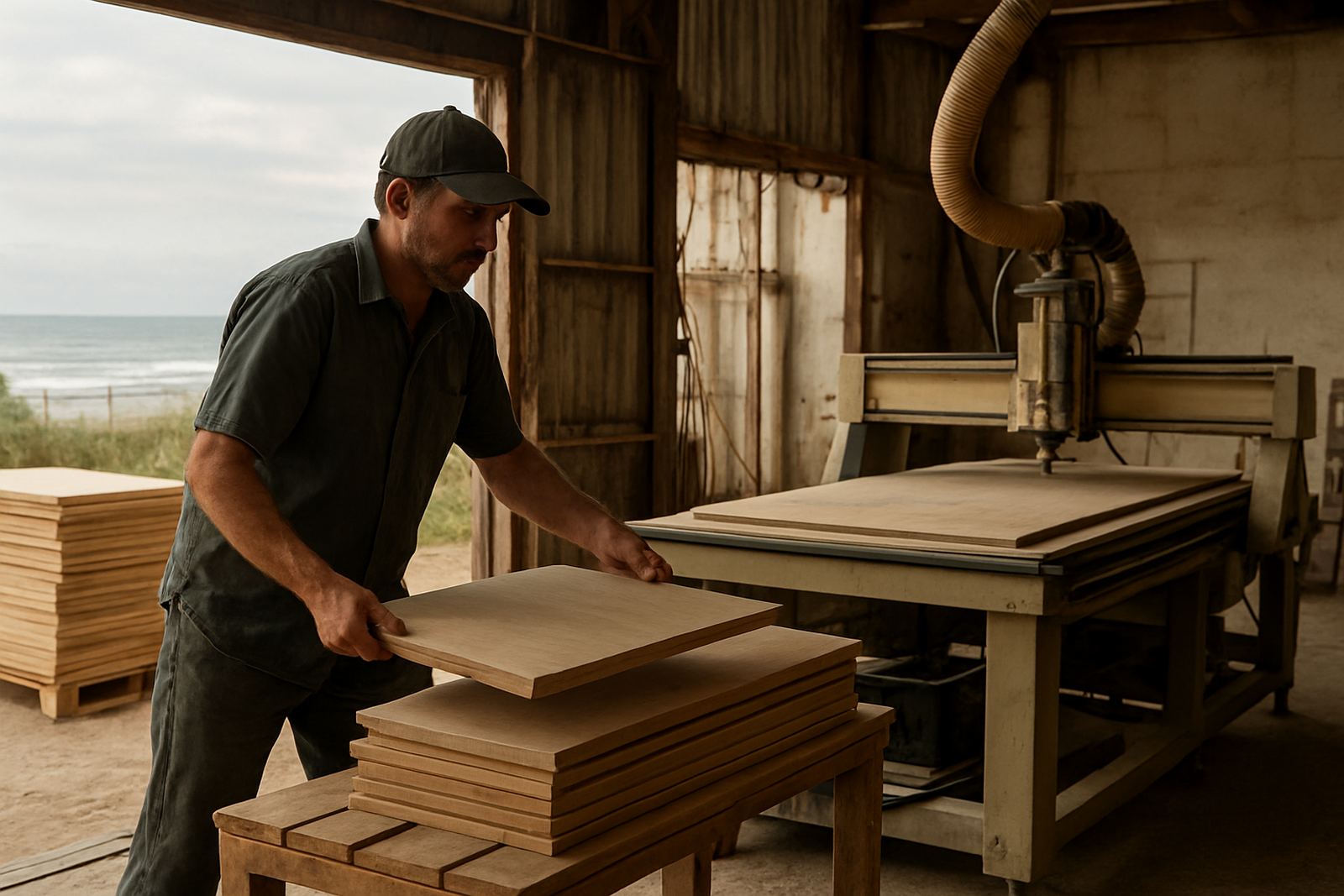
The client was a busy cabinet maker in Durban handling kitchen units, bedroom cupboards and commercial fit-outs, with most work running through sheet-based production. Their team was already experienced on the workshop floor, but the drawing to machine handover was slowing them down. Drilling patterns were coming through with small offsets, nesting sheets were not always using material efficiently, and the operators were spending too long checking files before cutting.
Being close to the coast, the shop also had to manage humidity, corrosion on machine surfaces, and a production week that could change quickly when load-shedding or supplier delays hit. They needed a setup that would keep working even when the day became messy. The brief was clear: get the software talking properly to the machines, make the output repeatable, and train the team so they could run common jobs without calling for help every time.
- Client type: cabinet shop producing kitchens, wardrobes and shopfitting parts
- Location: Durban, KwaZulu-Natal
- Primary workflows: panel drilling, nested cutting and file preparation for CNC routing
The brief and the production constraints
The main requirement was to reduce rework on sheet goods and standardise the way jobs moved from design to machine. The shop wanted cleaner drilling cycles, better tab control on nested parts, and machine output that matched their own clamping and vacuum hold-down methods. They also needed support for daily production rather than a once-off install that left the team to figure it out alone.
Two practical constraints shaped the work. First, the machine room had limited downtime available because the workshop was already booked out for the month. Second, the team had mixed skill levels, so any change had to be easy to follow for both the senior programmer and the newer operator. We kept that in mind from the start and split the rollout into short stages, with enough time between them for the shop to test real jobs. That avoided a pile-up of half finished changes, which can cause more trouble than it solves.
- Limited machine downtime during the week
- Mixed operator and programmer experience levels
- Need for stable output on sheet material and repeat jobs
- Coastal conditions requiring sensible maintenance habits
What we supplied and set up
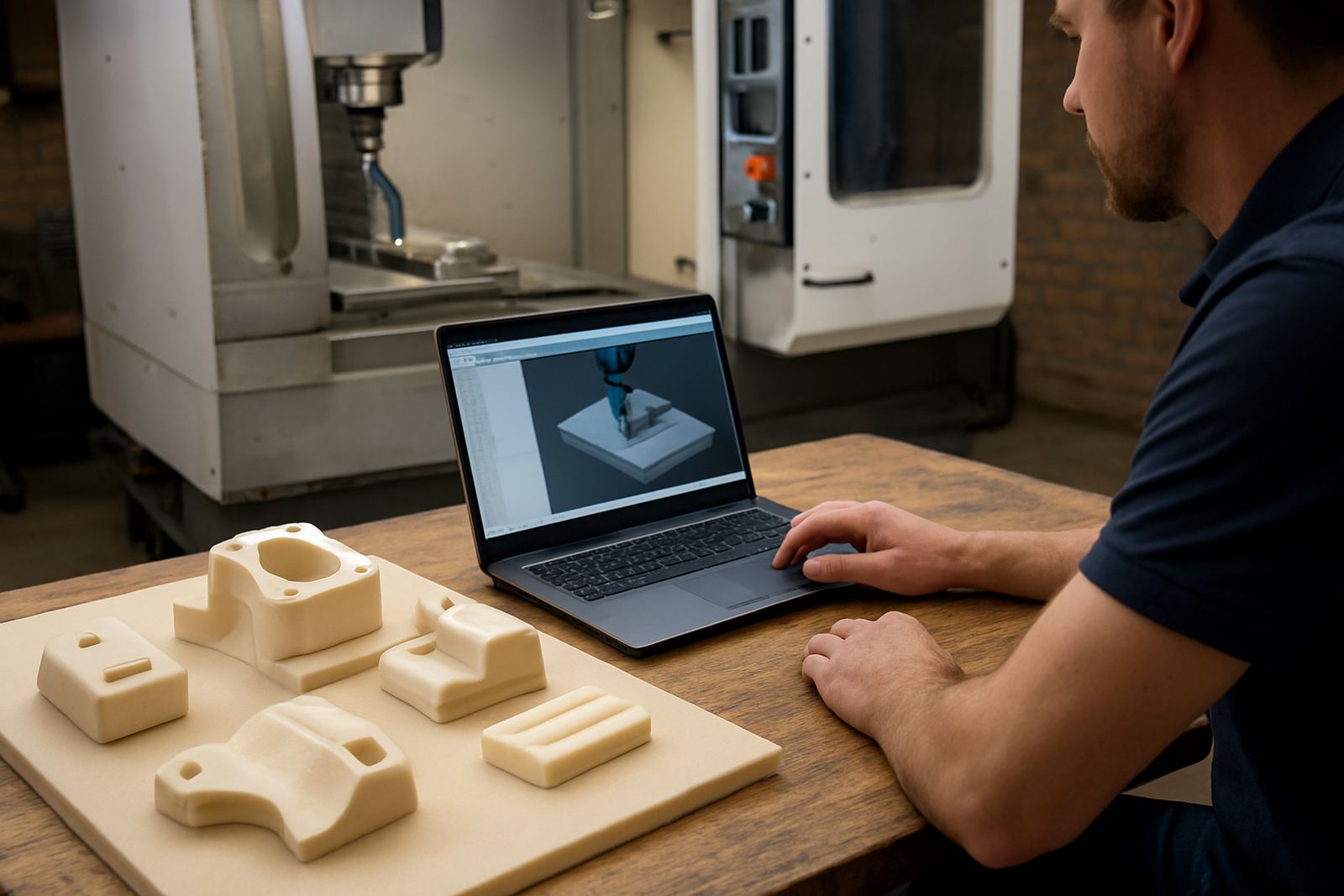
We started with licence installation and confirmed the workstation setup, file paths and user access for the production team. From there, Tiaan worked on the post-processors so the output matched the shop’s routing and drilling routines, including safe start positions, drill sequencing and the way each sheet was handled on the machine. Ompha supported the applications side, checking the job templates and making sure the programmer could build files without extra steps.
We also tuned the posts for the cabinet shop’s nested cutting workflow. That included cutter compensation behaviour, lead-in and lead-out control, material thickness handling and a cleaner naming structure for programs and output files. The goal was to make the shop less dependent on memory and more dependent on a defined process. Farieda handled support planning, while Phenyo coordinated the training dates so the practical sessions landed at a time the workshop could actually use them.
- Licence installation and workstation setup
- Custom post-processors for routing and drilling
- Post tuning for nested cutting sheets and part output
- First job support on live production files
- Remote troubleshooting plan for the weeks after go-live
On-site training in the workshop
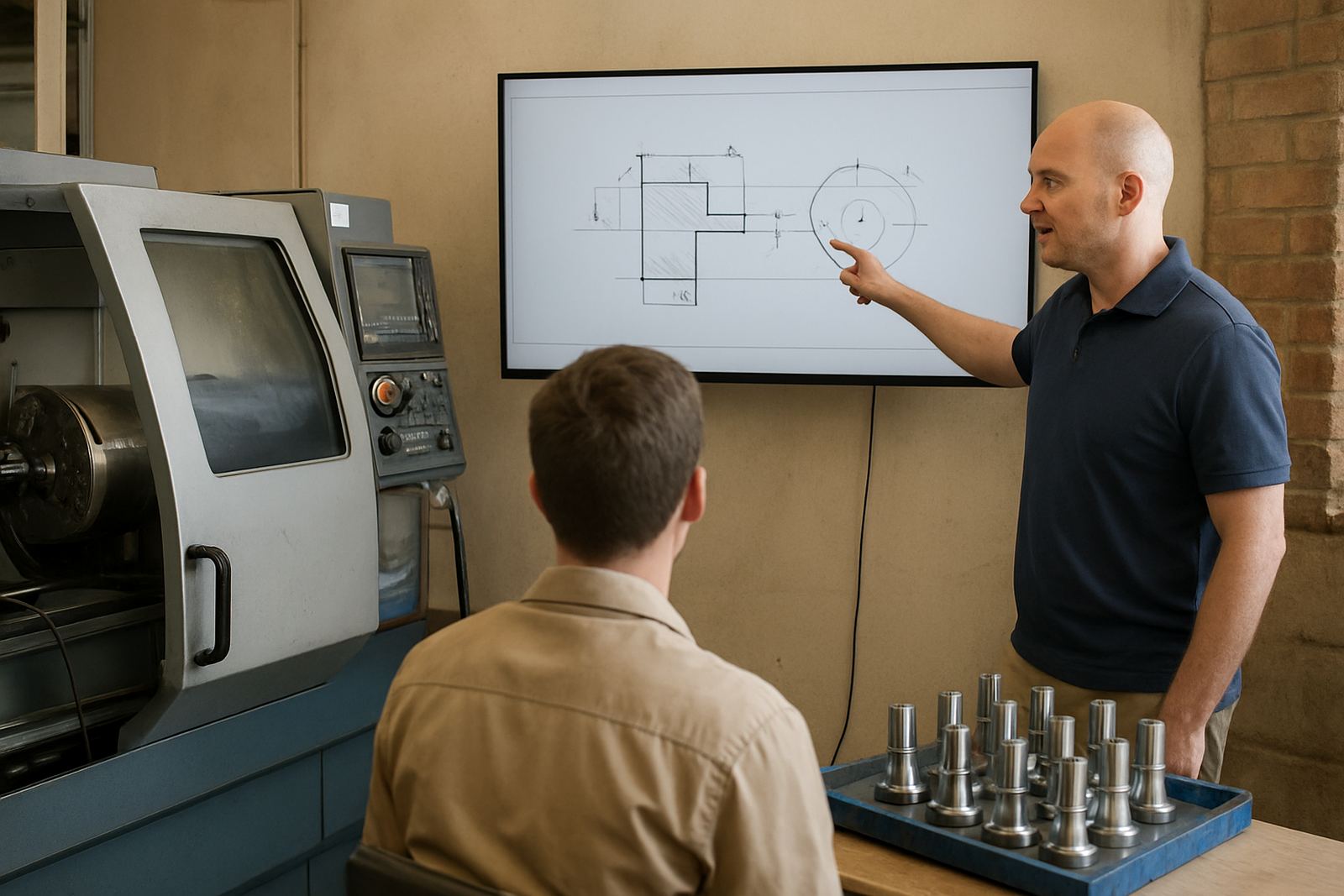
The training took place on site in Durban so the team could work with their own parts, their own machine and their own production rules. We ran separate sessions for programmers and operators, then brought them together for the handover of the full process. That meant the people who build the files understood what the operator needed, and the operator knew what to check before pressing cycle start.
We covered file setup, drilling order, nested part placement, tool library use and safe editing of common jobs. We also showed the team how to spot a bad offset early, how to check clamp clearances and how to keep a small change from becoming a scrap sheet. Mthunzi handled the live machine checks, while Vanisha followed up with the user support notes and the action list. The shop owner joined the last session so the reporting line was clear when future jobs came through.
- Programmer training for nested jobs and drilling data
- Operator training for setup checks and job release
- Owner training for workflow control and sign-off
- First job support while the team ran live material
Timeline from install to live production
The full rollout ran over 4 weeks. Week 1 covered the licence installation, machine review and a first pass at the post-processors. Week 2 focused on post tuning and the tool library build. Week 3 was the main on-site training block, with live examples taken from the shop’s own cabinet jobs. Week 4 was first job support, remote follow-up and small adjustments after the team had tested the system under real pressure.
That schedule worked because it matched the shop’s production rhythm instead of fighting it. We did not try to force every change into one long visit. Instead, the team had time to test one layer at a time, which made it easier to catch issues before they became expensive. There were a few small tweaks after the first week of live running, mainly around drill order and naming, but nothing major. By the end of the month the workshop had a repeatable process they could keep using.
- Week 1: licence installation and machine review
- Week 2: post-processors, tool library and output checks
- Week 3: on-site training with live cabinet jobs
- Week 4: first job support and remote adjustments
Results the workshop could measure
The biggest change was consistency. Parts came off the machine in a more predictable order, drill cycles were easier to check, and the team spent less time correcting small file problems before cutting. That saved sheet material, reduced operator frustration and gave the owner more confidence in planning jobs around the day’s machine time. For a Durban shop working in humid conditions and under the usual pressures of local production, that mattered.
They also reported better confidence when new jobs came in. Instead of treating every order as a special case, the team now had a standard way to move from design to output. It made handovers cleaner and reduced the chance of a late afternoon rush turning into scrap. The shop still needs normal maintenance and proper machine care, of course, but the software side is now far easier to manage.
- Cleaner handover from design to machine
- Less rework on sheet goods and drill patterns
- Better operator confidence on live jobs
- More predictable use of machine time
What we would carry into the next Durban cabinet shop rollout
If we were doing this again for another cabinet shop in Durban, we would follow the same approach: start with the real machine behaviour, tune the posts to suit the workshop, then train people on actual jobs rather than classroom examples. That gives the best result because the team sees exactly how their own parts behave at every step. It also keeps the rollout practical, which is what a production shop needs when the week is already full.
For coastal shops, we would also keep the maintenance notes simple and visible. Things like keeping the machine room dry where possible, checking fasteners more often and reviewing tool condition before long runs can save a lot of trouble. It sounds basic, but basic things are usually where production gets caught out. The Durban cabinet shop now has a process that fits the way they work, not the other way round.
- Start with live machine behaviour before changing the workflow
- Use the shop’s own parts in training and testing
- Keep maintenance notes short, practical and visible
Key facts
| Client type | Cabinet shop |
|---|---|
| Town | Durban |
| Project duration | 4 weeks |
| Core workflows | Panel drilling and nested cutting |
| Services delivered | Licence installation, custom post-processors, training, first job support |
| Result | More consistent output and less rework on sheet goods |