Why the shop needed a separate programming seat
The client was a small prototype and development shop in Randburg handling urgent parts for local manufacturers, maintenance teams and product developers. Their main challenge was not machine capacity alone, it was the stop-start nature of one-off work. A programmer would be tied up at the control, then pulled back for a new job before the previous part had even been fully proved out.
They asked for a way to prepare toolpaths, check code and sort out setups before the machine was free. The brief was clear: reduce waiting time, avoid rushed edits at the control and keep development work moving even when a milling machine or turning centre was already busy. Because the shop often works to tight client deadlines, the solution also had to be easy to hand over to different operators on different shifts.
We also had to keep the setup practical for a mixed environment. The shop runs standard prototype work, short production runs and urgent rework, so the software needed to suit multiple machines and allow quick changes when a drawing was updated. With local load-shedding and the occasional power dip, they wanted a clean workflow that did not depend on someone sitting at the machine all day.
What we supplied and configured
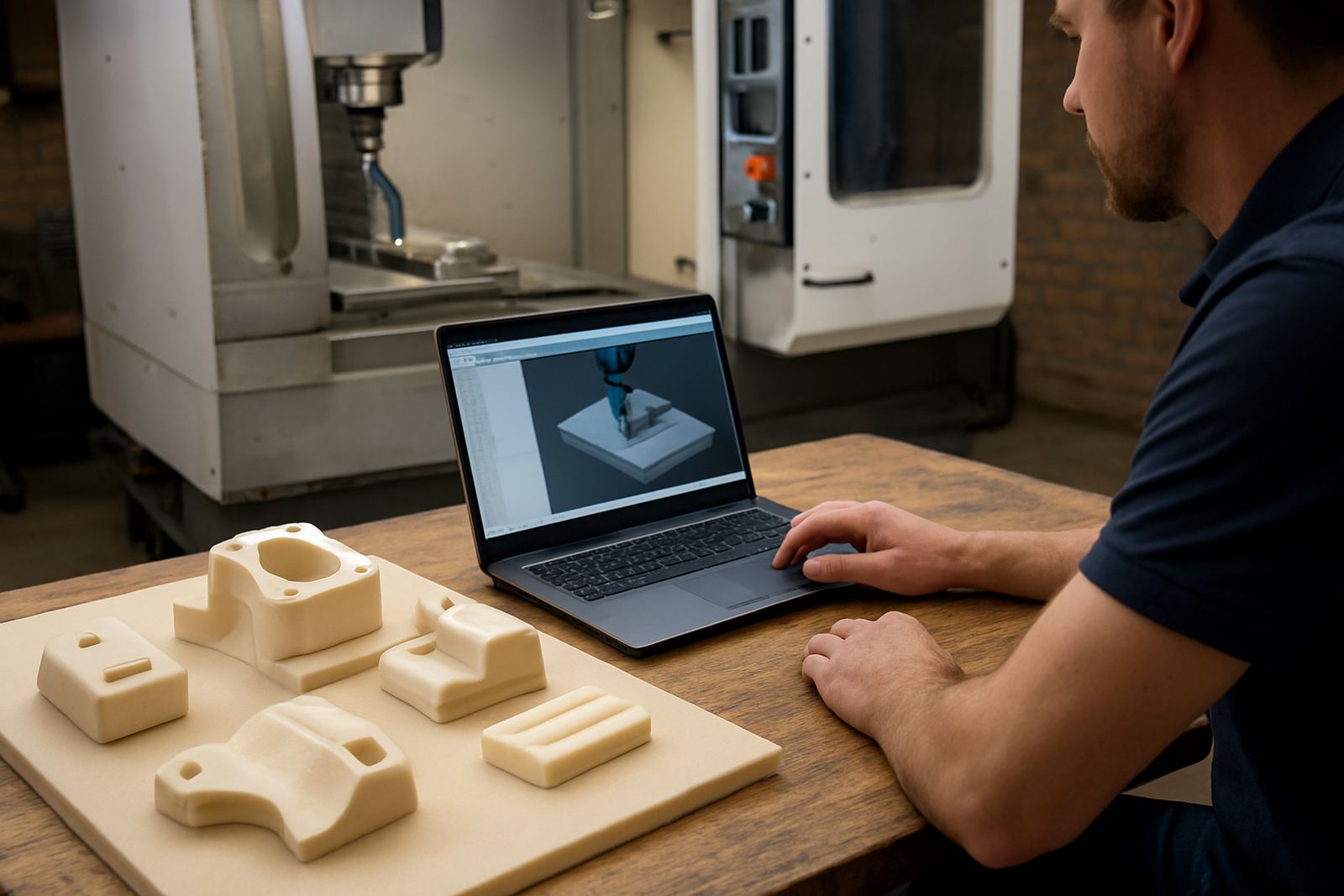
We supplied an offline CAD/CAM licence for the programming station, then matched it to the machine list already in use on site. The job included custom post-processors for the main machine types, post tuning for output consistency and a check of file naming so the team could find the correct revision quickly. Tiaan handled the post work, while our applications engineer checked the toolpath output against the shop's usual cutting practice.
The setup covered the basics the team needed every day, not just the first installation. That meant a clean tool library build, machine-specific output formats and a simple release process for operators. We also added first job support so the team had help on the very first parts, which is where most small errors usually show up.
- Offline programming seat for urgent one-off development parts
- Custom post-processor setup for milling and turning outputs
- Tool library build with standard cutters, drills and holders
- Licence installation and activation on the dedicated workstation
- First job support during prove-out and programme release
Constraints on a live Randburg shop floor
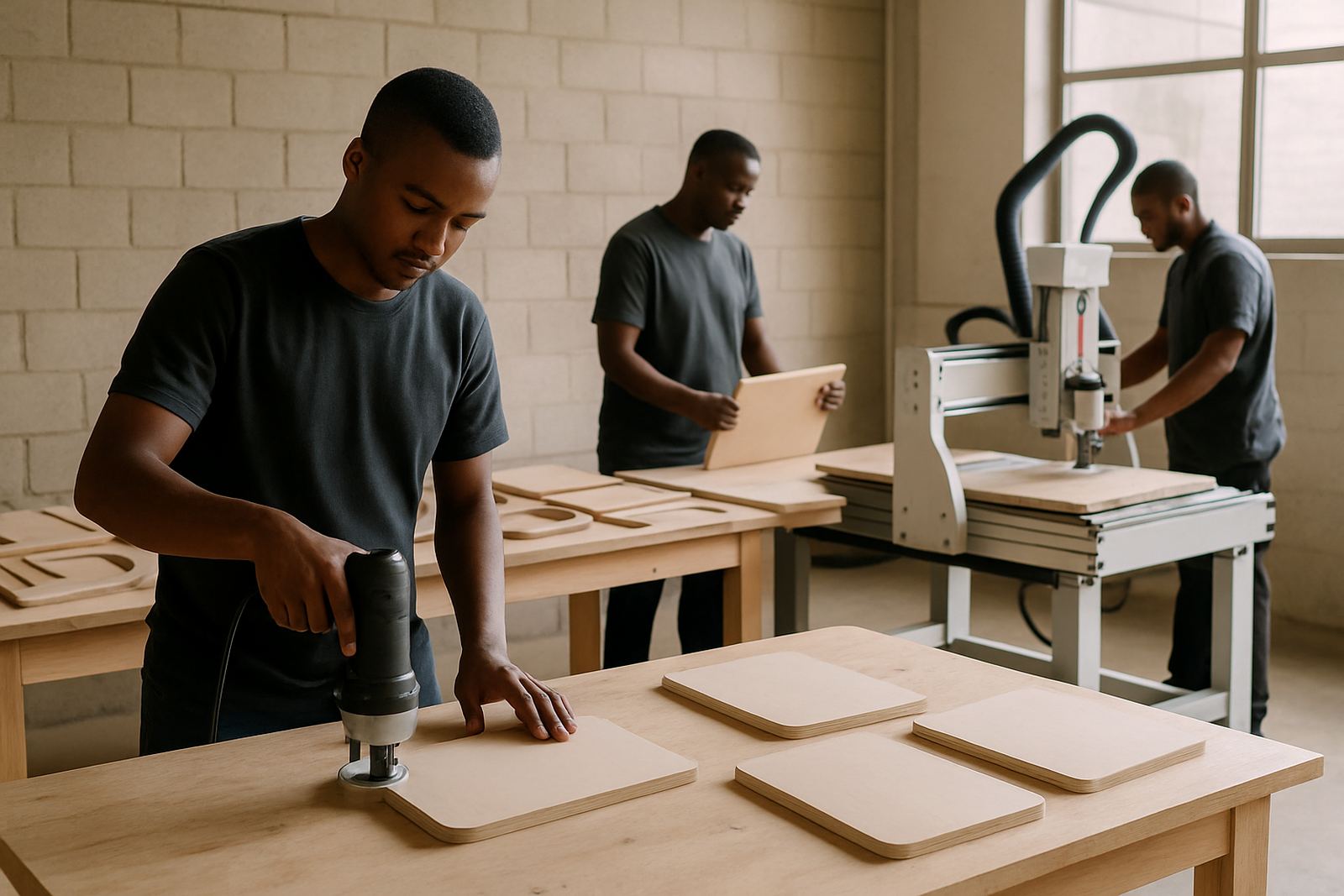
The shop could not afford a long pause for setup or training. Machines were already booked, and the team needed to keep making parts while the new seat was being introduced. We therefore split the work into short sessions, with remote preparation done before the on-site visit and the final checks carried out during a planned quieter period. That kept disruption low and avoided a pile-up at the machines.
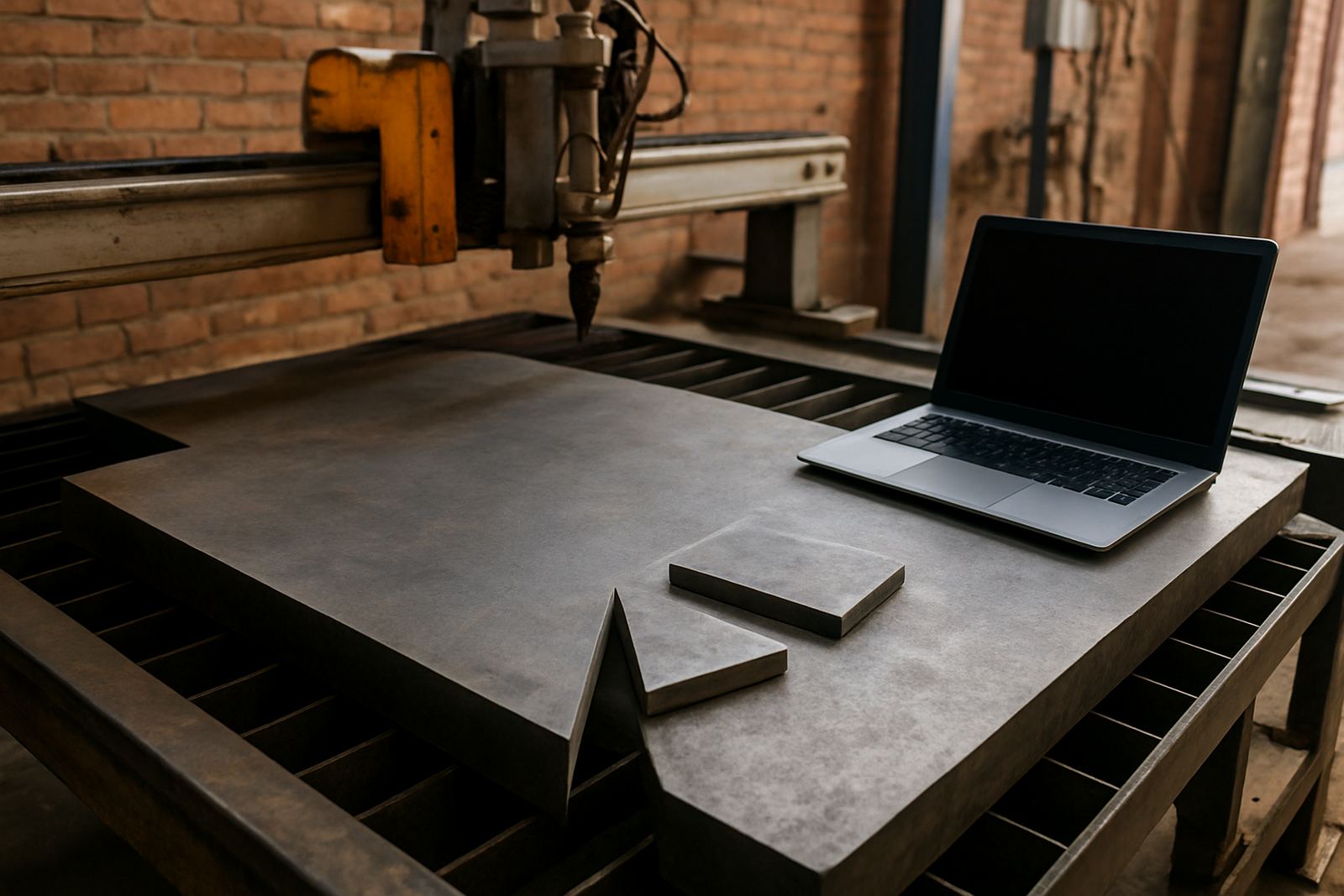
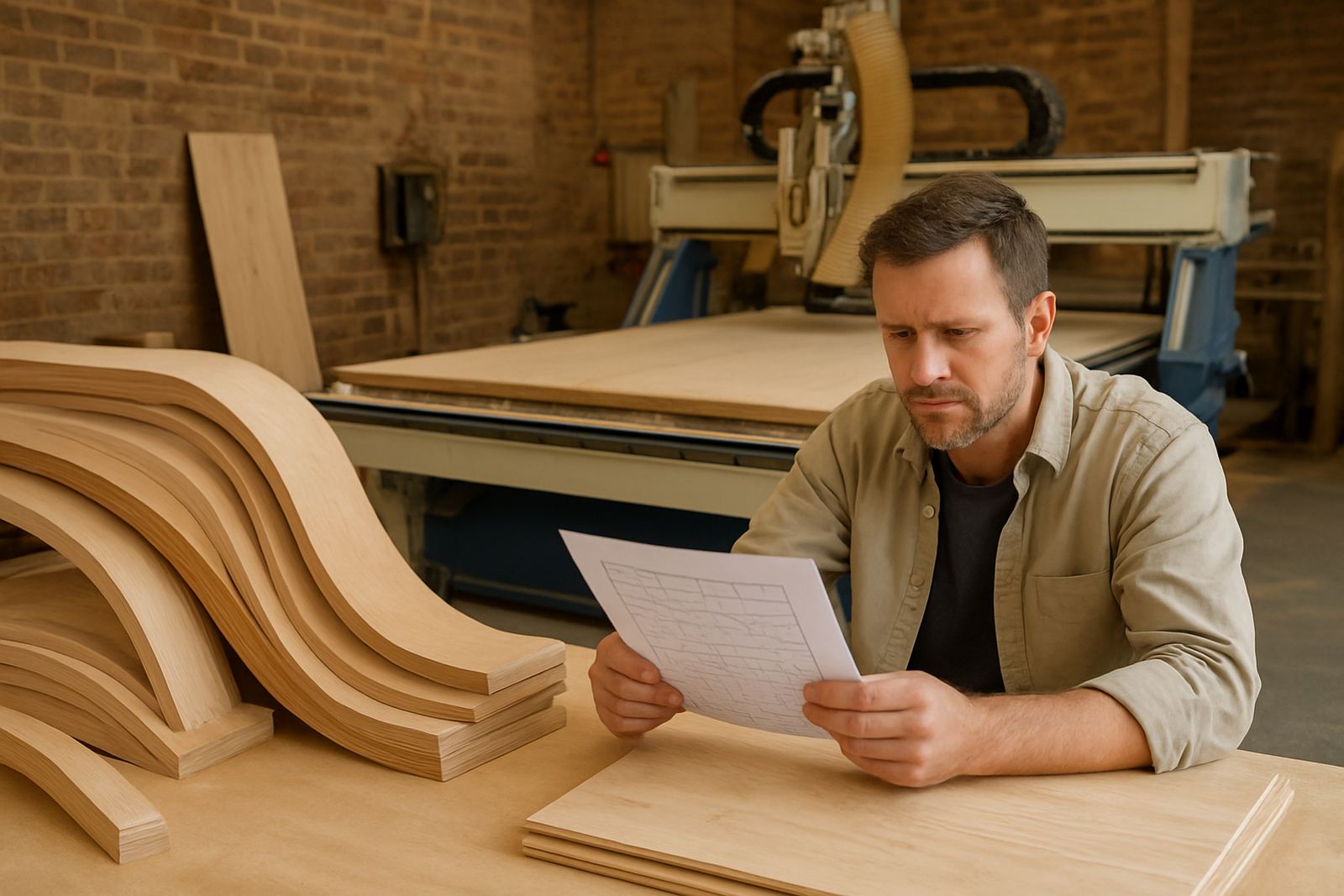
Another constraint was the variety of jobs. One day the team might be profiling aluminium plates, the next day cutting mild steel brackets or turning a small shaft for a repair job. We had to make sure the post output stayed predictable across those different jobs and that the operators would not need to rewrite code by hand for every new part. The room also had to work during hot Randburg afternoons, so the workstation placement was chosen with ventilation and dust control in mind.
- Short implementation windows to avoid production delays
- Mixed work across development parts and small batch jobs
- Need for predictable code output and fewer hand edits
- Practical setup for heat, dust and day-to-day shop use
Training and handover for the team
Phenyo ran the training with the programmer and the shop lead, then followed up with the operators who would receive released files. The aim was not to overload the team with theory, but to get them comfortable with the actual steps they use in the shop. We covered job setup, post output checks, saving revisions, and what to look for before a programme is sent to the machine.
The training also included owner-level oversight so management could see where delays were coming from. That helped them separate programming time from machine time, and it showed where a change in workflow would save the most hours. The team picked up the new method quickly and by the end of the week they were using the offline seat for urgent parts without calling for constant support.
- Programmer training focused on the real jobs in the shop
- Operator handover for file loading and basic verification
- Owner training on time loss, bottlenecks and release control
- Simple change log so revisions could be traced later
Timeline and results after three weeks
The project took three weeks from initial briefing to handover. Week one covered the needs review and machine list, week two covered licence installation and post tuning, and week three focused on training, first job support and a final check of the workflow. Because the shop was busy, a lot of the preparation happened off-site, which kept the on-site time tight and useful.
The result was a cleaner development process and much less waiting around for machine time. The programmer could now prepare urgent one-off parts while another job was still running, then release files when the machine became available. That reduced edits at the control, improved consistency between jobs and made it easier to manage customer part requests outside the normal schedule. It also gave the shop a better record of what had been run, which helps when a repeat job comes back months later.
In practical terms, the team gained speed without adding more machines. That was the real gain, and it showed up fast on the first few urgent jobs.
Lessons we would carry into another Randburg prototype shop
We would take the same approach again: keep the scope narrow, get the post output right first and train around live jobs instead of classroom examples. For a small prototype shop, that tends to work better than a big rollout, because the team sees immediate value and learns on parts they already know. It also keeps the pressure off the machine room.
If another Randburg shop asked for the same kind of upgrade, we would again start with the most urgent machine types, then build the tool library around the cutters and holders already in use. We would also keep first job support in place for the first few releases, because that is where confidence is built. Once the programmers and operators trust the output, the rest of the workflow settles down naturally.
For shops doing development parts, the lesson is simple: an offline seat saves time only when the post is correct, the handover is clear and the team knows how to use it. Get those three pieces right and the shop can keep moving even when the machines are under pressure.
Key facts
| Client type | Prototype and development shop |
|---|---|
| Town | Randburg |
| Timeline | 3 weeks |
| Main supply | Offline CAD/CAM programming licence |
| Services used | Custom post processors, post tuning, licence installation, training, first job support |
| Outcome | Faster release of urgent one-off parts and fewer edits at the machine |