What the shop needed from the workflow
The client was a busy sign and display workshop in Bellville handling flat signage, acrylic lettering, aluminium panels and mixed routing work for retail, industrial and office clients. Their team was losing time every week to file changes, post output that needed hand editing and a different way of setting up jobs depending on who was at the machine.
The brief was practical. They needed CAD/CAM software licences installed properly, a post-processor aligned to their machine and a work method that made sense to more than one operator. The shop had to keep moving during the day, with small one-off signs, repeat orders and urgent jobs arriving together, sometimes on the same sheet. They also needed the system to survive operator handovers without producing scrap or causing confusion at the control computer.
The production environment was typical of Cape Town conditions too. Dust extraction had to keep up, the workshop ran warm in summer, and a few machines sat in a space where coastal humidity could affect storage and day-to-day care. The owner wanted fewer stopped starts and a clearer way to keep jobs organised from office to machine.
Constraints on the floor in Bellville
This Bellville shop had to work around a few real workshop limits. The team was not operating with one dedicated programmer all day, so the process had to be simple enough for trained operators to follow. Power interruptions were also part of the picture, and like many South African workshops they had to plan for load-shedding and controlled shutdowns without losing job settings or machine readiness.
The machine mix was not a single-purpose setup. They were running engraving and routing work on a CNC router, with occasional aluminium and acrylic jobs that needed different feeds, tool selections and finishing expectations. The existing post output did not always match the machine exactly, which meant the last stage of the job was taking too much time. There were also gaps in how tool libraries were named and stored, so repeat work was not as quick as it should have been.
- Mixed daily job sizes from small signs to full sheet work
- Operator changes across shifts and weekend catch-up runs
- Existing file and post output needing cleaner setup
- Power interruption planning and safer restart routines
- Workshop dust, heat and coastal humidity considerations
What we supplied and configured
We supplied the CAD/CAM licences required for the routing and engraving workflow, then handled installation and machine-specific setup. The post-processor was tuned to suit the machine behaviour, the tool change sequence and the way the shop actually ran jobs. Where the standard output needed adjustment, we refined it so the posted code matched their controller and reduced manual editing at the machine.
We also built a cleaner job preparation process. That included folder naming, tool library structure, job notes and a simple sequence for checking material, toolpath order and post output before a job went live. The goal was not extra admin, it was fewer mistakes at the machine and a smoother handover between the office and workshop.
Alongside that, we provided on-site training for operators and the owner. The sessions covered everyday file handling, posting, tool library use, machine start-up checks and what to do when a job needed a quick amendment. Because sign work changes fast, we focused on repeatable habits that would hold up under pressure, not theory for its own sake.
- Licence installation and workstation setup
- Custom post-processor preparation and tuning
- Tool library build with practical naming rules
- Machine onboarding and first job support
- Operator, programmer and owner training
Training that matched real sign work
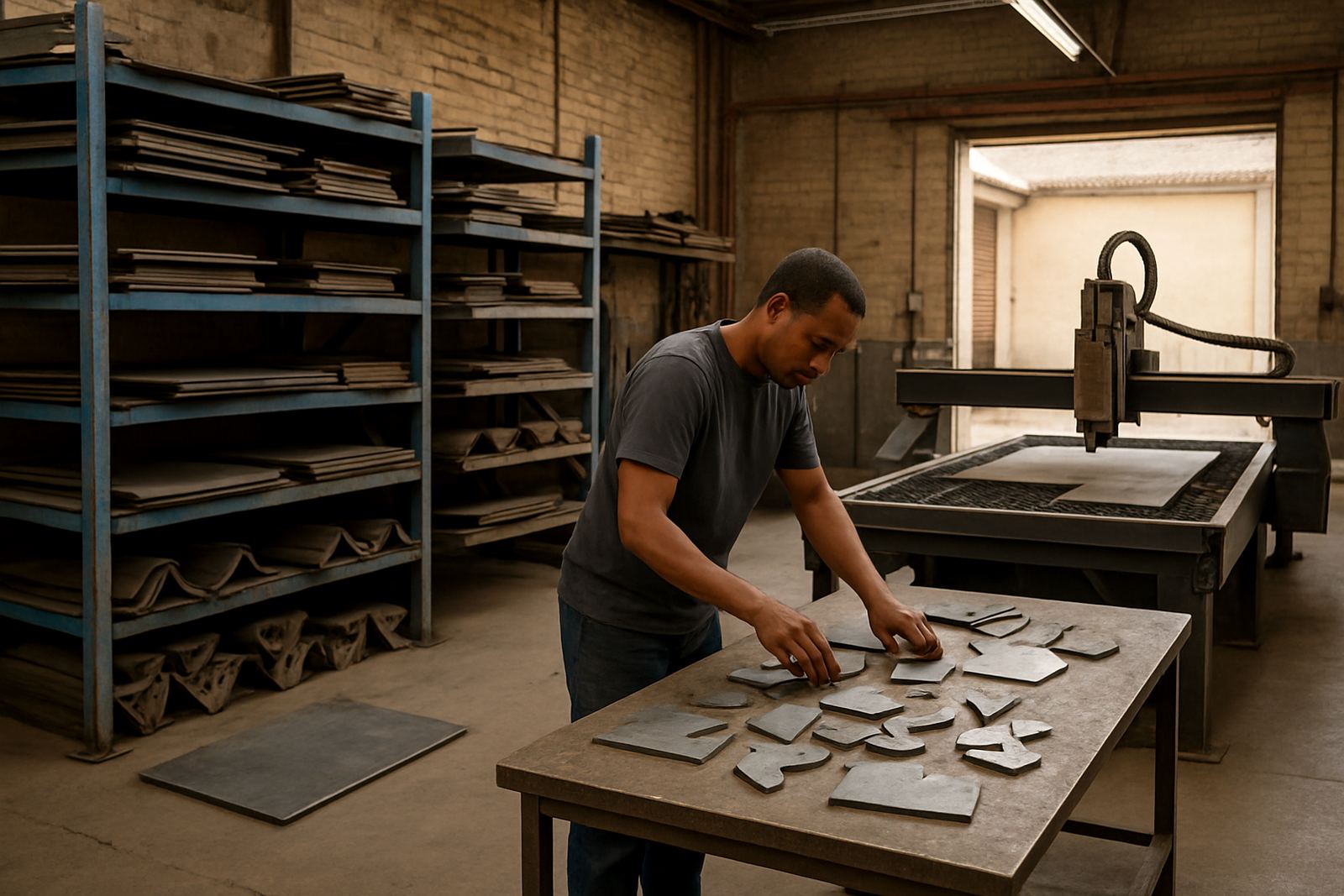
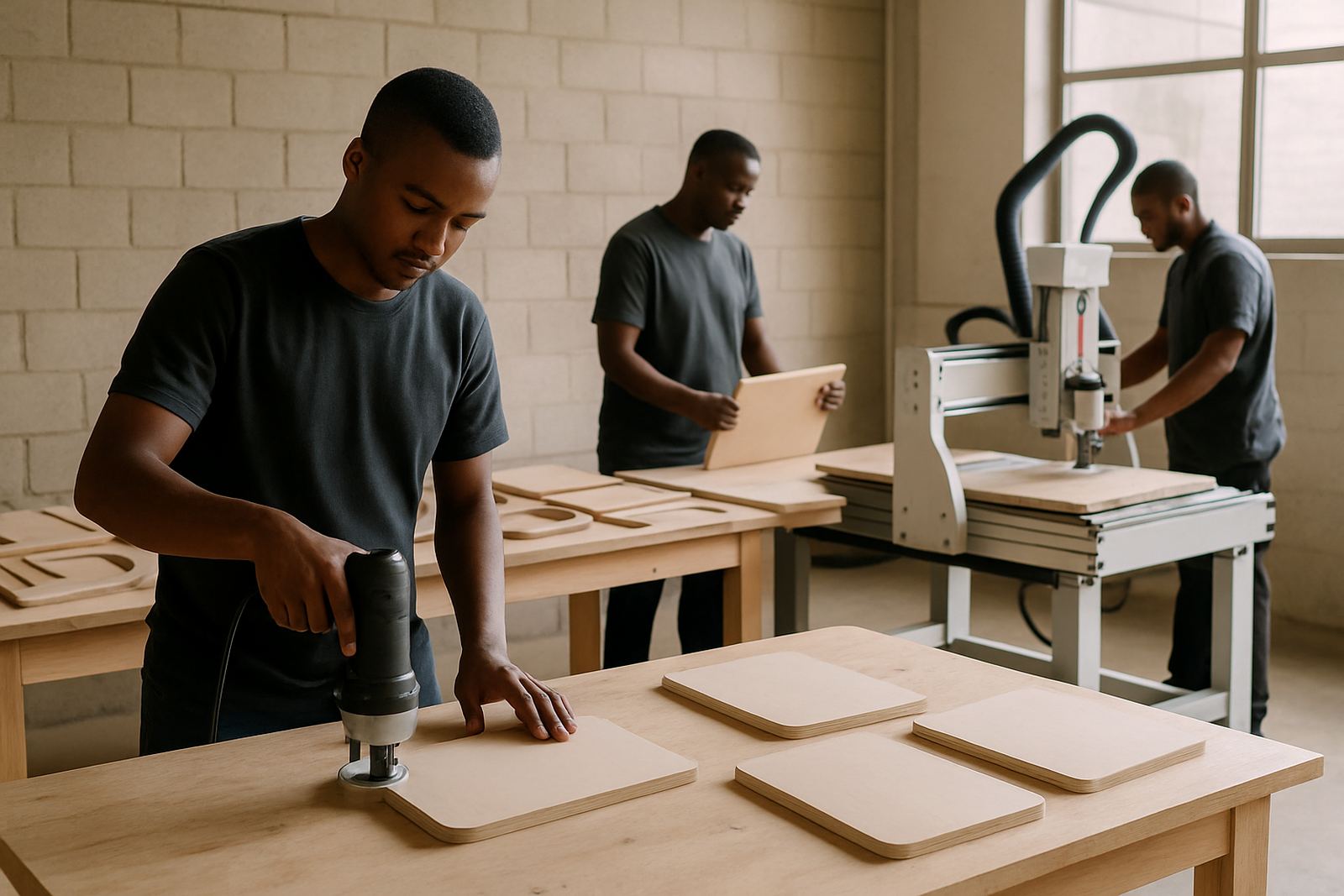
The training was built around the actual jobs the Bellville shop produces. We used engraving plates, routed panels, cut lettering and simple repeat jobs so the team could see how the software behaved on work they knew well. That made it easier for new operators to follow the same steps as experienced staff, even when the workshop got busy.
We also spent time on handovers. In a sign shop, the person who starts a job is not always the same person who finishes it. The team needed to know where each file lived, how to confirm the correct post output and how to check the machine state after a stoppage. We covered restart habits, manual verification of the first cut and the sort of changes that should be sent back for reprocessing instead of edited at the control side.
By the end of the sessions, the owner had a clearer picture of who could do what, and the team had one method that everyone could follow. That made it easier to keep production moving when staff changed or someone was away.
- Hands-on sessions on the workshop floor
- Practical first-job checks and restart steps
- Shared method for operator handovers
- Clear rules for edits, reposts and approvals
Timeline and rollout over three weeks
The project ran over three weeks from first review to live use. Week one covered the workflow assessment, licence installation and a first pass at the post-processor. Week two focused on machine alignment, tool library building and test posting on the shop’s actual job types. Week three was spent on site training, first job support and final tuning after the team had used the setup under normal pressure.
That short rollout period worked well because the shop could keep producing while changes were made in stages. We did not force a full stop on the floor. Instead, we checked files, corrected the output path and improved the operating steps around existing production. It kept the day moving and gave the team time to build confidence before the system was treated as standard.
The owner also wanted a support structure after go-live, so we set expectations for follow-up checks and remote troubleshooting if a machine setting or operator question came up during the first busy cycle.
Results on the floor after go-live
Once the workflow was in place, the shop saw quicker preparation times and fewer corrections at the machine. Operators could move from one job to the next with less uncertainty, and the posted output needed less manual adjustment before cutting started. That meant fewer delays on mixed sign orders and less time spent tracing errors back through the file.
The bigger improvement was consistency. Jobs were being prepared the same way, regardless of who was on shift, and the team could recover faster after interruptions. The tool library and post setup also made repeat work more predictable, which is important when a sign shop has to turn around a second or third version of the same job in the same week.
For a workshop working under Cape Town time pressure, that kind of stability matters more than fancy features. It gives the owner a better handle on delivery times and helps the team keep quality steady when the order book changes by the hour.
What we would repeat for another sign shop
If we were doing the same kind of project again, we would keep the same order of work: assess the shop first, tune the post second, then train the team on live jobs. That sequence is the safest way to deal with mixed production, because it catches the practical issues before they become scrap or lost time.
We would also keep the setup focused on the actual machine and the actual people using it. Sign shops do not need extra complexity. They need the right licence, a post that behaves properly, sensible tool naming and training that reflects how work really moves through the shop. That approach is the one that holds up when there are urgent orders, staff changes and load-shedding in the same week.
For Bellville specifically, the mix of routing and engraving meant the workflow had to stay simple enough for quick handovers but precise enough for repeat production. That balance is what made the project work, and it is the same balance we would aim for in any Cape Town or Western Cape sign workshop with similar day-to-day demands.
Key facts
| Project town | Bellville, Cape Town |
|---|---|
| Client type | Sign and display workshop |
| Core workflow | Engraving and routing for mixed daily sign orders |
| Scope | Licence installation, custom post-processor tuning, machine onboarding and training |
| Timeline | 3 weeks from review to go-live |
| Key outcome | Less manual editing, faster handovers and more consistent output |