The brief from a busy Pinetown workshop
The client was a metal fabrication shop in Pinetown, KwaZulu-Natal, working on mixed batch orders for local manufacturing and maintenance work. Their plasma table was doing good work mechanically, but the office and floor team were still piecing jobs together by hand, which meant extra time spent sorting remnants, checking nesting decisions and trying to keep track of the next cut list.
The brief was clear: make the CAM side practical for daily production, not just for one or two specialist users. They wanted a system that could handle common sheet sizes, make better use of offcuts, and give the operator a clean way to queue parts for grouped cutting. They also needed the setup to suit a coastal workshop where humidity and power interruptions are part of normal life, so stability mattered as much as speed.
- Workshop type: plasma cutting and general fabrication
- Town: Pinetown
- Focus: remnant reuse, batch scheduling, operator friendly workflows
- Environment: coastal humidity, load-shedding and mixed production loads
What was slowing the cutting room down
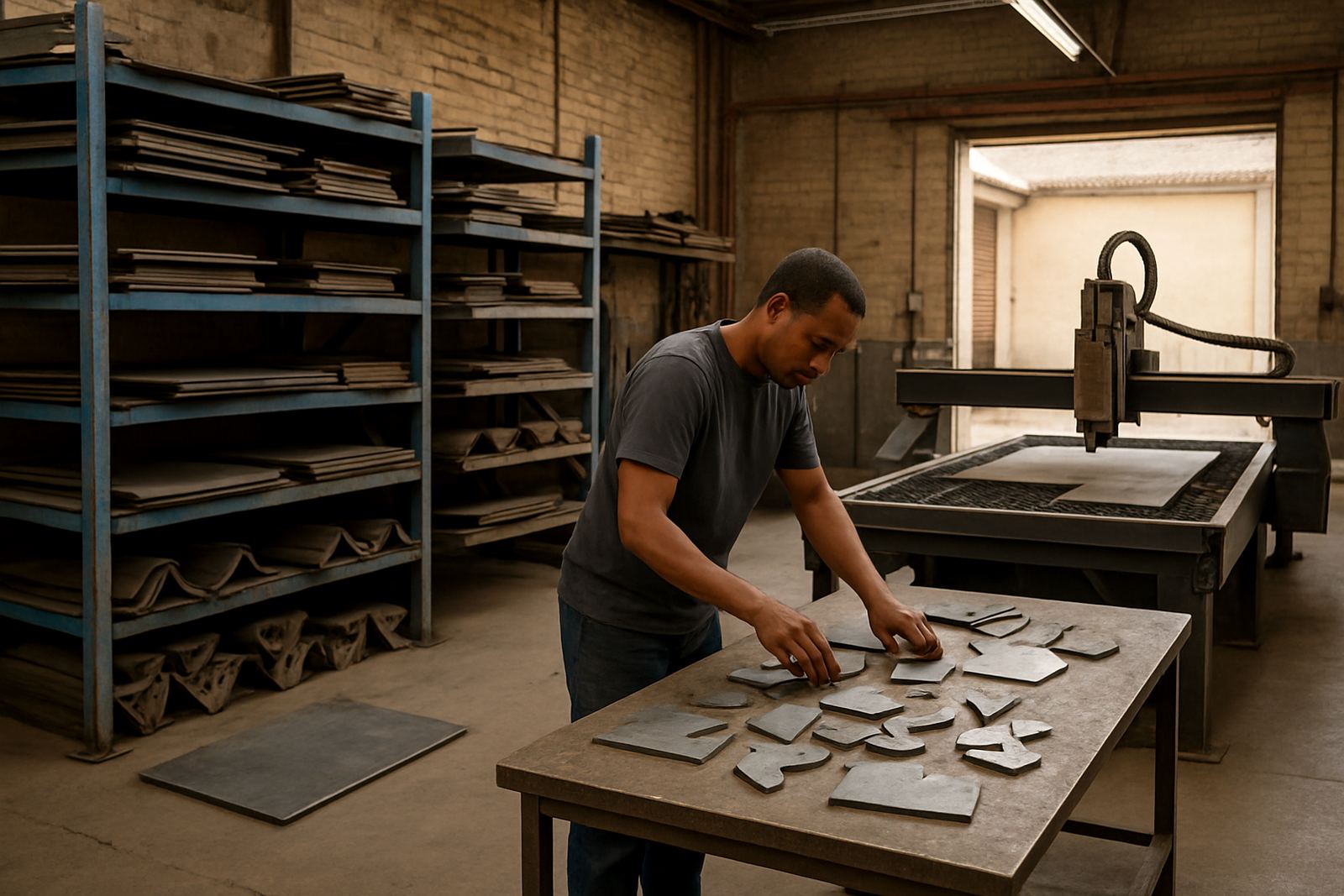
The main issue was not the machine, it was the process around it. Jobs arrived in small bursts, often with urgent change requests, and the team had no dependable method to reuse smaller remnants without losing track of part counts. If a sheet was partly used on Monday, the leftovers might be forgotten by Wednesday or cut twice by different people. That kind of overlap creates scrap, confusion and avoidable rework.
There was also no consistent handoff from drawing to cut file. Operators were using different naming habits, and batch work was being grouped by memory rather than by a planned run sheet. During busy periods, that led to extra walking, extra checking and a few near misses on material grades. The owner wanted a cleaner system that would still work when the office was short-staffed or the power flicked off for an hour.
- Remnants were not tracked in one place
- Part runs were grouped manually and often out of sequence
- Different naming habits caused confusion on the floor
- Power cuts meant the setup had to recover quickly without losing job data
What we supplied and set up
We supplied a plasma CAM installation matched to the shop’s cutting table and production habits, then configured the post output so the machine could receive clean, repeatable files. The work included licence installation, machine setup checks, job folder structure, post tuning and a full handover with the people who would use it each day. We also set up practical naming rules so batch parts could be identified at a glance without long explanations.
To support remnant reuse, we built a material library based on the sheet sizes and plate types the workshop actually keeps on hand. That meant the nesting process could suggest sensible layouts from full sheets and leftovers, instead of treating every job as if fresh plate was always available. We also helped the team create cut queues for grouped work so small urgent parts could be inserted without upsetting the rest of the day.
- Licence installation and workstation setup
- Custom post tuning for the plasma table
- Material library build with common sheet sizes and offcuts
- Batch job structure for grouped cutting
- Operator handover and first job support
Training the team over two weeks
The rollout took two weeks, starting with the first visit on site and ending with final sign-off. During the first week, we dealt with installation, machine communication, post tuning and core operator routines. In the second week, we covered batch scheduling, remnant use, file naming and hands-on support on live jobs. That order worked because the team could try each step on actual production work rather than only in a classroom environment.
Training was split by role. The operator needed quick access to the right tools and a simple way to start the day. The programmer needed better control over nesting, part grouping and plate selection. The owner wanted visibility on job timing and material use. We covered all three without overcomplicating the process, and left the workshop with a setup that the team could keep using after we stepped back.
- Week 1: installation, post tuning, communication checks
- Week 2: batch scheduling, remnant use, live job support
- Roles covered: operator, programmer and owner
- Support method: on site and remote follow up after go live
Results on the floor after go live
After go live, the team could plan part runs more confidently and make better use of leftovers without guessing. Batch part scheduling became a normal part of the day instead of an afterthought, which reduced changeovers and helped the table stay productive for longer stretches. The owner also had a clearer picture of material consumption, which made it easier to quote small jobs with less uncertainty.
Most importantly, the shop stopped treating remnant plate as scrap by default. Smaller offcuts were catalogued in a way the team could trust, so usable material stayed in circulation and less sheet was thrown away. The workshop still had the usual pressures of a busy Durban region supply chain and power issues, but the cutting workflow was no longer adding extra frustration on top. It simply ran better, and the crew felt that quickly.
- Better remnant reuse and less waste
- Cleaner batch scheduling for repeated parts
- Shorter setup time between jobs
- Improved confidence in quoting and material use
What we would repeat on the next plasma shop
If we were called back to a similar fabricator in Pinetown, we would repeat the same approach: start with the live work, not the theory. We would map the common sheet sizes, confirm how the operator receives jobs, then tune the post and material library around those real habits. That is what keeps the system useful after the initial excitement has passed.
We would also insist on early training for the people who touch the files every day. A few practical rules around naming, job sequencing and remnant logging save far more time than a long manual nobody reads. For shops dealing with load-shedding, humidity and mixed production, the right setup is the one the team can keep using on a tired Friday afternoon, not only on a calm Monday morning.
- Start with the current workflow, then adjust the software
- Build the material library from actual stock sizes
- Train the operator and programmer early
- Keep job naming simple and consistent
Key facts
| Project type | Plasma CAM installation and workflow setup |
|---|---|
| Town | Pinetown, KwaZulu-Natal |
| Timeline | 2 weeks from site visit to sign off |
| Core focus | Remnant reuse and batch part scheduling |
| Services used | Licence installation, custom post tuning, operator training |
| Outcome | Less waste, faster setup and cleaner daily cutting |