What the Paarl Shop Needed from Their CNC Router
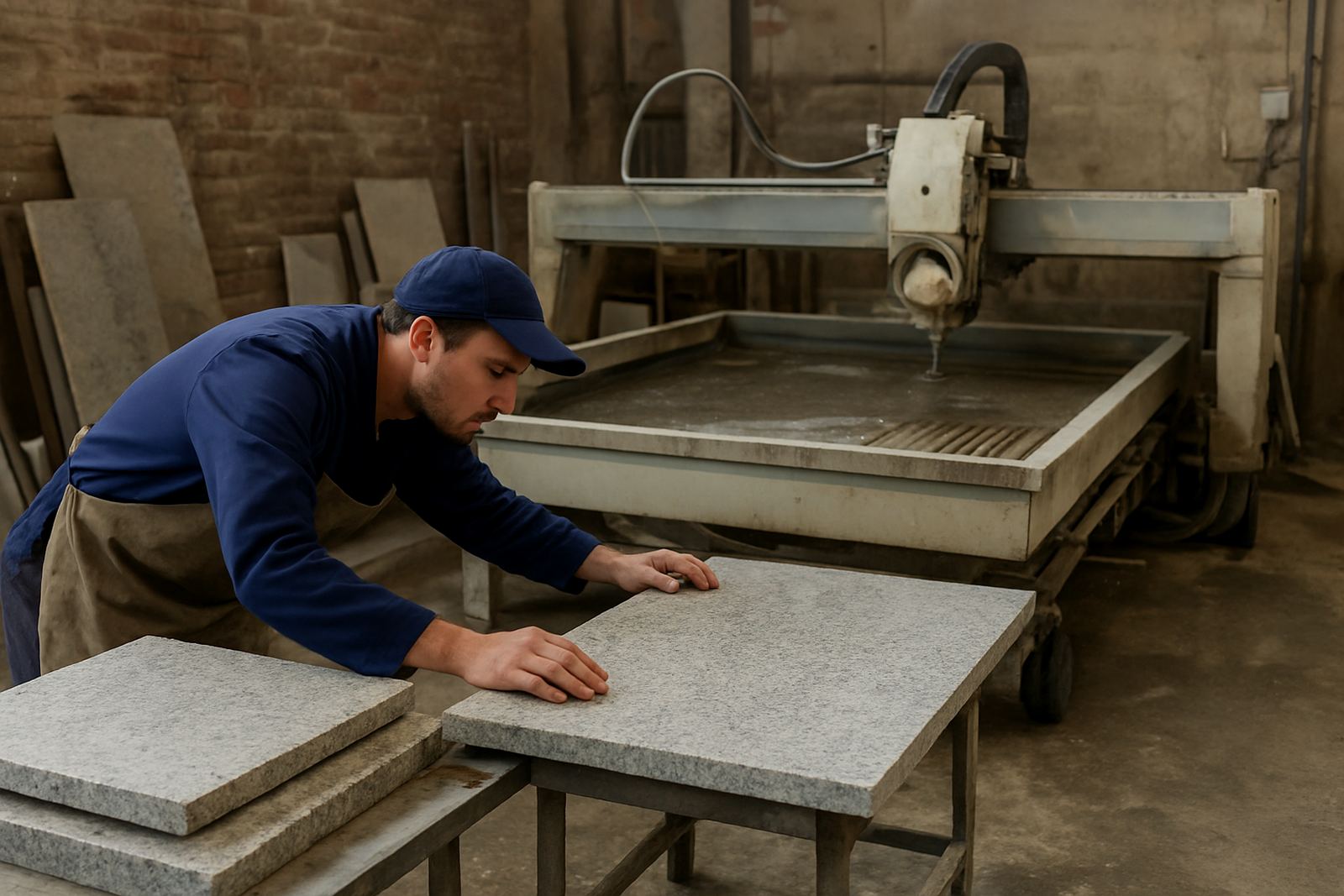
The client was a busy stone fabrication shop in Paarl handling kitchen countertops, vanity tops and commercial tops for homes and contractors across the Winelands. Their router work was increasing, but the programming flow was slowing production down. Every repeat job still needed too much manual setup, and small differences between operators were causing inconsistent cut-outs and edge finishing.
The brief was clear: build a reliable CAM workflow for countertop cut-outs, sink apertures, hob openings and edge profiles, then make it easy to reuse templates for repeat work. They also wanted something the team could carry through load-shedding without losing progress, because when power drops in the middle of a long nest or profile pass, the whole day can slip back. The workshop runs in a dusty stone environment too, so the setup had to stay practical and easy to maintain.
We started by mapping their current machine steps, file naming, cutter library and operator handover. That showed where jobs were getting stuck. The main issue was not the machine itself, but the way each job was being prepared and repeated. The same island top or sink cut-out was being redrawn more than once, and offsets were being checked by eye instead of built into a repeatable process.
CAM Setup Built for Countertops and Repeat Work
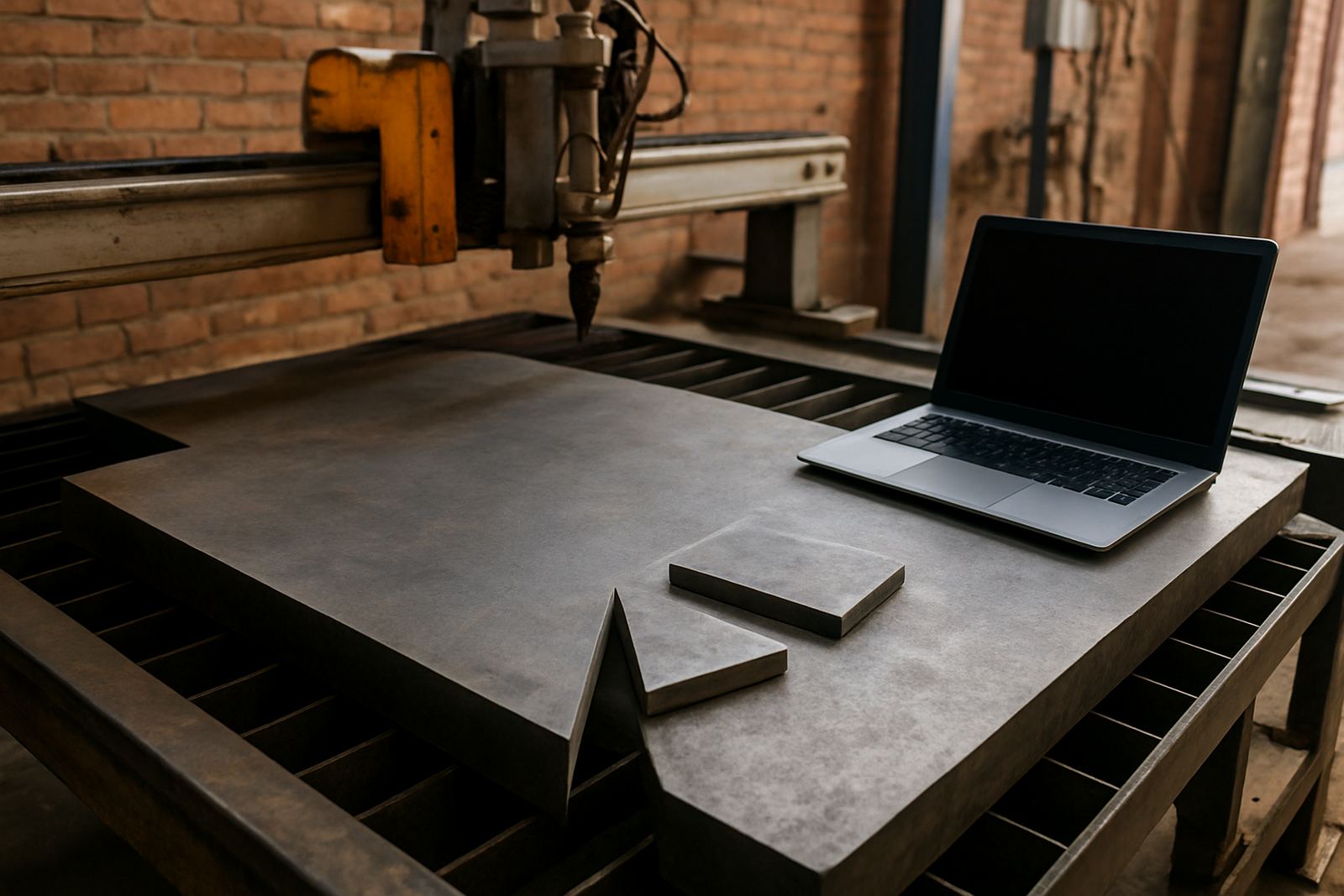
We configured the router CAM around the actual parts they make most often. That included countertop cut-outs, edge profiles, drainer grooves, internal radii and template-based repeat jobs. We also set up a clean layer structure so the office could pass jobs through to the machine with less back and forth.
- Reusable templates for standard sink and hob cut-outs
- Edge profiling paths with consistent cutter engagement
- Named toolpaths for easy operator checking
- Safe lead-ins and lead-outs for stone surface protection
- Machine-ready output with minimal hand editing
The custom post-processor was tuned to suit their router control and the way the shop likes to run jobs. We kept the G-code output readable and practical, with tool changes, spindle commands and Z moves arranged to suit stone work. That matters when the operator is standing at the machine and needs to see what is happening without hunting through a messy program. Small thing, but it saves time every day.
We also built a tool library for the cutters they use most often, including diamond tooling, profile bits and finishing passes. That meant the programmer could select the right tool once and keep moving instead of re-entering speeds and feed rates for each file.
Training for the Floor, Not Just the Office
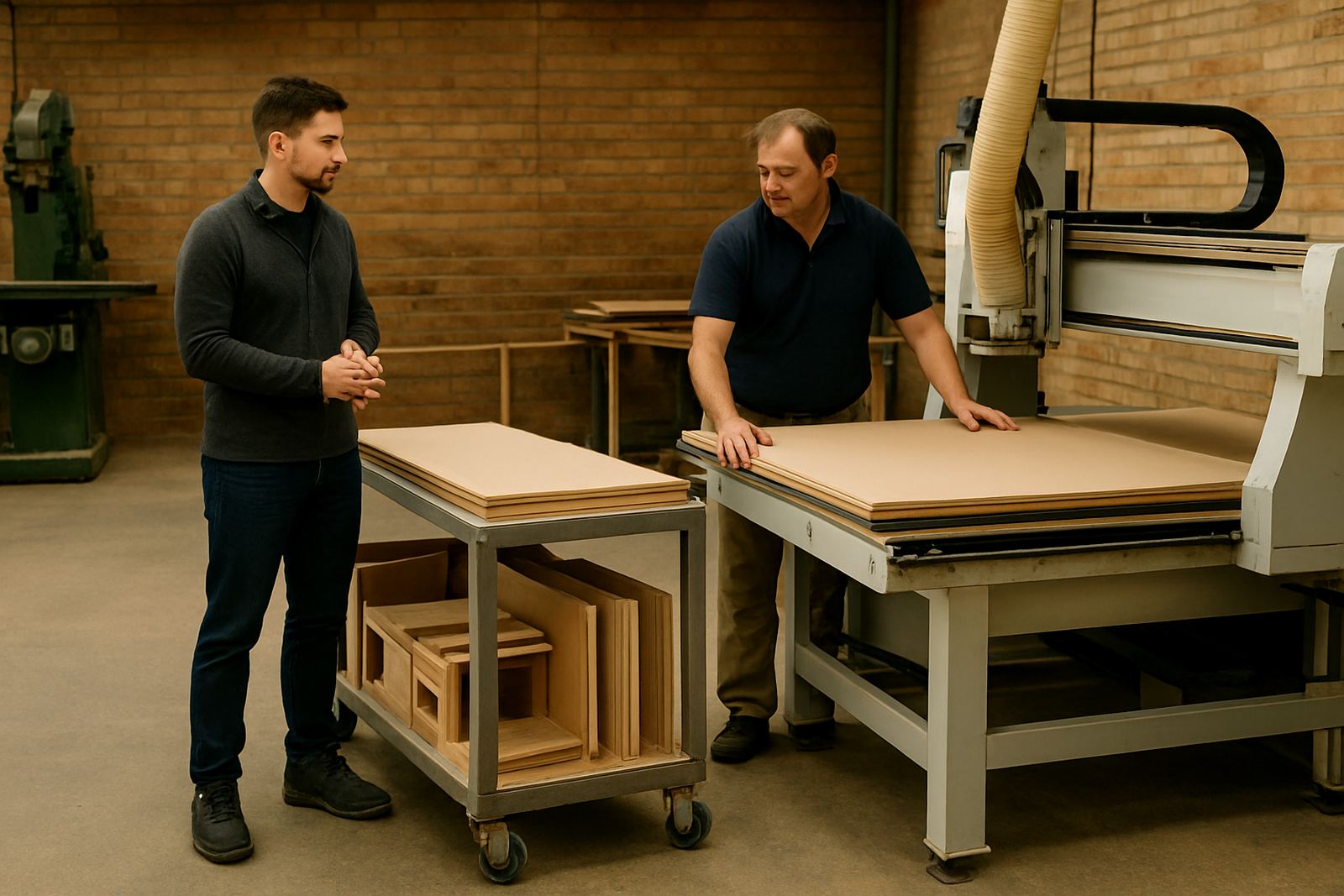
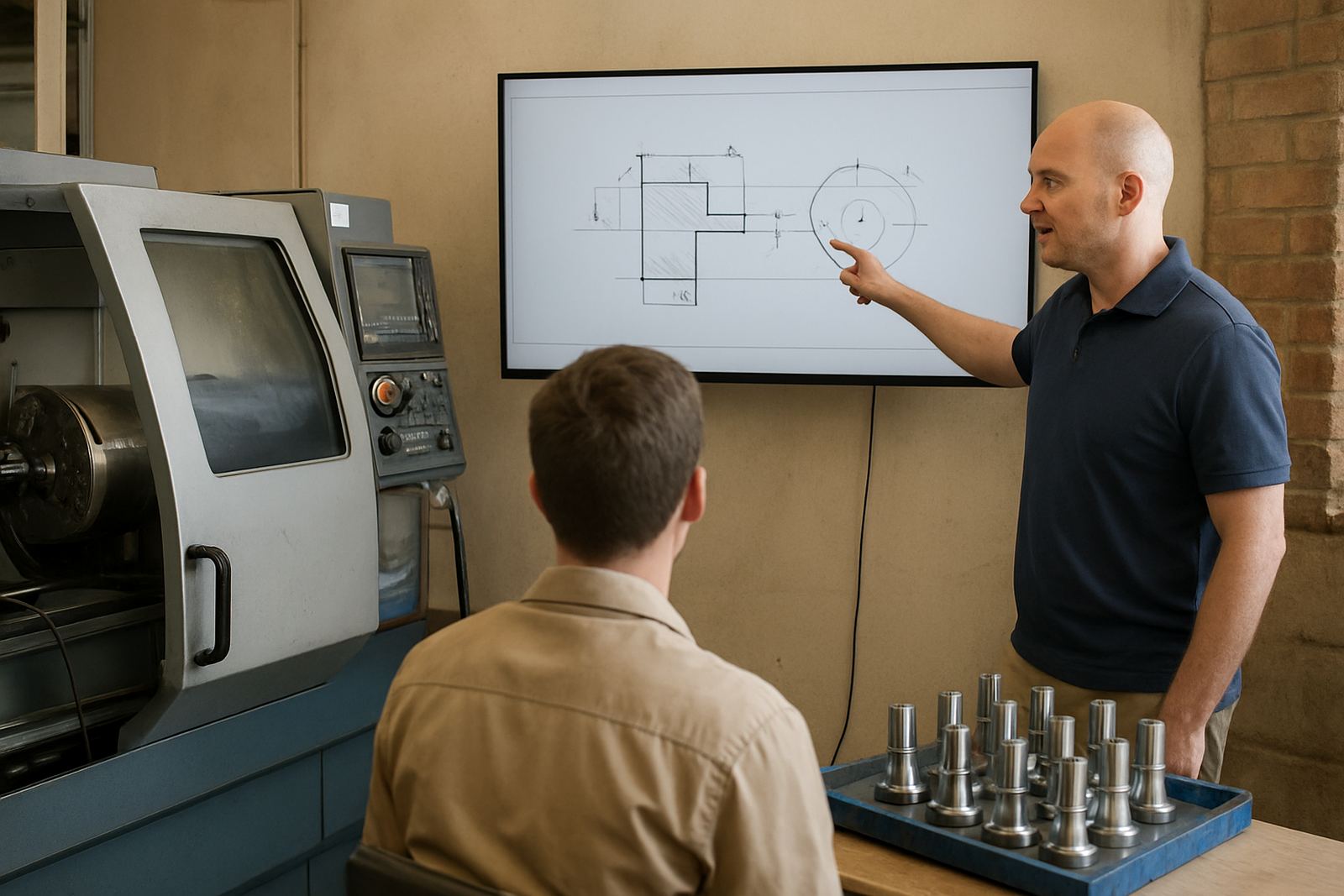
The shop wanted training that worked for both the programmer and the machine operator, not just one person. We delivered hands-on sessions that covered file prep, nesting basics, tool selection, post output, and the checks needed before a cut starts. The sessions were split so the team could absorb the workflow in smaller pieces rather than sitting through a long lecture.
Our training covered three roles in the shop:
- Programmer training for CAM setup, post output and job revision control
- Operator training for loading files, checking offsets and confirming toolpaths
- Owner training for production visibility, support planning and job costing awareness
We also spent time on first job support, which is where the value usually shows up. On the first few production parts, we checked the files, verified the machine output and watched how the team handled the handover. That gave everyone confidence before the workflow went live on real orders. There was one afternoon where the team was working through a tight batch of tops for a client in the Cape Town side of the business, and getting the cut-outs right the first time saved them a full rework cycle.
Implementation Timeline and Practical Constraints
The full implementation took 3 weeks from initial review to stable production use. Week 1 covered the workshop assessment, tool library build and post-processor tuning. Week 2 was focused on template creation, sample jobs and operator training. Week 3 covered live support on the first production runs and small adjustments to feed rates, approach moves and naming rules.
We had a few practical constraints to work around. The shop had to keep production moving, so we scheduled training around real orders rather than stopping the floor. Dust extraction needed to stay on, and the machine area had limited space for paper notes and printed setup sheets. We therefore kept everything digital and simple, with short job checklists and clearly named files that could be followed under pressure.
For a stone shop in Paarl, humidity and heat also matter because they affect handling, storage and the general reliability of workshop routines. We made sure the team had a process for storing templates, backing up post changes and keeping the main job folder tidy. That way if the day is interrupted by a municipal power cut or a sudden rush job, they can pick up again without rebuilding the same setup from scratch.
What Changed After Go-Live
Once the new workflow was in place, the shop saw faster turnaround on repeat jobs and fewer errors at the machine. The biggest gain was consistency. Cut-outs matched the template more closely, edge profiles were cleaner from job to job, and operators had a clearer picture of what each program would do before starting the cut.
They also reported less waste on expensive stone sheets because the team was checking the job logic earlier. That matters when a single mistake can cost a full slab section. The owner could see progress too, because the new process gave a better view of how long each type of job was taking and where the bottlenecks were. Not fancy, just useful.
- Shorter setup time for repeat countertop jobs
- Fewer manual edits before machine start
- Cleaner handover between programmer and operator
- More reliable template reuse for common cuts
- Better control over cutter choice and feed settings
Lessons We Would Carry Into Another Paarl Stone Shop
If we did this kind of project again for another stone shop, we would follow the same order. Start with the current work, not the software settings. Build the post around the real machine and the real operator habits. Then train the team on the jobs they actually cut, instead of using generic examples that never match the floor.
We would also keep the first support window close to the live jobs. That is where most of the useful learning happens. A clean setup on paper is good, but a clean run on a busy Tuesday morning is what proves the process. In this case, the combination of custom post work, template reuse and hands-on training gave the shop a steadier daily routine and a better base for future jobs.
For stone fabrication businesses in Paarl, Cape Town, Stellenbosch, Wellington or further afield, the lesson is simple: a router CAM setup must match how the workshop actually works. If it does, production gets easier to manage and the machine becomes a proper part of the shop flow instead of a source of stop-start frustration.
Key facts
| Client type | Stone fabrication shop |
|---|---|
| Town | Paarl |
| Work carried out | Router CAM setup, custom post-processor, training and first job support |
| Primary jobs | Countertop cut-outs, edge profiles, template reuse |
| Timeline | 3 weeks |
| Region served | Paarl and surrounding Western Cape work |