The brief from a busy Centurion cabinet shop
The workshop was producing kitchen units, built-in cupboards and shop fittings for clients across Pretoria and Johannesburg, but the handover from office to machine shop was costing time. Jobs were arriving in mixed file formats, tool paths were being checked manually, and each operator had their own way of zeroing, nesting and naming parts. The owner wanted one controlled workflow that could handle a growing order book without adding another planner on the floor.
The brief was straightforward on paper: get the nested router running properly, improve panel yield, and make sure operators could manage common jobs without waiting for outside help. The site already had a functioning CNC router and a small team, but they needed better post output, cleaner tool tables and a training plan that worked around production. In Centurion, where workshops are often balancing power interruptions, dust, and tight delivery times, that kind of discipline matters every week.
What was slowing production down
The main constraints were practical rather than technical. Their files came from more than one designer, panel sizes were sometimes edited after nesting, and the machine program was being adjusted on the shop floor when something did not line up. That caused scrap on expensive board, especially on full 16 mm and 18 mm sheets. On days with load-shedding, the team also needed a repeatable restart process so they could pick up a job without losing setup notes.
- Mixed drawing standards and inconsistent layer naming
- Unclear tool library values for cutters, drill bits and pocketing tools
- Manual checking of part labels before every run
- Limited confidence with nested machining and remnant sheets
- Operator downtime when post output needed fixing
Because the shop handled humid summer conditions as well, especially after rain, they also wanted to keep board handling sensible and avoid storing cut parts too long before edge banding. The goal was not just faster output, but fewer opportunities for error in a busy, slightly cramped production area.
What we supplied and set up
We supplied the licence installation, set up the post-processor for the specific router control format, and tuned the output so the machine shop could trust the code without editing it line by line. We also built a cleaner tool library for their cutters, added standard feeds and speeds, and mapped their nesting rules so the operator could choose the right sheet size, grain direction and part labels for each job.
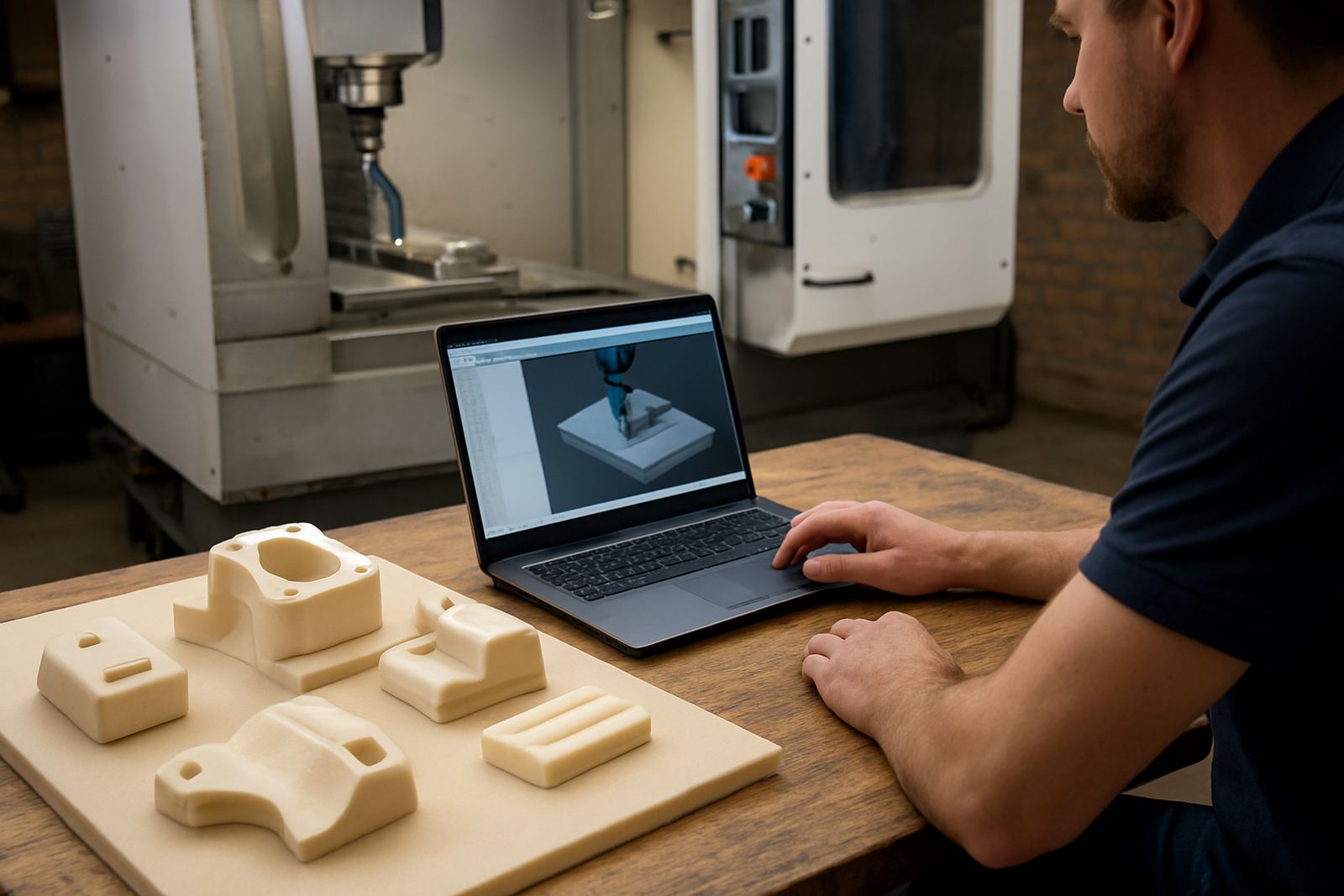
The implementation included machine onboarding, first job support, and a live check of the first cabinet runs. We sat with the team while they tested common parts such as toe kicks, side panels, shelves and drawer fronts, then adjusted the post where needed for safe rapids, lift heights and drill cycles. A few small changes made a big difference, like standardising vacuum hold-down notes and tightening the order of operations so the router did not waste motion between cuts.
- Custom post processor for the router control format
- Licence installation on the office machine and shop PC
- Tool library build with cutters, drills and grooving tools
- Nested router workflow setup for full sheets and remnants
- First job support for live production runs
Training for operators and programmers
The workshop wanted practical training, not theory-heavy sessions. We ran operator training for the team on the shop floor, then a separate programmer session for the person handling file prep and nesting. The owner also joined a shorter session focused on job costing, machine time and what to check before releasing work to the router. That mix kept everyone on the same page.
Training covered safe machine startup, zero setting, tool verification, pause and restart steps, and what to do when a sheet came off square. We also covered how to spot bad part orientation before a cut starts, which saved a lot of waste on mirrored cabinet sides. By the end of the week the team knew how to load common jobs, check the toolpath preview and recover from basic errors without calling for help every time.
- Operator training: 1 day on site
- Programmer training: 1 day on site
- Owner training: half day review
- Remote follow-up: 2 check-ins after go-live
Timeline and rollout in Centurion
The project ran over three weeks from start to finish. Week one covered file review, machine checks and post setup. Week two focused on live testing, tool library work and the first production jobs. Week three was used for training, fixes from user feedback, and confirming that the team could run normal cabinet orders without support sitting beside the machine all day.
Because the workshop was working through current orders at the same time, we kept the rollout staged. We did not stop the floor for a full day. Instead, we used shorter sessions around production windows, which suited the shop better and kept customer deliveries moving. That approach is often the difference between a useful rollout and one that gets pushed aside when the phone starts ringing.
Results on board yield, speed and control
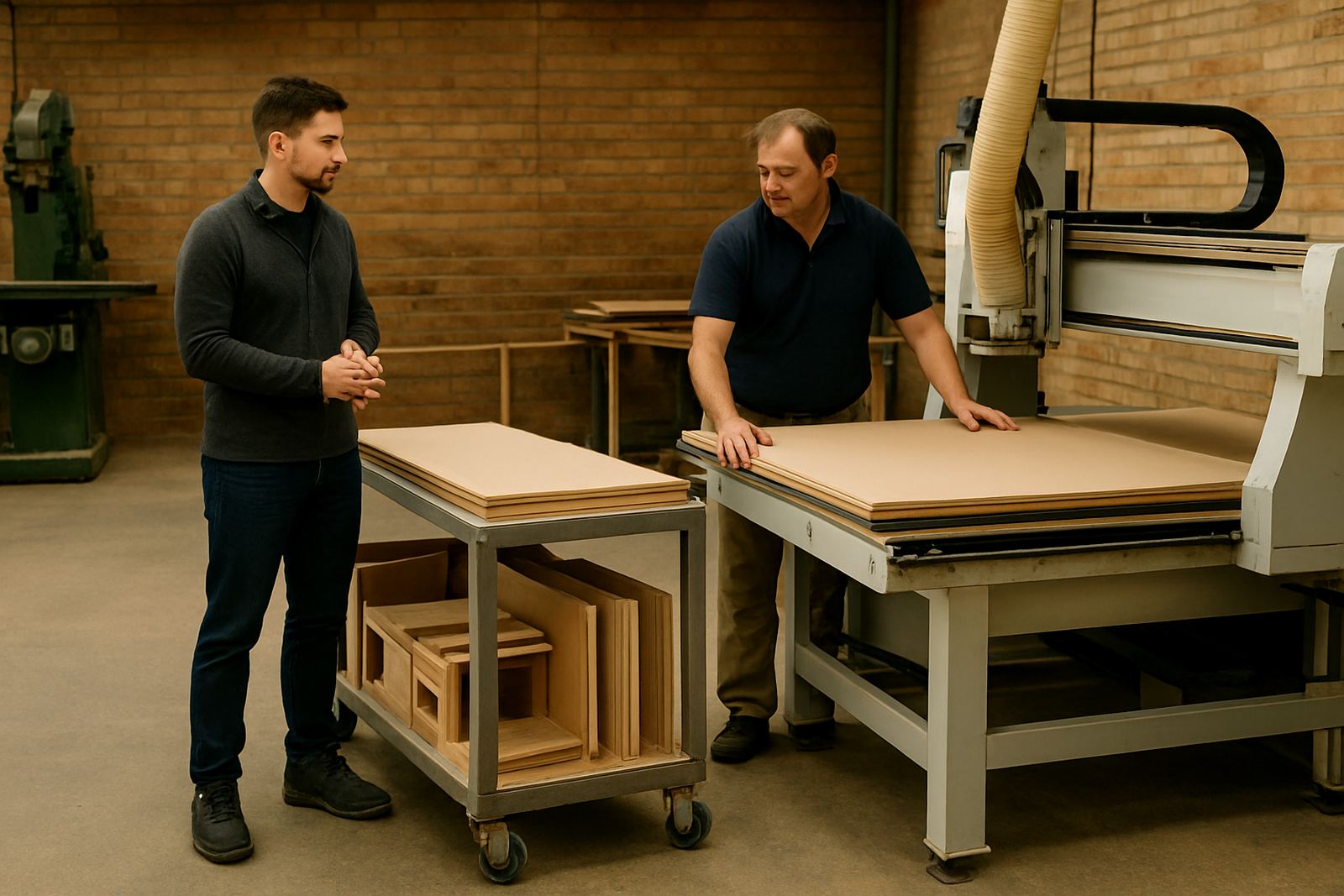
Once the new workflow was in place, the workshop saw fewer offcuts from incorrect nesting and a cleaner handover between design and machine. They reduced time spent checking programs manually, and the operators could complete repeat jobs with much less supervision. The owner reported better panel yield on standard cabinet sets, especially where repeated parts were nested more tightly across full sheets.
Just as important, they now had a repeatable process for common jobs during power interruptions and after shift changes. The team could reopen a file, confirm tool settings, and continue with a clear checklist instead of guessing. It did not turn the shop into a different business overnight, but it did make the daily work calmer, faster and easier to control.
- Less scrap from incorrect nesting and part orientation
- Faster setup for repeat cabinet jobs
- Better operator confidence on live production runs
- Clearer restart procedure after load-shedding or shift changes
What we would do again for a similar cabinet shop
If we were starting the same job again, we would still begin with the machine and the operators, not just the software. The most useful gains came from checking the tool library, agreeing on naming rules, and teaching the team how to manage the first job properly. That is where most cabinet shops lose time, especially when the work is flowing fast and everyone is trying to keep the router busy.
We would also keep the rollout staged and on site in the first week. A cabinet shop in Centurion, Pretoria or Johannesburg usually works under pressure from delivery dates, client changes and municipal power cuts, so a calm implementation with short check-ins works better than a long single handover. The lesson here is simple: clean data, clear posts and practical training save board, hours and frustration.
Key facts
| Client type | Cabinetry workshop in Centurion |
|---|---|
| Project scope | Nested router rollout, post-processor setup and operator training |
| Machine types | CNC routing for sheet goods and cabinet parts |
| Rollout timeline | 3 weeks |
| Training delivered | Operator, programmer and owner sessions |
| Support included | First job support and remote troubleshooting |