How to get started with a licence or new machine setup
If you are setting up a new CNC router, mill, lathe or plasma table, start with the machine details and the software version you are running. We use that information to confirm the licence type, installation steps and any add-ons needed for your shop. For most clients, the first step is an enquiry through our contact page so we can match the right support path to your equipment and job type.
Once we have the basics, we can guide you through licence installation, machine onboarding and the first job handover. If your team is running on a tight schedule, we keep the process practical and short. The aim is to get you cutting parts, not spending days chasing settings. Please have your machine model, controller type and current post file ready if you can, it saves time.
- Tell us the machine type and controller
- Confirm the software version and current licence status
- Share the part format you cut most often
- Let us know if you need onsite or remote help
What our post-processor support covers
Post-processors are where many shops lose time. If the output code does not match the machine behaviour, you get offset errors, toolpath issues or extra editing at the control. We build custom post-processors and tune existing ones for routing, milling, turning and plasma work, with local shop conditions in mind. That includes short runs, repeat jobs and mixed-material work common in South Africa.
We can also review how your toolpaths are being generated and check whether the output matches the actual machine movements. If needed, we adjust feeds, speeds, toolchange logic and work offsets so the file fits the way your machine is used on the floor. That support is useful when a shop is growing, adding another machine, or shifting from manual edits to proper posted output.
- Custom post-processor creation
- Post tuning for cleaner machine code
- Toolchange and offset checks
- First job verification on the machine
How training works for operators, programmers and owners
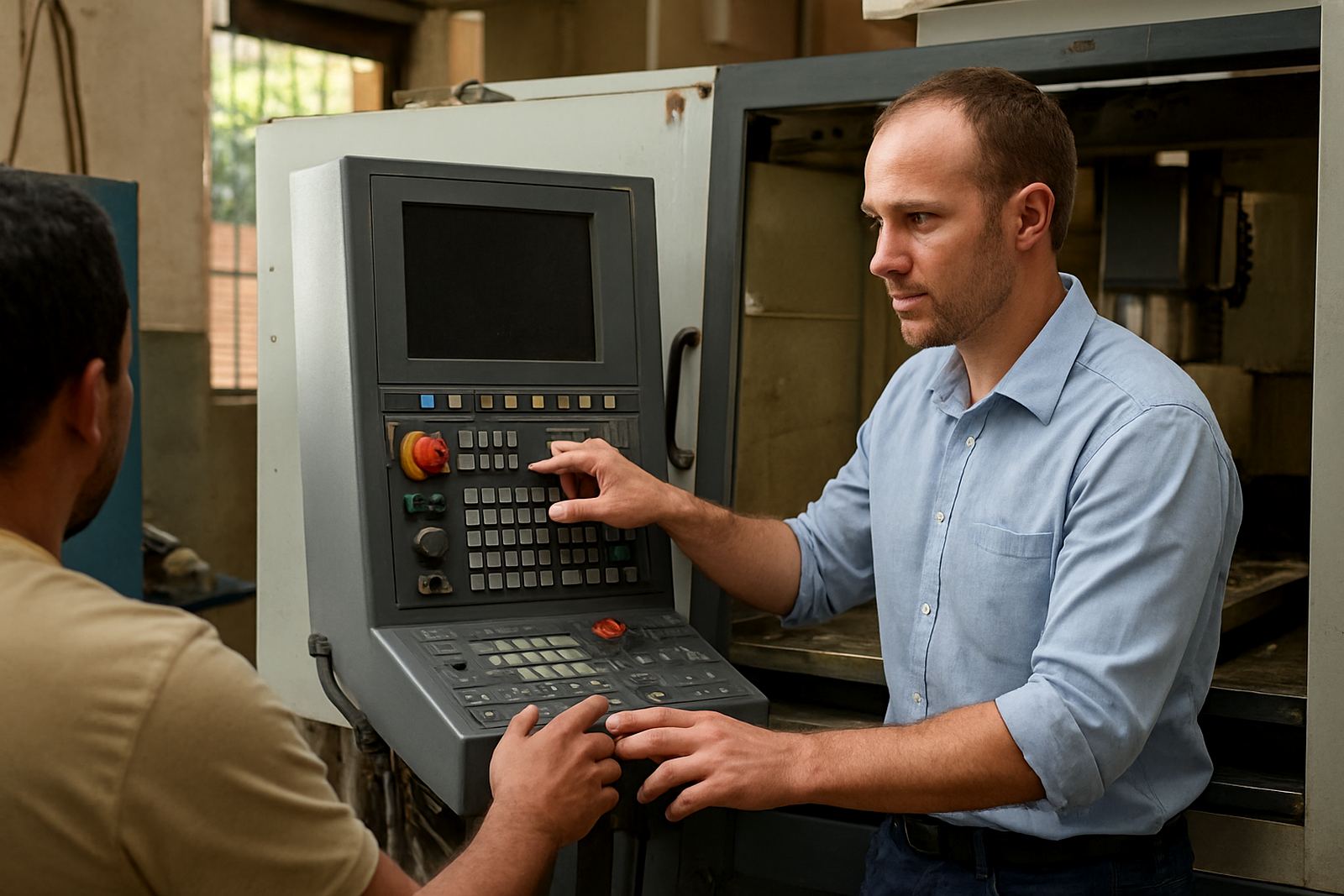
Training is hands-on and job focused. We work with operators who need to load files, set up tools and run parts safely, as well as programmers who want better control over toolpaths and output. Owners and production managers often want a broader view of cycle time, machine usage and how to reduce rework. We cover all of that in a way that suits the shop floor, not a classroom theory session.
Training can be arranged in Centurion, Pretoria, Johannesburg, Vereeniging, Durban, Cape Town and other areas across South Africa. We also support sites dealing with load-shedding by planning sessions around machine availability and backup power windows. If your shop has limited time, we can split the training into shorter blocks so the team keeps working. A few shops prefer one on one sessions, others want a whole team in the room.
- Operator Training for daily machine use
- Programmer Training for toolpaths and posting
- Owner Training for workflow and production control
- Refresher training after software changes or staff turnover
Remote support or onsite support, what is the difference
Remote troubleshooting is best when the issue is in the file, settings or post output. If you can send the error, the job file and a short description of what the machine is doing, we can often identify the problem quickly. This is useful for shops in Durban or Cape Town when the issue can be resolved without waiting for a visit. Onsite support is better when a machine needs hands on setup, controller checks or live first-job help.
Our team includes applications, post-processing, technical support and training staff, so the support path is matched to the job. If a workflow audit is needed, we look at the full chain from drawing to toolpath to posted code. That helps spot bottlenecks, repeated mistakes and settings that slow the team down. We also help shops using annual support plans, which keeps follow-up simple and predictable.
- Remote help for file and setup issues
- Onsite help for onboarding and live machine work
- Workflow audits for production bottlenecks
- Support plans for ongoing assistance
What to send when you open an enquiry
Machine type, software version and the job you are running point us in the right direction. A clear enquiry helps us decide whether you need a new licence, a post tune, training, or first job support. If you are not sure what is wrong, describe what the machine should do and what it is doing instead. Even a rough note is useful, and it cuts back-and-forth.
Useful items include your machine type, controller, software version, the part material and the exact issue. If you have a screenshot or short video, include that too. For tool library builds, send the tool list and any preferred naming rules your shop uses. If your production is under pressure because of municipal power interruptions or humid coastal conditions, mention that as well, because it can affect scheduling and machine behaviour.
- Machine model and controller type
- Software version and licence status
- Part material, tool list and sample file
- Preferred training location and timing
Where we support shops across South Africa
We work from Centurion and support CNC shops in Pretoria, Johannesburg, Vereeniging, Durban, Cape Town, East Rand and West Rand. That includes new installations, support follow-up and training visits where needed. The focus is practical support for real production environments, whether you are cutting cabinet parts, signage, engineering components or plasma profiles. We know every shop runs differently, so the support is shaped around your machine count, shift pattern and job mix.
For many clients the main question is not whether support is available, but how quickly the right person can help. That is why we keep the process direct. You send the enquiry, we review the need, and we map the next step. Pieter Johannes van der Merwe leads the business, with support from the applications, training and technical team. It keeps communication clear and the handover less messy.