What the Vanderbijlpark shop needed
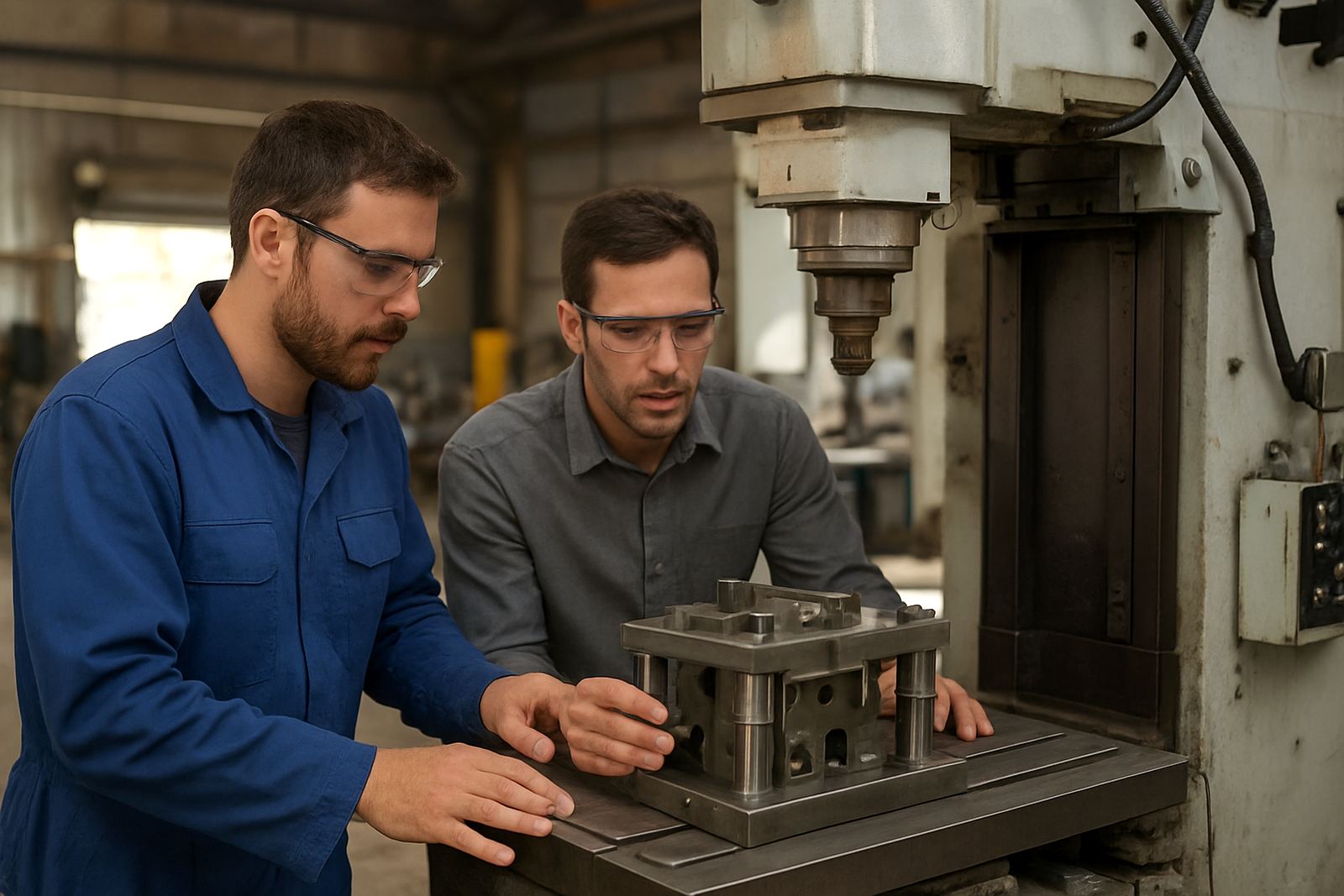
The client was a general engineering machine shop in Vanderbijlpark running mixed milling work for local industry, with repeat parts, one-off repair jobs and urgent turnaround work. Their main issue was that programs were coming off the CAM system with too much editing at the control, which slowed changeovers and created avoidable scrap risk on older machines.
The brief was practical. They needed a milling post setup that matched the way their machines actually worked, plus hands-on coaching for operators who were comfortable on the controls but not always confident with the CAM side. The shop had a small programming team, a busy floor, and limited time to stop production for long training sessions.
We also had to work around an older control family, a mix of tool lengths and workholding styles, and the usual South African realities of load-shedding and shift pressure. The team needed output that could be trusted on a Monday morning after a weekend power interruption, not just in a clean test environment.
Machine control conditions and constraints
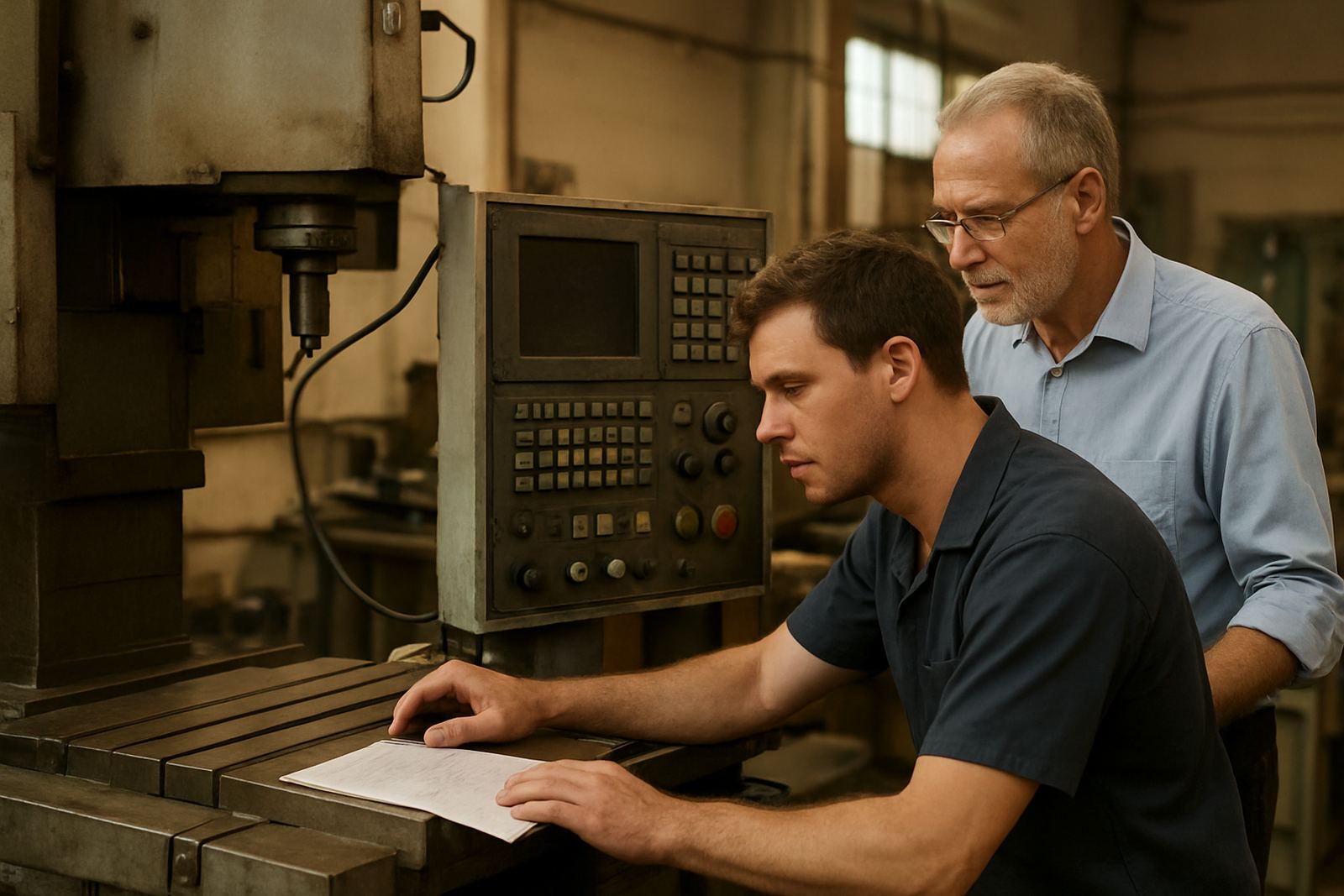
The main constraint was the age of the milling controls. The shop was running machines with older conversational and G-code style controls, so the post had to keep the code plain, predictable and easy to read on the screen. No fancy formatting, no unnecessary calls, and no assumptions about features the machines did not have.
We also had to account for shop-floor habits. Operators wanted clear start blocks, safe tool change moves and simple spindle commands. The client asked for shorter start-up checks because jobs were often run in batches of 2 to 12 parts, with quick changeovers between materials like mild steel, aluminium and occasional stainless. In a shop like this, one wrong line can cost a half day, so the details matter.
- Older milling controls with limited memory and simple program handling
- Mixed jobbing work with short runs and repeat orders
- Manual touch-offs and frequent tool changes between jobs
- Power interruptions that could leave machines paused between shifts
- Need for readable code that operators could verify at the control
We kept the setup grounded in what the shop could support day to day. That meant conservative retracts, clear tool call logic and checked safe positions, plus post output that matched their preferred naming and file-handling routine.
What we supplied and tuned
We supplied a custom milling post setup, then tuned it against sample parts and the shop's own toolpaths. The work covered code formatting, spindle and coolant behaviour, safe start positions, tool change moves, and a few small output preferences that made the programs easier to run at the machine.
After the first output pass, we reviewed actual machine behaviour and adjusted where needed. That included reducing operator edits at the control, cleaning up header lines, and aligning the output with the shop's preferred work offsets and tool numbering. We also checked how the post handled drilling, contouring and pocketing so that the same logic could be used across everyday parts.
- Custom post setup for milling work on older controls
- Post tuning to reduce manual edits and start-up corrections
- Machine onboarding notes for the specific shop process
- Operator coaching on loading, checking and running files
- First job support while the new output was proven on real parts
The first live jobs were watched closely. We stayed on hand while the team ran the initial parts, confirmed that the code loaded cleanly, and checked that toolpaths were behaving as expected on the machines. A small typo in the tool list was picked up early and corrected before it became a problem, which saved time later.
Training that fitted the shift pattern
Training was kept job-based and short enough to fit the production schedule. Instead of long classroom-style sessions, we worked through the actual parts the shop was cutting. That made it easier for operators to understand what to check before pressing cycle start, and it gave the programmers a clear way to spot issues before sending a file to the floor.
The operator coaching focused on practical habits: checking tool lengths, confirming the correct work offset, reading the start block, and knowing when to stop and ask before making a manual change. We also covered what to do after a power cut, because that is a normal part of life in South Africa and a machine shop needs a reset routine that is calm and repeatable.
Training was split across two short visits and one remote follow-up, over 3 weeks in total. That gave the team enough time to run parts, come back with questions, and then lock in the routine without taking the whole shop offline.
Results on the floor
By the end of the setup, the shop had cleaner milling output and fewer time-consuming edits at the control. Operators were more confident checking the first line of code and the programmers had a better handle on how the post was behaving across different jobs. The result was not flashy, just more dependable, which is what a busy Vanderbijlpark shop needs.
The client reported smoother first-job starts, less back-and-forth at setup, and better consistency between repeat parts. The biggest win was time: less time spent correcting code meant more time cutting metal. For a small team, that matters because every extra 10 minutes on five jobs a day adds up fast.
- Reduced manual changes at the machine
- Faster job handover from CAM to the floor
- Clearer program structure for operators and programmers
- More confidence with older control behaviour
- Better repeatability on short-run milling work
We also saw fewer avoidable pauses during setup because the team knew what to check before starting. That made the workflow steadier, especially on days when power interruptions or urgent jobs could have thrown the schedule off.
What we would do again
If we were back at this same shop, we would follow the same approach: start with the actual machine behaviour, build the post around the way the operators work, then prove it on live parts. That is the right route when the control is older and the shop cannot afford long testing windows.
We would also keep the training tied to production jobs rather than generic examples. In a real workshop, people remember what they used on a part they had to deliver that afternoon. That is why the combination of post tuning, first job support and operator coaching worked well here.
For a Vanderbijlpark machine shop, the lesson was simple. Good CAM output should not need constant fixing at the control. If the post is set correctly and the team knows the routine, milling work becomes calmer and more predictable, even when the day is busy and the lights flicker.
Next steps for shops like this
Shops with older milling controls, mixed job lists and limited programming time usually benefit from the same structure we used here. Start with a post check, then tune the output to the machine, then train the people who use it every day. That sequence keeps the change practical and avoids unnecessary disruption.
If your team is still editing code by hand, or if operators are unsure about what the CAM file is doing before they hit cycle start, it is worth sorting that out early. A clean setup saves time, reduces scrap risk and makes it easier to keep jobs moving through the shop.
- Post review for older or mixed-control milling machines
- Job-based operator coaching for day-to-day production
- First run support for new programs and repeat parts
Clients reach us through the enquiry form on our contact page, and we can work with shops in Vanderbijlpark, Pretoria, Johannesburg, Vereeniging, Durban and Cape Town.
Key facts
| Client type | General engineering machine shop |
|---|---|
| Town | Vanderbijlpark |
| Scope | Milling post setup, post tuning and operator coaching |
| Controls | Older CNC milling controls |
| Timeline | 3 weeks |
| Key outcome | Less manual editing at the machine and smoother first-job starts |