Toolroom brief from a Cape Town mould shop
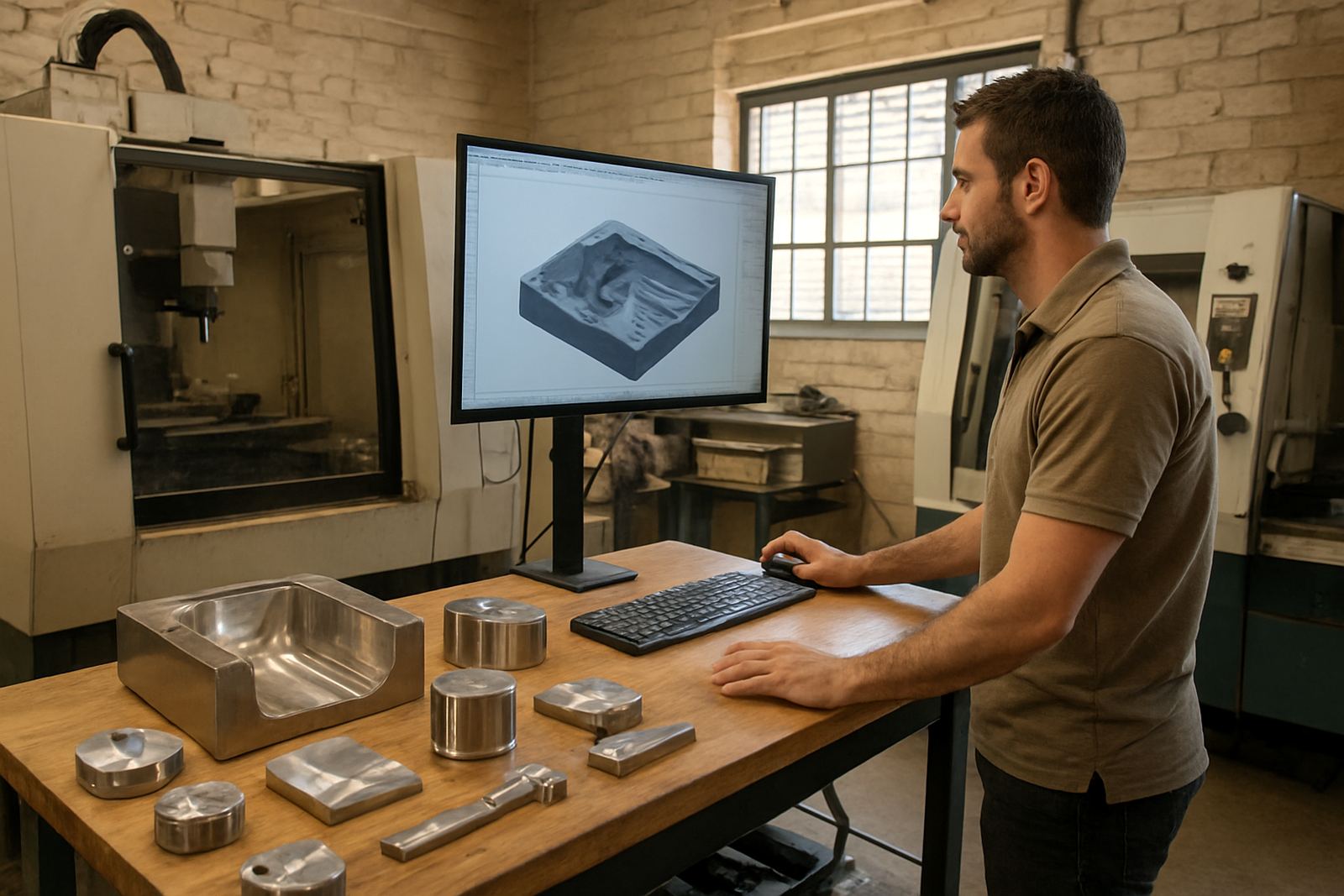
The client was a Cape Town toolroom producing mould inserts, service parts and short-run production components for local manufacturers. Their team was working across milling and routing machines, with some turning and plasma work brought in when jobs moved between departments. The main issue was not getting parts made, it was getting them finished to the right surface quality without wasting time on manual cleanup at the machine.
The brief was simple enough on paper: introduce a CAD/CAM software package that could handle surfacing, pocketing and finishing passes more cleanly, then make sure the post output matched the machines already on the floor. They also wanted a practical handover for programmers and operators, because turnover on the shop floor had left a few people relying on old habits and not on repeatable setup steps.
We were asked to keep the process practical for a Cape Town site where machine time is expensive, load-shedding still interrupts the day, and the humidity near the coast can affect storage, electrical cabinets and machine condition if routine checks are skipped.
What was in scope for the package
The package centred on licence installation, a custom post-processor, machine onboarding and focused training for the programming team. We also reviewed their tool library structure and the way finishing tools were being called in the programs. In this case the main gain came from better control over the finishing strategy and the order of operations, not from changing every setting in the shop.
- 1 CAD/CAM licence for the main programmer
- 1 custom post-processor for the primary milling machine
- Post tuning for safe retracts, tool changes and local machine syntax
- Onboarding for the machine profile, tools and work offsets
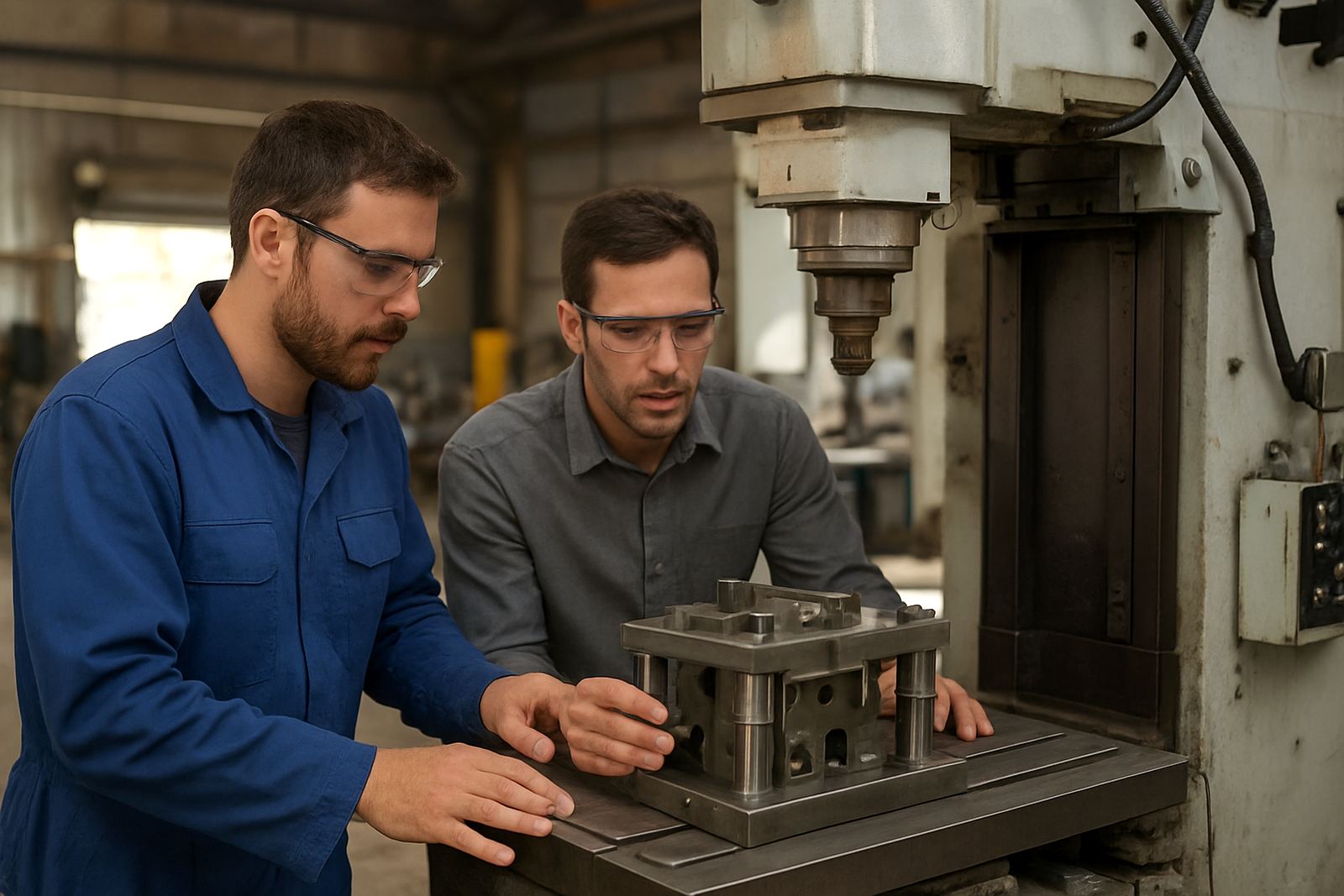
- Operator and programmer training on finishing passes and verification
- First job support for the first mould insert release
The client wanted one package that could be repeated later if more seats were added. We therefore kept the file structure clear, the machine data tidy and the naming of tools consistent so the next programmer would not need to rebuild everything from scratch.
How we handled the coastal workshop constraints
Cape Town shops often work with a mixed environment. Some machines sit close to open doors for crane access, and that brings dust, salt air and temperature swings into the room. Power interruptions were also a factor, so we checked that the licence installation and machine files could be recovered quickly after a shutdown. Nothing complicated, just proper folder structure, backups and a clear restart routine.
We spent time on the post so the code matched the toolroom's machine behaviour. That included safe Z moves, sensible lead-ins and lead-outs, and consistent handling of finishing passes on mould inserts where the surface finish mattered more than raw material removal. The aim was to reduce the need for operator edits at the controller because those small changes are where mistakes usually creep in.
There was also a timing constraint. The client needed the package running within a short window between live production jobs. We planned the work around that schedule and kept the handover tight enough that the team could test real parts before the next batch went out.
Implementation and training over four weeks
The implementation ran over four weeks from initial assessment to first job support. Week one covered machine review, software installation and confirmation of the post requirements. Week two focused on the tool library build and post tuning. Week three was training, with the programmer and shop team working through finishing strategies, set-up checks and simulation review. Week four covered the first live mould insert and the follow-up adjustments that came out of the job.
- Week 1: machine audit and licence setup
- Week 2: custom post build and test output
- Week 3: operator and programmer training
- Week 4: first job support and final tweaks
The team from our side worked through the project in a fixed order. Pieter Johannes van der Merwe managed the engagement, Tiaan Ferreira handled the post details, Ompha Mabandla supported the application setup and Farieda Jacobs stayed on technical queries during the first live run. That structure kept the job moving and meant the client always knew who was dealing with each part of the work.
Results on the first mould insert
The first clear result was a cleaner finishing path on the mould insert, with fewer visible step marks and less hand polishing required after machining. The machine code also became easier to read at the controller, which reduced the amount of operator editing before each run. For a toolroom, that matters because every extra manual step adds risk and time.
The client saw better repeatability between jobs too. Once the tool library and post rules were fixed, the same setup could be reused for similar inserts without rebuilding the process each time. That helped with planning, especially when urgent work arrived late in the week and the shop needed to turn around a job before Monday.
- Cleaner surface finish on mould inserts
- Less manual touch-up after machining
- Shorter setup time for repeat parts
- More confidence in first-run output
- Better control over safe moves and tool changes
We did not promise miracles, and that is not how toolroom work goes anyway. The gain came from better control of the process, tighter post output and a team that knew what to check before pressing cycle start.
What we would keep for the next Cape Town toolroom
If we were doing the same kind of job again at another Cape Town toolroom, we would repeat the same approach: check the machine first, tune the post before chasing finish quality, and train the people who will actually use the file on a normal Monday morning. That sequence saves time later because the software setup and the shop routine are aligned from the start.
We would also keep the tool library build as part of the core project. Shops often focus on the post alone, but tool naming, offsets and holder details all affect the final result. A tidy library makes it easier to manage load-shedding delays, shift handovers and urgent reruns without losing control of the job.
For a coastal site, we would again include a backup routine and a short recovery checklist for the team. It is a small step, but when a power cut or controller reset happens, having the right files to hand makes the next shift far less stressful.
Support after handover
After the first job was complete, the client stayed on an annual support plan so they could ask for post tuning, remote troubleshooting and extra training as new work came in. That gave them a sensible route for future machine changes or additional licences without having to start over each time.
The enquiry process stayed straightforward. Their team sends the request through the form on our contact page so it reaches the right person for the job. For a toolroom that needs practical support, that usually works better than waiting until a problem has grown into a full stoppage.
In this project the main lesson was clear: finishing quality improves when the software, the machine and the operator all follow the same method. The Cape Town site already had skilled people. What they needed was a cleaner way to turn that skill into repeatable output.
Key facts
| Project | Cape Town Toolroom CAD/CAM package |
|---|---|
| Client type | Mould insert and short-run toolroom |
| Location | Cape Town, Western Cape |
| Timeline | 4 weeks from assessment to first job support |
| Supplied | Licence installation, custom post-processor, post tuning, training |
| Main result | Smoother finishing passes and less manual cleanup |