What our operator training covers on the shop floor
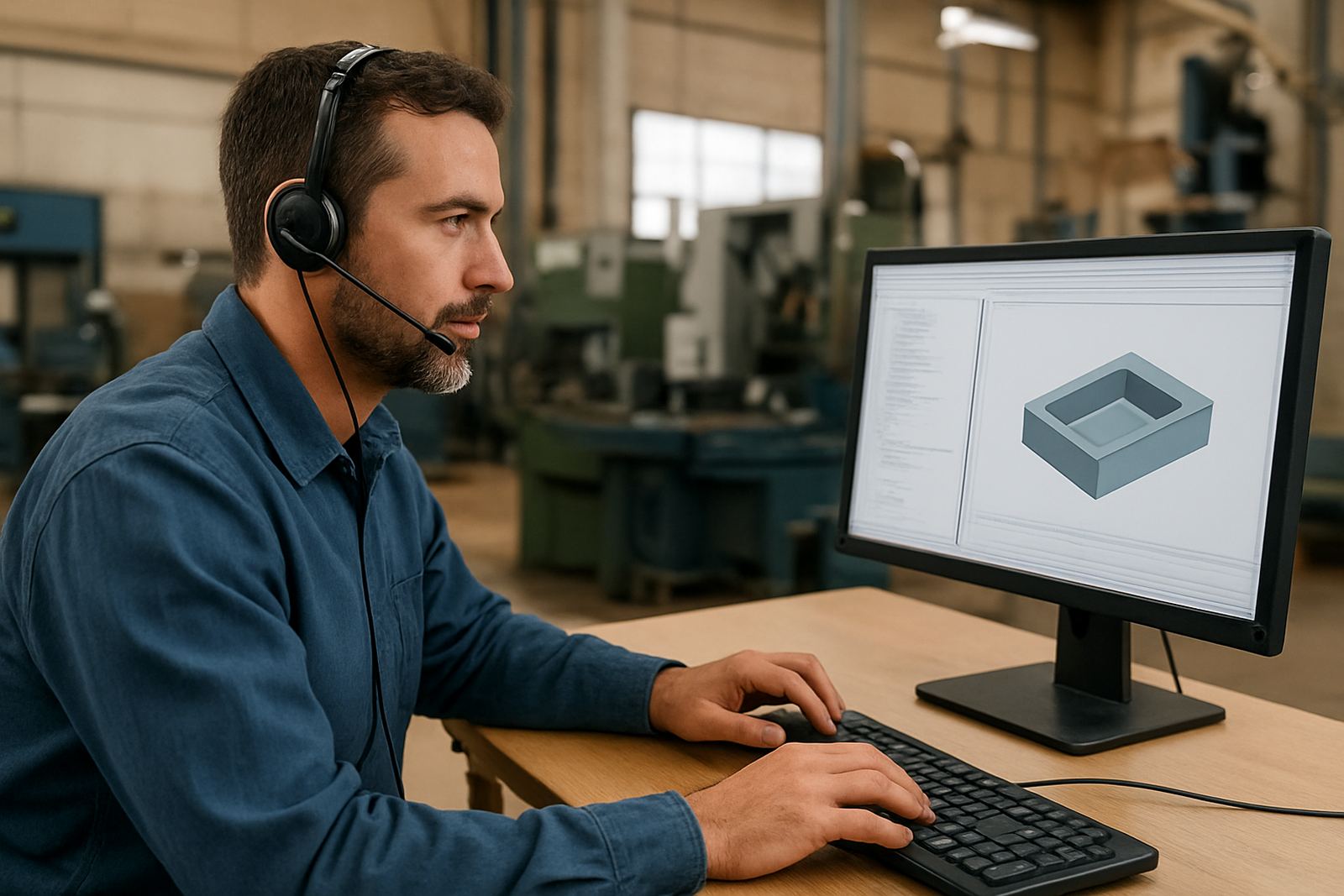
Operator Training is for machine operators who need to understand what the program is doing before they press cycle start. We cover the link between CAD/CAM output, the setup sheet, the posted code and the actual machine behaviour, so the operator can catch issues early and keep jobs moving. The focus is practical, not classroom theory for the sake of it.
We work with CNC routing, milling, turning and plasma shops in Centurion, Pretoria, Johannesburg, Vereeniging, Durban and Cape Town. Training is shaped around your machine controller, your fixtures, your tooling and the type of jobs you run most often. Coastal humidity, load-shedding resets and municipal workshop limits all affect how a shop runs, so we build those realities into the session instead of ignoring them.
- Reading setup sheets and tooling lists correctly
- Understanding feed, speed, stepdown and coolant settings
- Checking offsets, home positions and workholding before a run
- Identifying warnings in posted code and machine alarms
- Safe loading, dry runs and first-piece verification
What is included in the training session
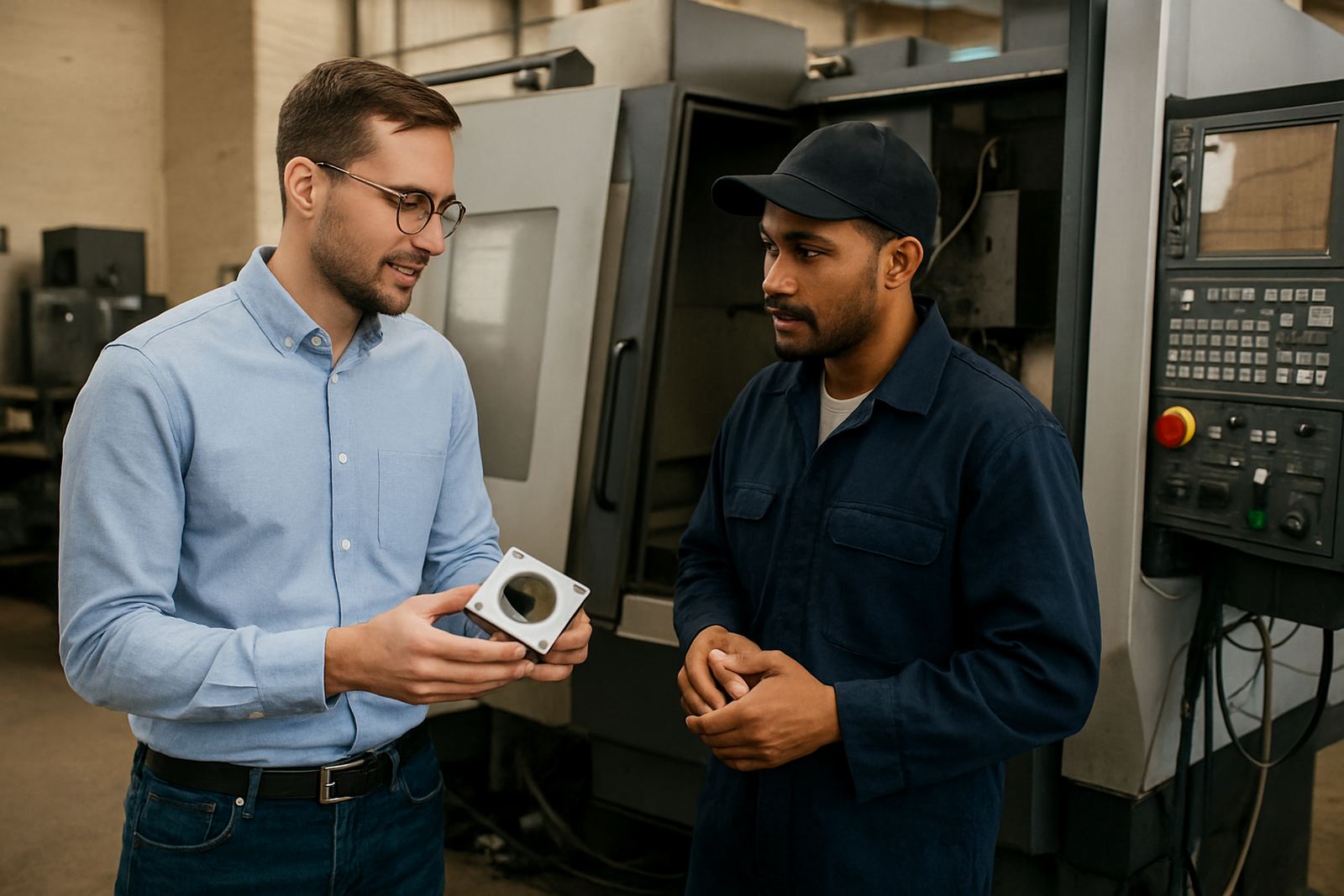
Every session is built around the machines and jobs you already have on the floor. That means the operator learns with real examples from your own post processor output, parts, clamps and tool libraries. If there are repeat problems such as crashes on tool changes, bad zeroing or confusing setup notes, we include those in the lesson.
Depending on your shop size, we can train one operator or a full shift. Sessions can be split between theory and machine time, with enough repetition for the team to remember the process after the training day is over.
- How to read posted G-code or machine-readable output
- Machine startup checks and pre-run inspections
- Tool change procedure and tool wear awareness
- Work offset setting, probing basics and safe referencing
- First-piece checks, sign-off and job handover
- Shutdown, cleaning and end-of-shift notes
Our step-by-step training process
We keep the process simple. First we discuss the machine type, controller, material range and the level of your operators. Then we ask for a sample setup sheet, a posted program and a short list of the jobs that give the most trouble. From there we plan a session that fits your shift pattern and production pressure.
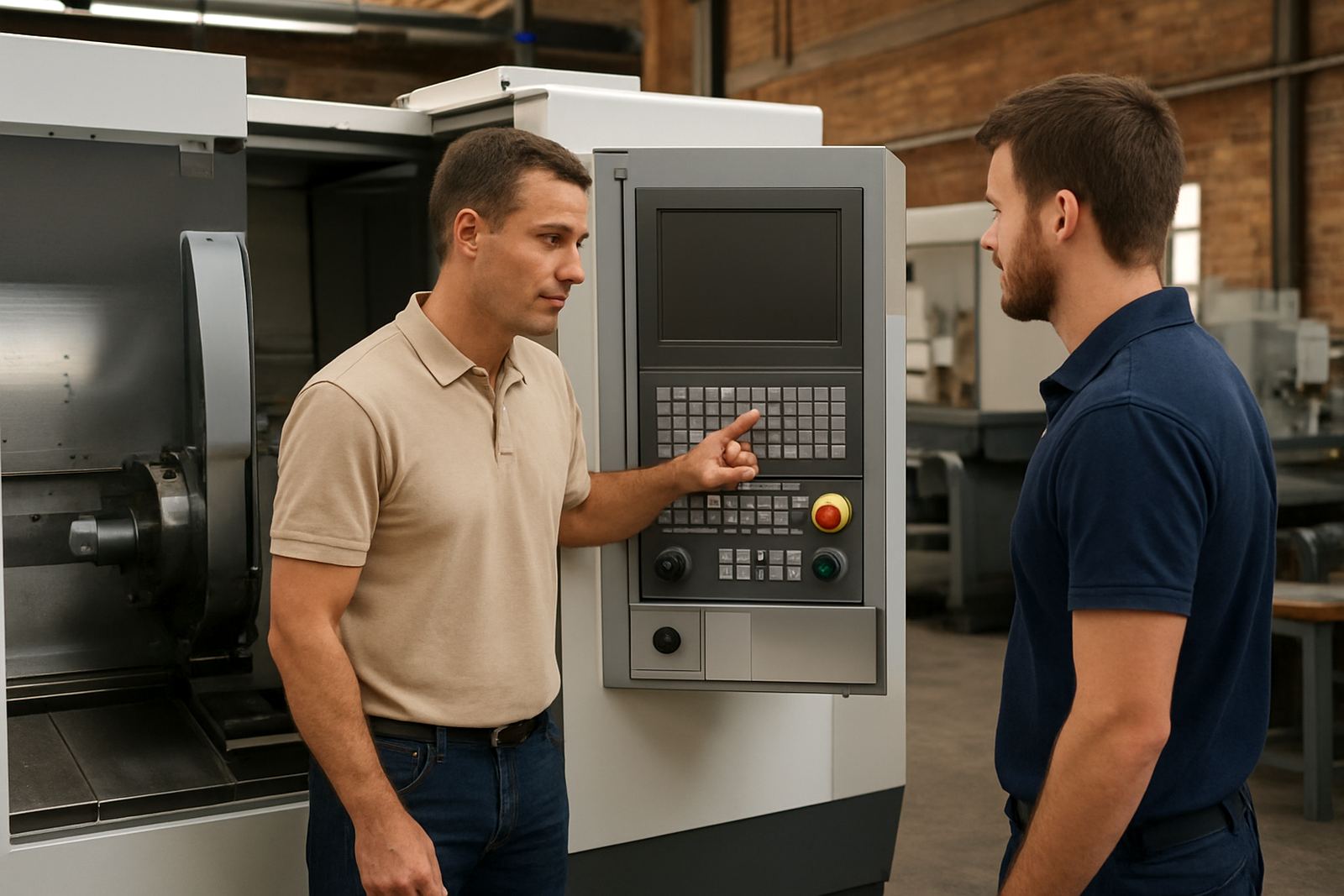
The training itself usually starts with a short walk-through of the machine, then moves into program reading and safe setup. After that we do a live run with supervision, and finish with correction notes for the team. If the shop is busy, we can break the work into shorter blocks so production does not stop for a full day.
- Initial assessment of machines, controllers and operator level
- Review of your current setup sheets and posted code
- On-site or remote planning call before the session
- Hands-on machine training with live examples
- Follow-up notes and corrective actions after the session
Turnaround times and how the session is scheduled
For most South African shops, training can be scheduled once we have the basic machine details and your preferred date. If the training is linked to a new machine install, a post update or a job that must ship before month end, we prioritise the booking where possible. Travel time and site access do affect scheduling, especially for out-of-town workshops or factories with strict permit rules.
A standard operator session is often completed in half a day to one day, depending on how many machines are involved and how much ground must be covered. Larger teams or multi-shift workshops may need more than one visit. We will tell you upfront if the job needs follow-up time rather than trying to squeeze too much into one block.
Pricing approach for operator training
Our pricing is based on the number of machines, the number of operators, the complexity of the controller and whether the session is on-site or remote. Shops with a single routing machine and one or two operators need a different approach from a multi-machine workshop with milling, turning and plasma. We quote clearly so you know what is included before the work starts.
Where possible, we group related services to keep the cost sensible. For example, operator training can be combined with machine onboarding, post tuning or first job support if you are bringing a new workflow into the shop. That often saves time and reduces repeat site visits. If you only need a refresher for one operator, we can scale the session down accordingly.
- Single-machine refresher sessions
- Team sessions for day shift and night shift staff
- Combined training with machine onboarding or first job support
- Quoted travel and site time for outlying areas
Keeping operators current after the first session
Good operator training is not a once-off event. Tooling changes, new post processors, different materials and controller updates all affect how the machine is run. We recommend a refresh every 6 to 12 months for active shops, and sooner if you change staff, add a new machine or start cutting a new material range.
In humid coastal areas, compressed air quality, rust prevention and clean storage matter too. In workshops affected by load-shedding, operators must also know how to restart safely after a power interruption and verify that offsets, clamps and tool positions are still correct. Small habits prevent costly scrap, and one missed setup step can throw off a full batch.
If your team already has the basics, we can focus on more advanced habits such as job handover, fault tracing and better communication between programming and the shop floor.
Key facts
| Training scope | Operator reading of toolpaths, setup sheets and posted code |
|---|---|
| Machine types | CNC routing, milling, turning and plasma |
| Delivery | On-site, remote or blended sessions |
| Typical duration | Half-day to 1 day for most shops |
| Refresh interval | Every 6 to 12 months, or after major workflow changes |
| Coverage area | Centurion, Pretoria, Johannesburg, Vereeniging, Durban, Cape Town and surrounding regions |