What licence installation covers in a working shop
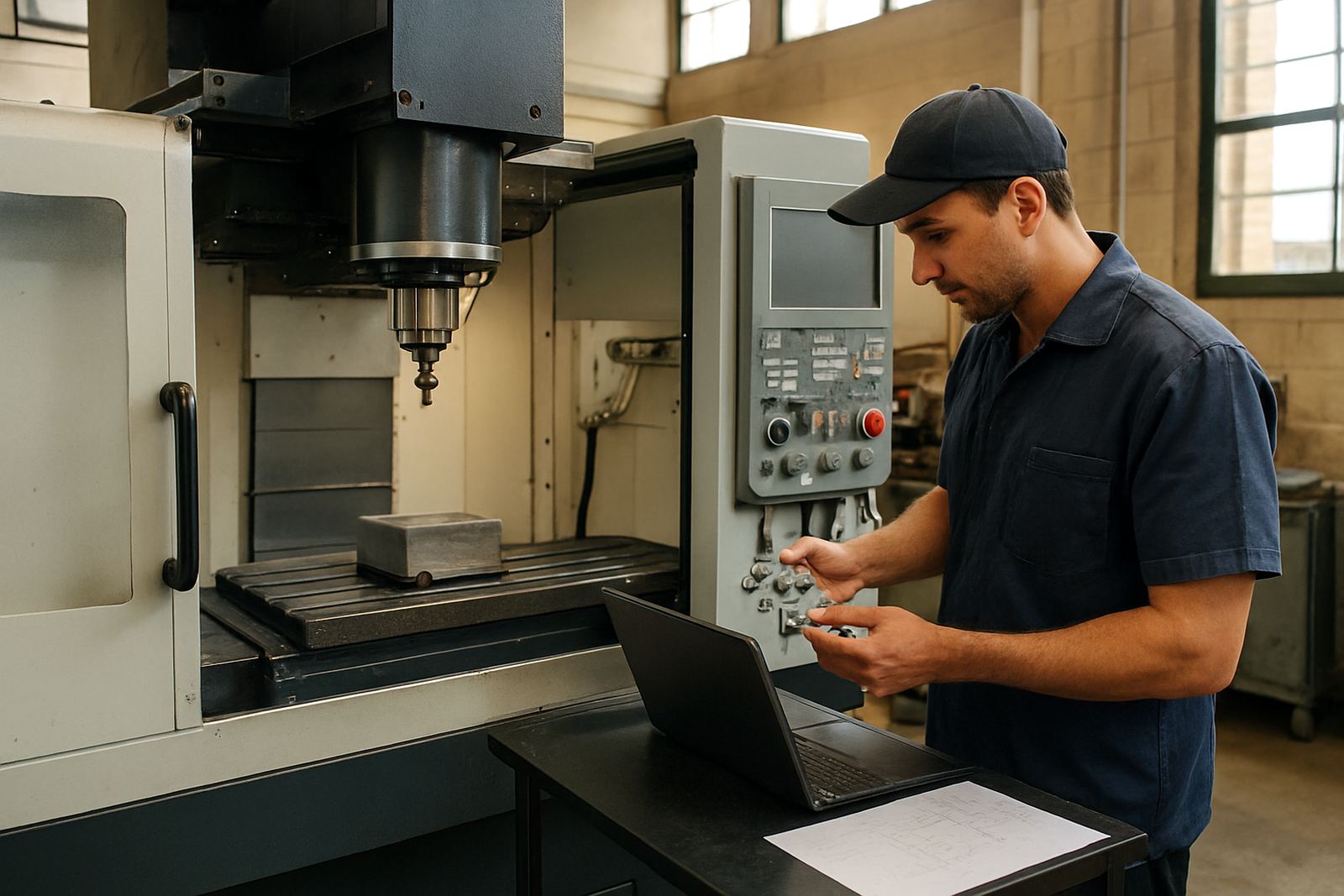
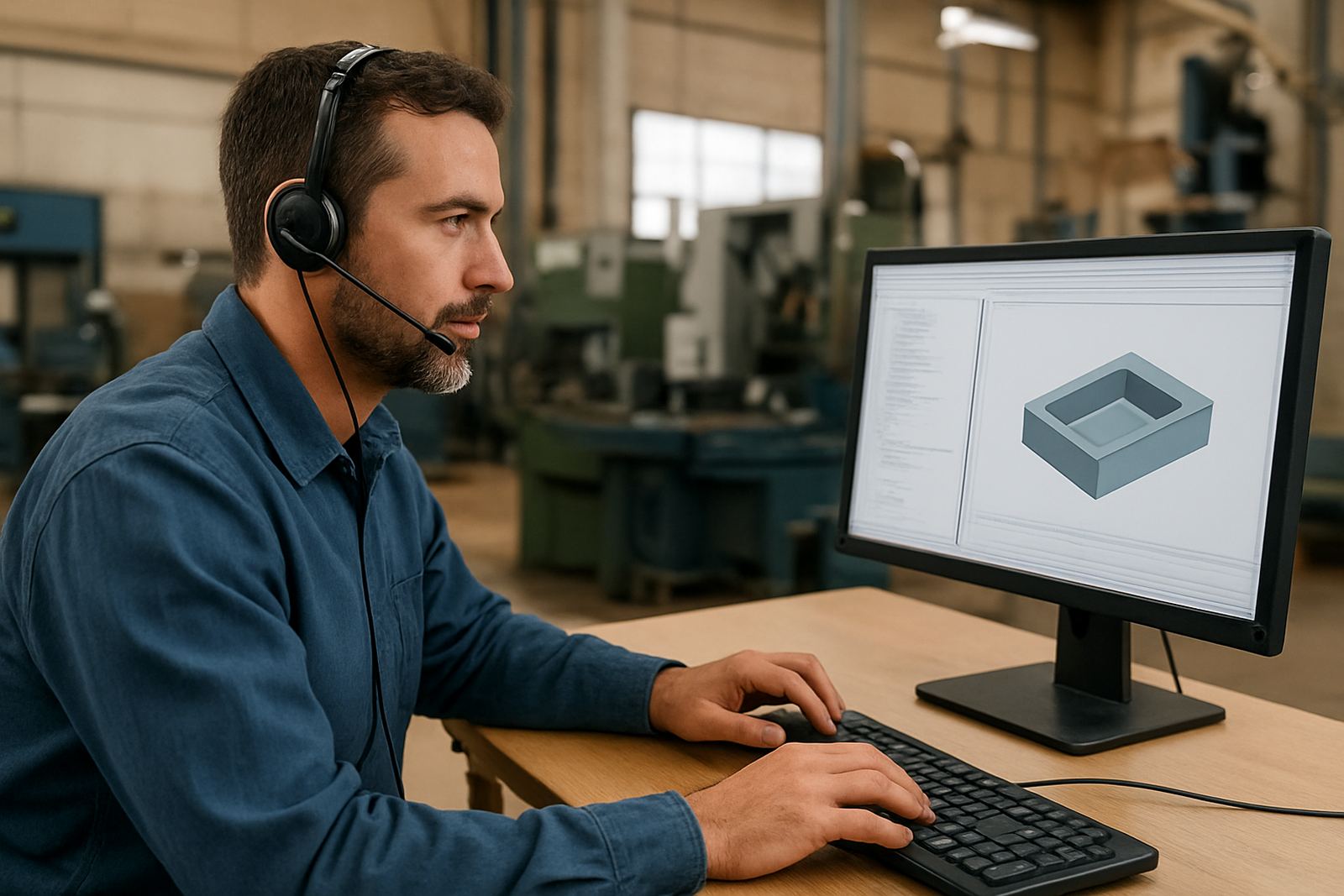
Licence installation is more than clicking through a setup wizard. In a CNC environment, the licence must match the computer, the network, the user rights and the way the software is used on the shop floor. We handle the practical parts that affect daily work: activation, first launch checks, file access, machine post selection, user preferences and network visibility where more than one workstation is involved.
For a small routing room in Centurion or a larger fabrication team in Durban, the aim is the same. Each authorised user should open the software, see the correct tools and start programming without delays. We also check that the workstation has the right permissions for shared folders, backups and post-processor storage, which avoids the common problems that show up later when a job is already on the machine.
- Software activation and licence verification
- Local workstation setup or networked user setup
- User access and folder permission checks
- Preference setup for units, toolpaths and output paths
- Post-processor location and file visibility checks
Where needed, we also note any hardware issue that could slow the system down, such as an underpowered PC, a failing network share or a USB licence device that is loose or being blocked by policy settings.
Typical setup steps from first login to first job
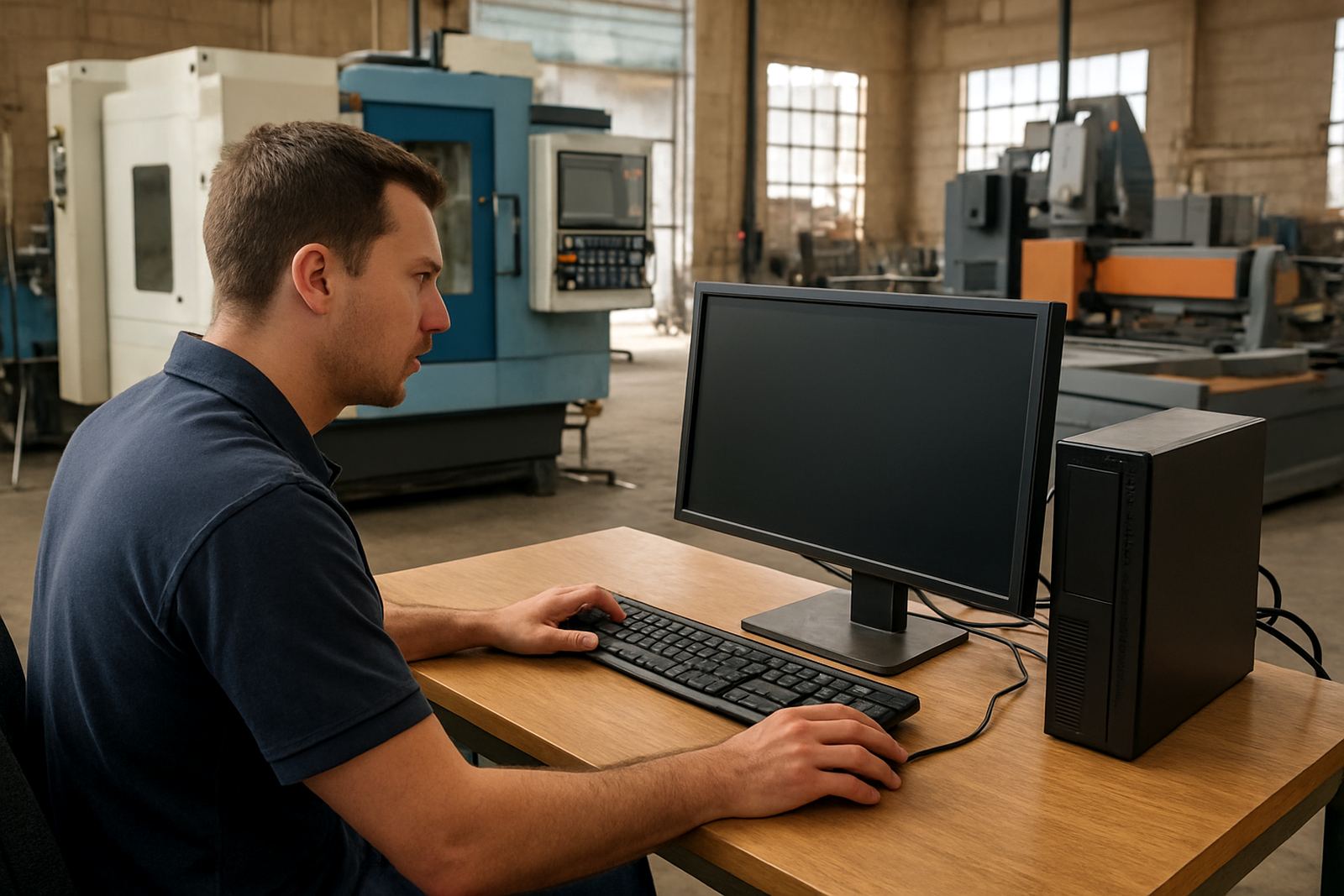
Every site is a bit different, but the process usually follows the same sequence. We start by confirming the licence type and how it should be used, whether that is one operator on one machine or several programmers sharing access across a local network. Then we prepare the workstation, install the software, and apply the correct activation method.
After that we check the settings that matter in day to day use. This includes default units, drawing and output folders, tool library paths, post folder paths and any company naming rules for jobs and output files. If the machine is in a plant where load shedding has interrupted systems before, we also make sure the setup will recover cleanly after a restart so the team does not lose time reconfiguring things. A quick access test is done before we leave or close the remote session.
- Confirm licence model and number of users
- Install on the approved workstation or server path
- Activate and verify licence status
- Set user preferences and folder paths
- Run a sample post and confirm output location
- Check login rights and first job access
If the site uses multiple departments, such as design in Johannesburg and machine ops in Vereeniging, we can align the same setup across both locations so file naming and output are consistent.
What is included in the installation package
The installation package is meant to get the shop operational, not just technically “installed”. We configure the system for real work, including the access points the team uses every day. Where required, we assist with updates to existing user profiles, clean up old preferences that cause confusion, and confirm the software can see the right network location for tools, libraries and jobs.
We also help with first use checks such as opening sample files, generating a test output and confirming that the machine definition and post settings are linked correctly. If a workshop in Cape Town or on the East Rand has strict IT rules, we work within those controls and flag any requirement that needs the client’s IT person to approve first. That keeps things tidy and avoids unnecessary back-and-forth.
- Installation on supported Windows workstations
- Activation and licence status confirmation
- Preference setup for the approved user
- Folder path mapping for jobs and posts
- Initial test of file output and access rights
- Basic handover notes for the local team
We do not treat every installation the same, because a turning cell with one operator has different needs from a routing shop with three programmers and a shared server.
Turnaround and site response across South Africa
Turnaround depends on licence type, number of machines and whether the work is remote or on site. Simple single-workstation installations can often be completed once the computer is ready and the licence details are confirmed. Larger network rollouts, or setups tied to a new machine commission, usually need a planning window so we can line up permissions, backups and any support from your IT provider.
For Centurion and Pretoria clients, same week visits are often possible when the schedule allows. Johannesburg, the East Rand and the West Rand are usually planned around traffic and workshop hours. For Durban and Cape Town, we plan travel and site time carefully so the team can complete the work properly in one visit, or split activation and final checks if the site prefers that. We will always give a realistic lead time, not a vague promise.
Remote installs are useful where the workstation is already on the network and the user can share access securely. On site is better when there are multiple seats, a new server share, or older PCs that need hands-on checks.
Pricing approach for one seat or multiple seats
We price licence installation according to the number of workstations, the type of activation and the level of setup required. A straightforward single-seat install is charged differently from a multi-user workshop with network permissions, shared posts and first-job testing. If the job includes moving settings from an old computer, cleaning up a previous install, or working around a municipal workshop internet problem, that is allowed for in the quote.
We do not charge based on guesswork. Once we know the site size, location and support scope, we give a clear price structure with any travel, onsite time and follow-up support shown separately where needed. This helps shops budget properly, especially when licences are being added during a machine purchase or when a business is planning upgrades around quieter production weeks.
- Single workstation installation
- Multiple seat or network setup
- Remote or on-site labour
- Data migration or settings transfer
- First-job support if requested
If you are managing several users, we can also quote a rollout rate for the whole team so there is no confusion later about who was set up and who was not.
Maintenance intervals and keeping the setup stable
Licence installation is not something that should be forgotten after day one. In busy CNC shops, small changes happen all the time: Windows updates, user profile changes, new posts, server moves and fresh computers coming into the workshop. We recommend checking the setup at regular intervals so the licence stays valid and the access paths still match the way the shop works.
For most clients, a quarterly check is practical, especially where more than one operator uses the same system. Annual reviews are a good fit for smaller shops that run a stable workflow and only make changes when a new machine or new programmer comes in. During those reviews we confirm activation status, user access, folder paths and whether any system changes have affected output or login. A ten minute check can save a missed shift later on.
- Quarterly checks for shared or busy workstations
- Annual review for stable single-user setups
- After Windows updates or PC replacements
- After new machine commissioning or post changes
- When access errors or licence prompts appear
Where shops use Annual Support Plans, these checks can be folded into broader support so issues are picked up before they interrupt production.
Hand over, support and what happens next
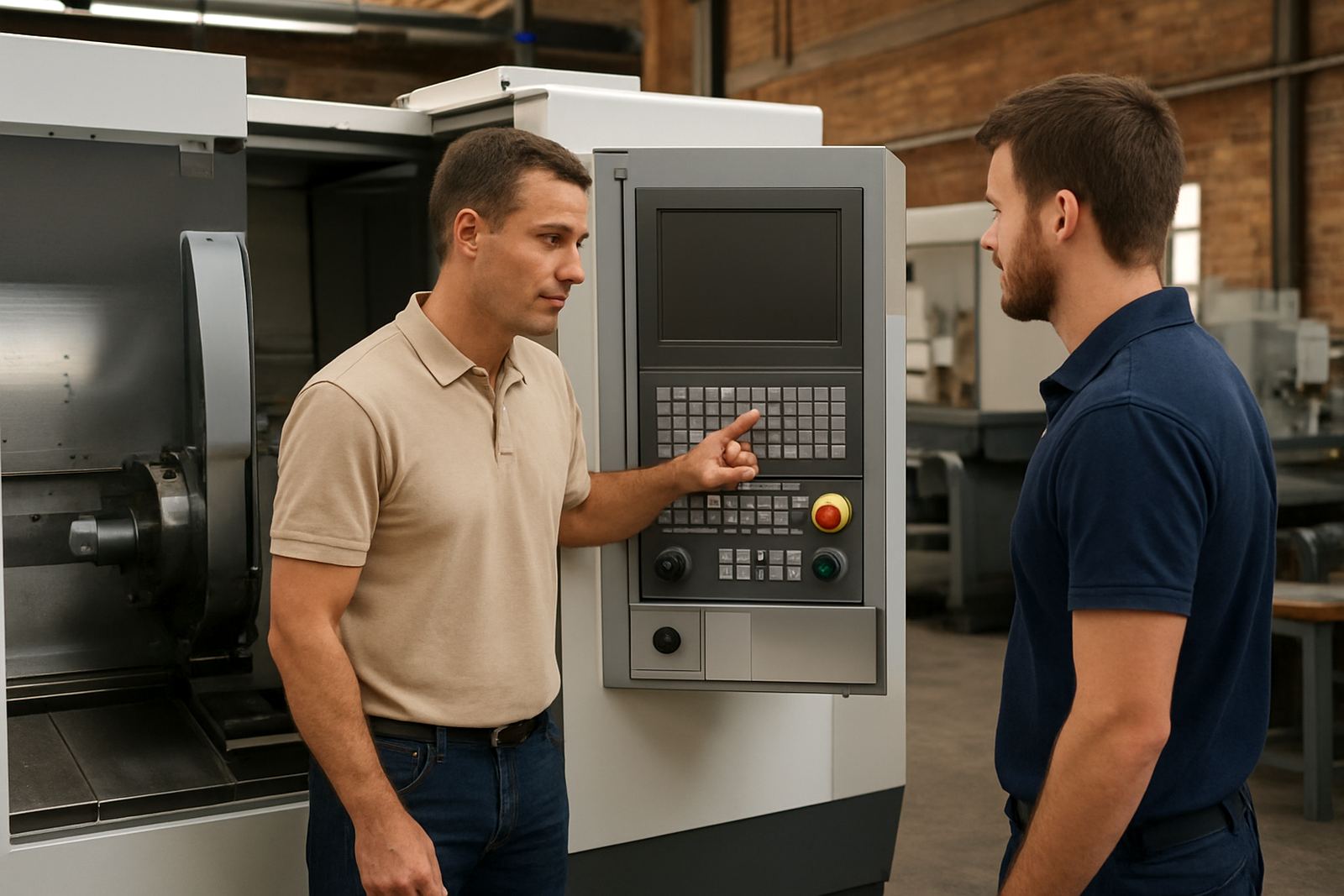
Once the installation is complete, we hand over the practical points the operator or programmer needs to know: where the licence sits, how to open the software, where files save, and who should be contacted if the workstation is replaced. If the shop wants extra help, we can link the installation to operator training, programmer training or first job support so the team gets a proper start instead of guessing under pressure.
The goal is simple. The licence should be active, the workstation should open cleanly, and the shop should know where to look if something changes later. That is especially useful for growing teams in Pretoria, Vereeniging and the coastal cities, where staff changes and machine additions can happen quickly. Our support team keeps the process practical and calm, even when the workshop is running against deadline.
Key facts
| Licence scope | Single workstation, multi-user network or mixed setup |
|---|---|
| Supported environments | Windows-based CNC programming workstations and workshop networks |
| Typical use cases | Routing, milling, turning and plasma programming |
| Activation methods | Local activation, network access or controlled user login |
| Setup checks | Permissions, paths, preferences, posts and first output test |
| Recommended review interval | Quarterly for shared systems, annually for stable single-seat setups |