What Machine Onboarding Covers
Machine onboarding is the practical handover between your new machine and the way your workshop actually works. We set up the software side so the machine can run parts safely, consistently and with the right output for your controller, tooling and material range.
The service is suited to newly purchased machines, second-hand machines that have changed hands, and existing machines being added to a new production cell. We work across CNC routing, milling, turning and plasma shops in Pretoria, Johannesburg, Vereeniging, Durban, Cape Town and surrounding industrial areas.
- Controller and machine profile setup
- Custom post-processor setup or correction
- Licence installation and activation assistance
- Operator and programmer workflow alignment
- First job support with real part output
If your machine is arriving during a busy production period, we can stage the work so your team is not standing around waiting for the last cable or parameter to be checked. That saves time and cuts down on avoidable mistakes.
Before We Touch The First Job
Good onboarding starts with the right machine details. Before the session, we collect controller type, axis count, machine model, travel limits, tool change method, spindle or turret details, and any special functions such as probing, rotary axes or vacuum control. For plasma shops we also note THC setup, ignition behaviour and cut height control. For coastal sites in Durban or Cape Town, humidity and electrical stability are also worth noting because both can affect commissioning timing and cabinet conditions.
We use that information to prepare the software environment and decide whether the standard post needs tuning or a custom version. If the machine is linked to a network, we also confirm where files will be stored, who needs access and how backups will be handled during load-shedding.
- Machine make, controller and firmware details
- Axis travel, tooling and workholding information
- Current CAD/CAM licence status
- Sample drawing or first part requirements
- Network, backup and power arrangement
This preparation keeps the onsite time focused on the machine itself, not on chasing missing information.
Onsite Setup And Software Alignment
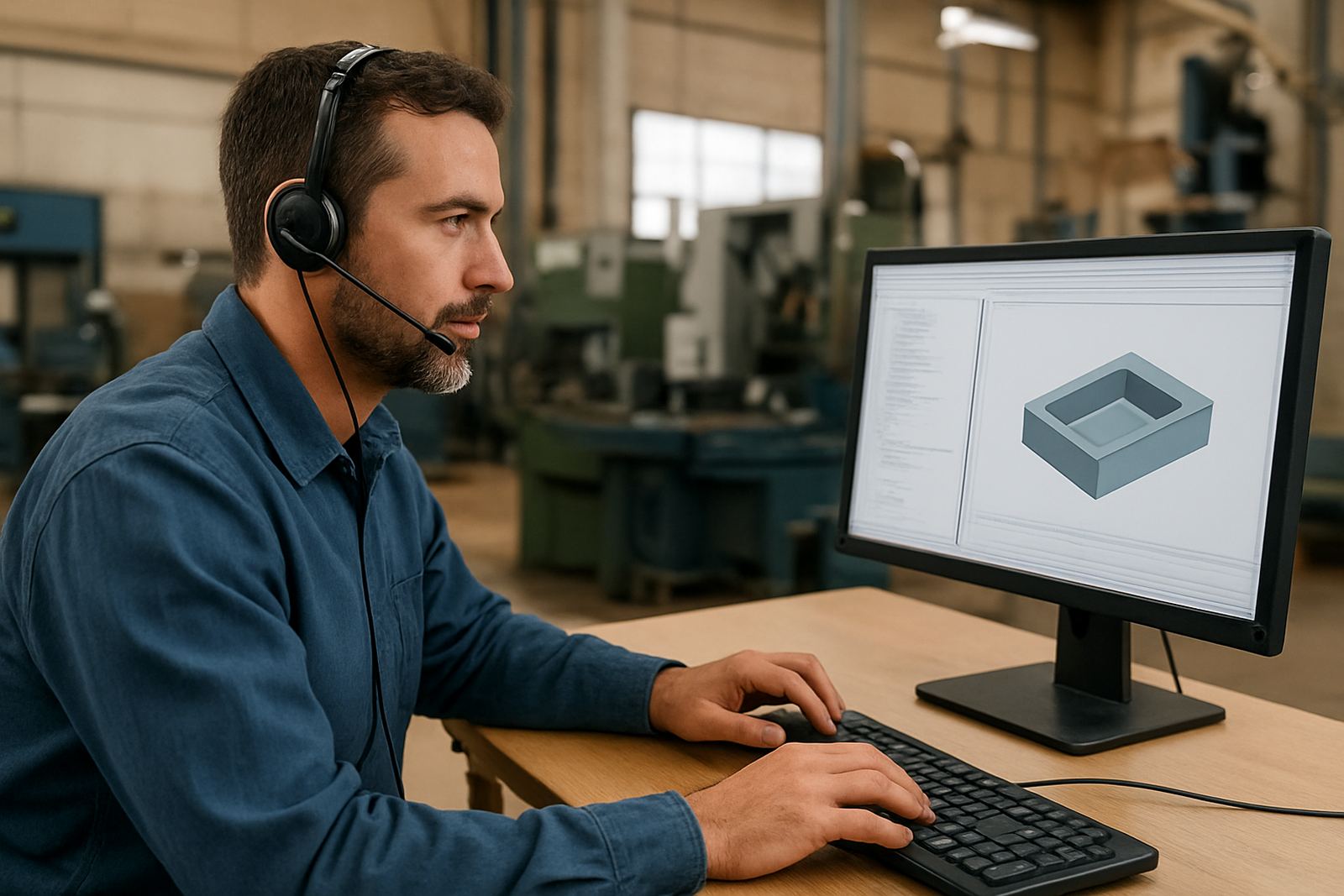
Once the machine is on site and mechanically ready, we connect the software side to the real machine behaviour. That includes matching units, speeds and feeds limits, tool definitions, safe start lines, offsets, homing behaviour and any machine-specific code required by the controller. We also check that the posted output matches how the machine expects to receive commands, which is where many first-day faults are found.
Where required, we install or confirm licences on the correct workstation, then verify that the CAM side can generate output without warning flags or file path problems. If the machine is being added to an existing cell, we check naming conventions, folder structure and version control so more than one operator can work without overwriting each other’s files. A neat setup here prevents confusion later, especially when turnover is high and shifts change.
For shops with multiple machines, we can standardise the setup so each machine has its own output logic but a shared method for drawings, nesting, tool libraries and backups. That keeps production tidy and easier to audit.
First Part Run And Operator Handover
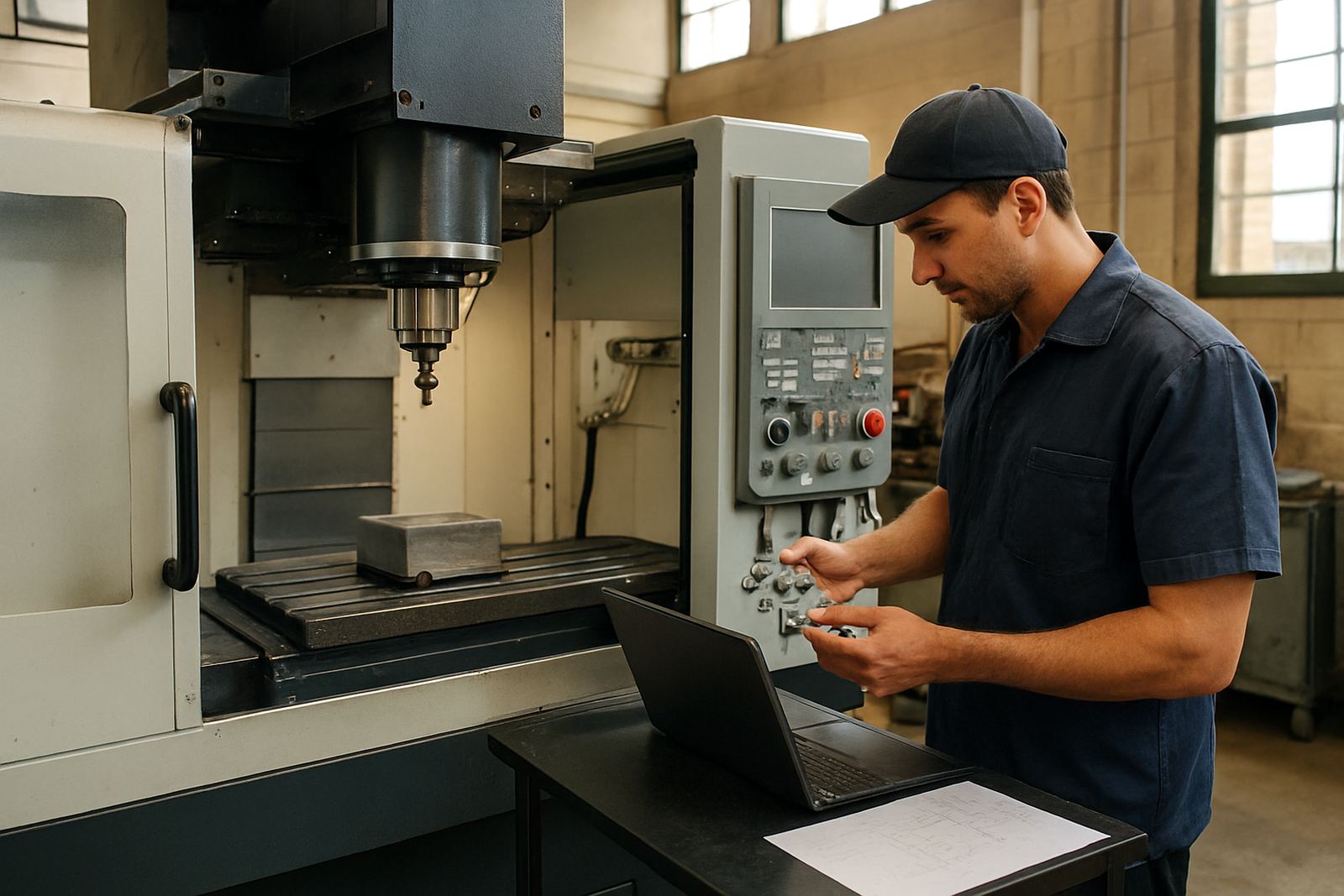
The real test of onboarding is the first part that comes off the machine. We stay with the team through a controlled first run, checking post output, toolpaths, offsets, safe heights, rapid moves and any machine alarms that appear during dry run or cut. If something is off, we adjust it on the spot and confirm the change with another pass.
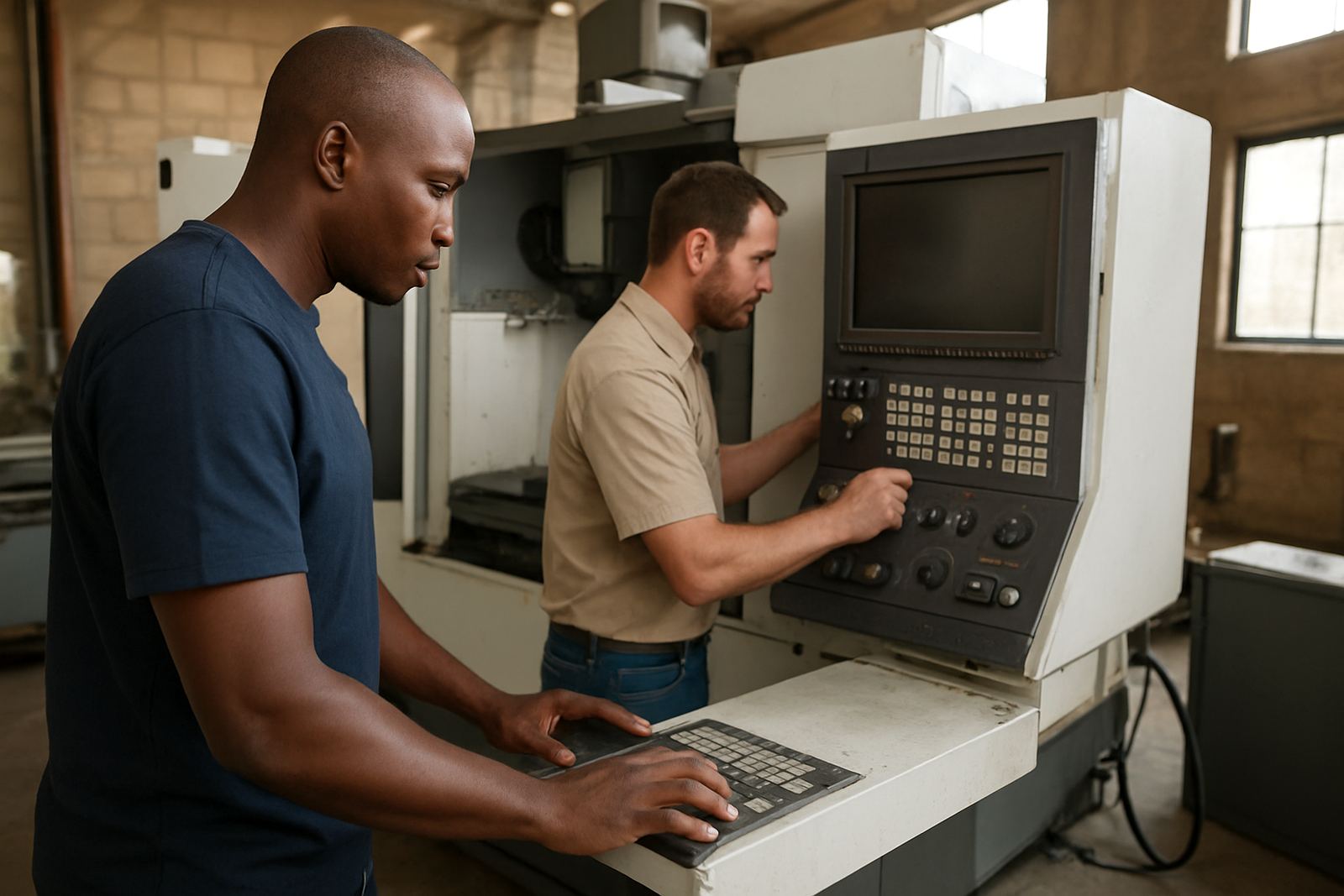
Training during onboarding is hands-on and practical. Operators learn what to check before pressing cycle start, how to load the correct file, how to read the tool list, and what to do if a cut starts to drift. Programmers learn how to keep the post happy and avoid creating code that the machine does not like. Owners get a clear picture of what daily control points matter and which ones can be left to the team.
- Dry run and first cut verification
- Toolpath and offset checks
- Alarm response and safe recovery steps
- Operator sign-off for daily use
- Programmer notes for future jobs
By the end of the session your team should know what the machine is doing and why, not just how to press buttons.
Turnaround Times And Planning
Turnaround depends on the machine type, controller complexity and whether the post-processor is standard or custom. A straightforward install with a known controller can often be handled once the machine is ready. More complex setups with rotary axes, probing cycles, nested routing, multi-head plasma or special macros may need additional prep and another onsite visit.
For sites in Centurion, Pretoria and Johannesburg we can often plan shorter notice work, while coastal or out-of-town jobs need a little more lead time for travel and parts coordination. We always try to align the onboarding with the machine delivery date so the machine is not sitting idle while the team waits for software sign-off.
If the machine is still being installed by another contractor, we can work in stages. That usually means doing the licence prep and post review first, then the onsite alignment once power, air and extraction are in place.
Pricing Approach And Ongoing Maintenance
We price machine onboarding according to the actual scope, not a one size fits all rate. The main cost drivers are the number of machines, whether a custom post is needed, travel distance, and the amount of hands-on training required. A single machine with a standard controller will cost less than a multi-machine rollout with custom macros, multiple users and first job support.
Before work begins, we confirm the scope and outline what is included so there are no surprises. If you need later changes, such as adding a second machine or updating the post after a controller change, that is handled separately and quoted on the new scope. For workshops that plan regular changes, an annual support plan is often the best fit because it covers the kind of small adjustments that keep production moving.
Maintenance after onboarding is usually light but important. We recommend a post review after the first 2 to 4 weeks of production, then a check every 3 to 6 months, or sooner if you change tooling, upgrade the controller, or add new operators. Shops running in dusty environments, especially routing and plasma setups, may need more frequent review because dust and heat can affect cabinet conditions and file handling. A quick quarterly check is often enough to catch issues before they become scrap.
Where We Support Shops Across South Africa
Our team supports machine onboarding from the Centurion base and through the main training areas in Pretoria, Johannesburg, Vereeniging, Durban, Cape Town, East Rand and West Rand. We work with shops that cut MDF, aluminium, mild steel, plastics and composite board, and we understand the daily realities of local production: unstable power, tight deadlines, municipal compliance needs and the pressure to keep a new machine earning from the first week.
Whether the machine is heading into a one-man routing shop or a busy production floor with several operators, the aim is the same. Get the machine into the workflow properly, make the post behave, train the team and leave the shop with a setup that can be repeated without drama.
If your new machine has arrived and you want the software side sorted properly, use the enquiry form on our contact page and we will take it from there.
Key facts
| Service area | Centurion, Pretoria, Johannesburg, Vereeniging, Durban, Cape Town, East Rand, West Rand |
|---|---|
| Machine types | CNC routing, milling, turning and plasma |
| Typical turnaround | 1 to 2 working days for straightforward setups |
| Onboarding outputs | Licence install, post setup, machine profile, first job run |
| Follow-up interval | 2 to 4 weeks after start-up, then every 3 to 6 months |
| Support format | Onsite setup, remote troubleshooting and workflow review |