What Programmer Training Covers On The Shop Floor
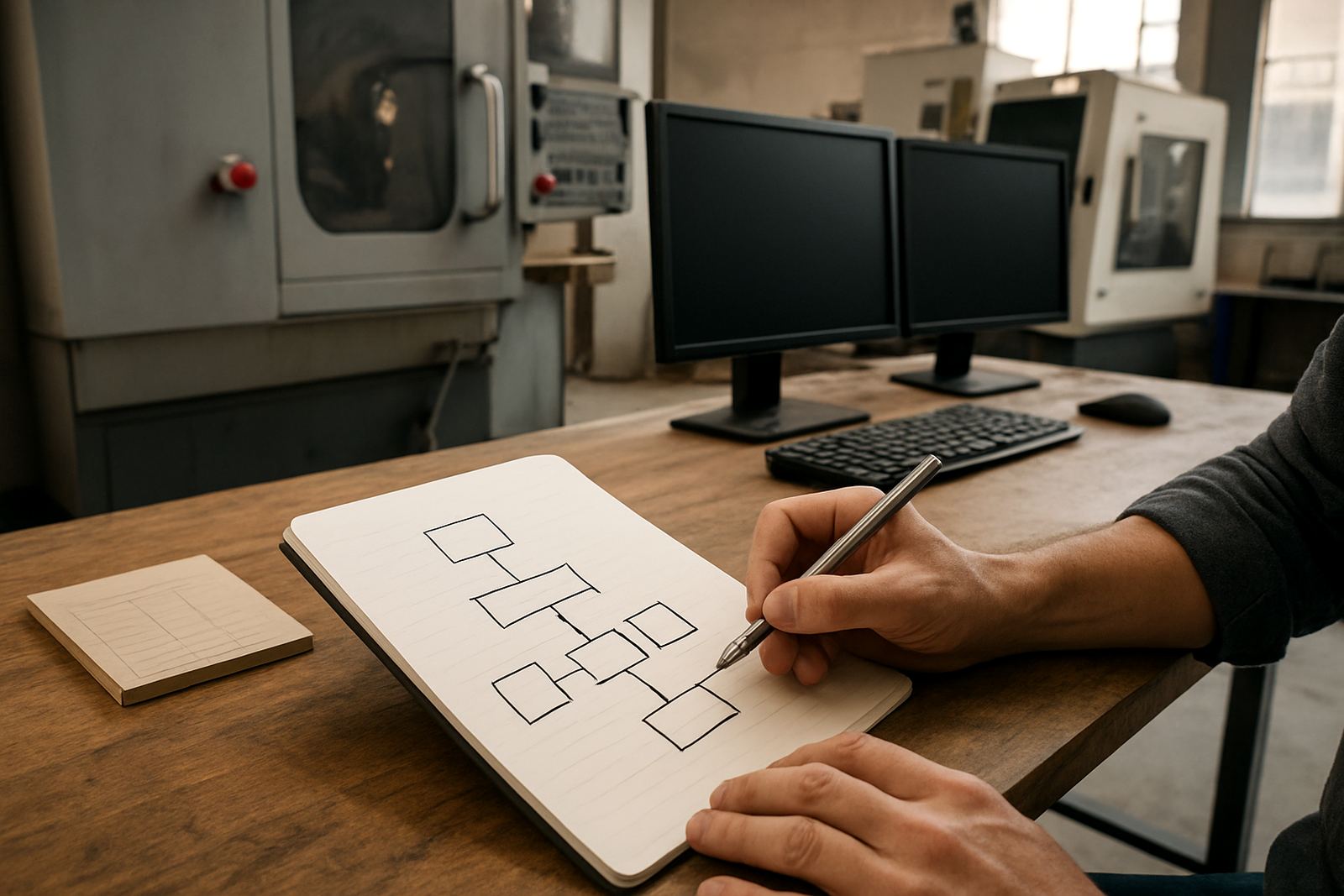
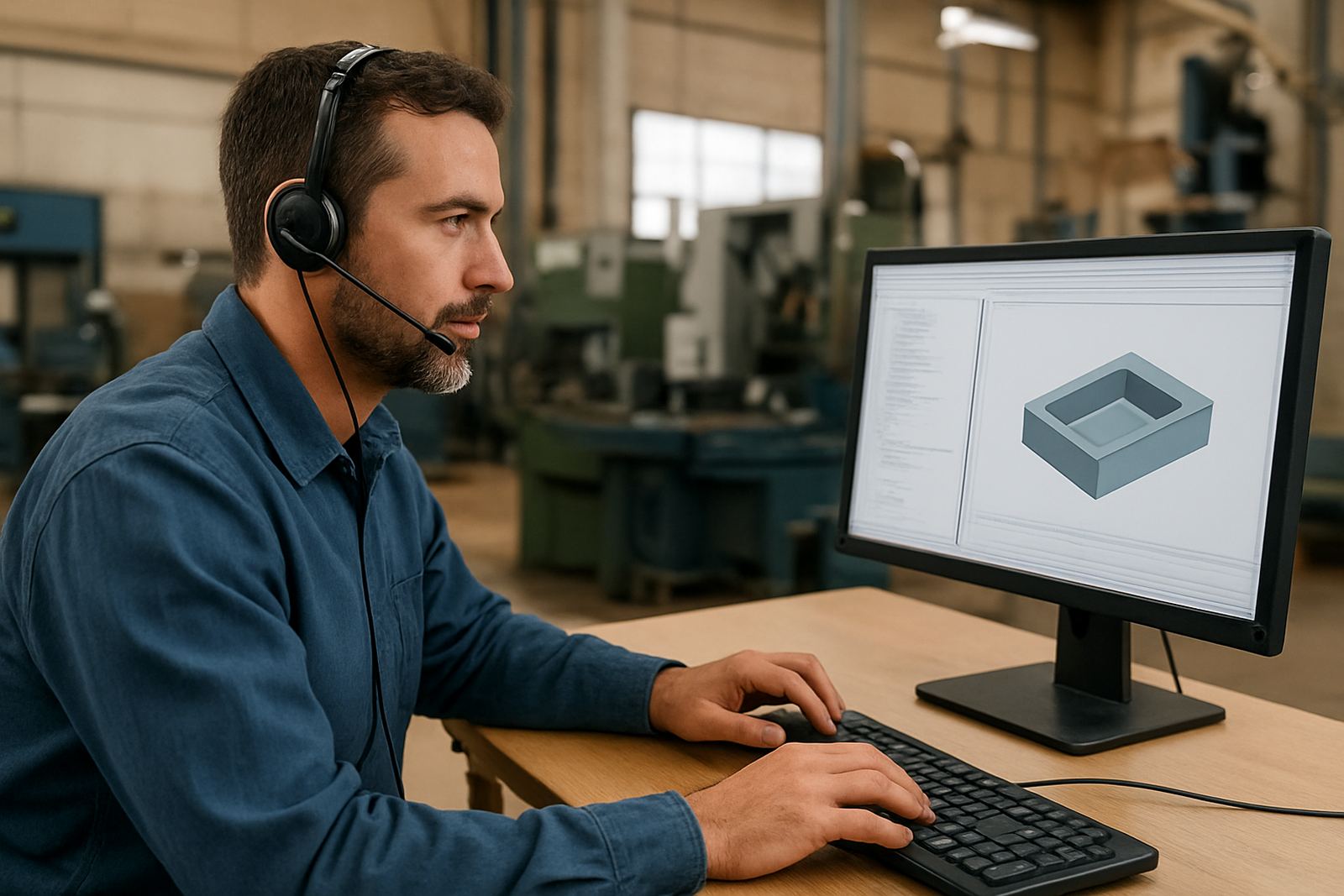
Our Programmer Training is built for shops that need better output from their CAM work, not theory for its own sake. We cover drawing preparation, part setup, stock definition, tool selection, lead in and lead out choices, feed and speed checks, simulation discipline, and how to read the post output before it reaches the machine. The aim is simple: fewer errors, fewer broken cutters and less time spent fixing code at the control.
Training is suited to new programmers, experienced operators moving into CAM, and owners who want more control over quoting and production planning. We can tailor sessions for CNC routing, milling, turning and plasma work, and we adjust examples to the machine type, material and nesting or single-part workflow you use every day. In Centurion, Pretoria, Johannesburg, Vereeniging, Durban and Cape Town, the same basics still apply, but the detail changes with machine condition, toolholding and the kind of work leaving the door.
- Drawing prep and file cleanup for CAM import
- Toolpath strategy for roughing, finishing and drilling
- Post output checks before transfer to the control
- Machine zero, work offset and tool length best practice
- Safe first-run checks for new jobs and revisions
How We Structure Each Training Session
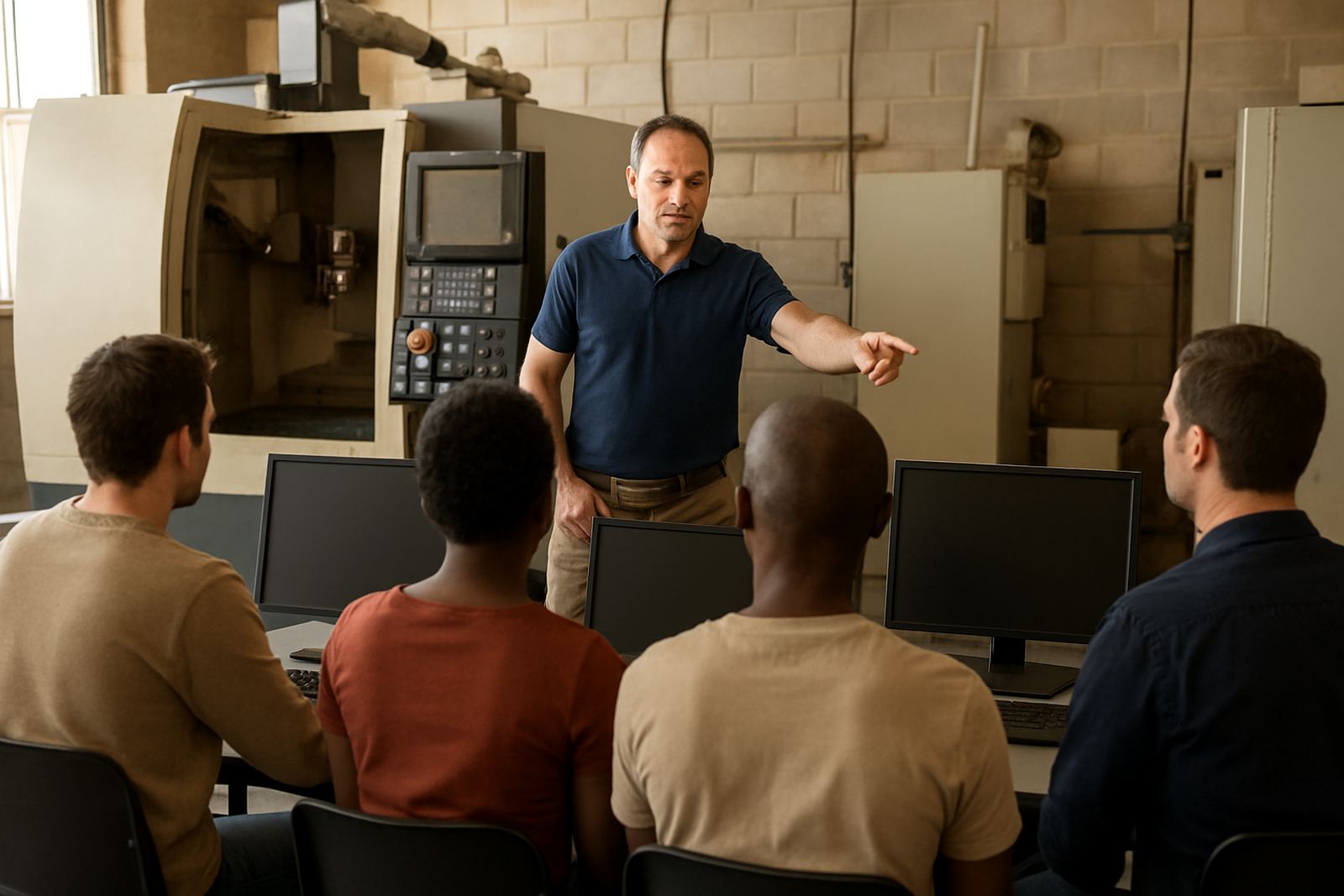
We start with the machine, the material and the job type, then build the session around what your team needs to produce this week. That may mean a half-day refresher on setup logic, a full day on post confidence, or a multi-session programme covering more advanced programming habits. For shops with two or more programmers, we often split the work between practical examples and live job review so everyone is working from the same standard.
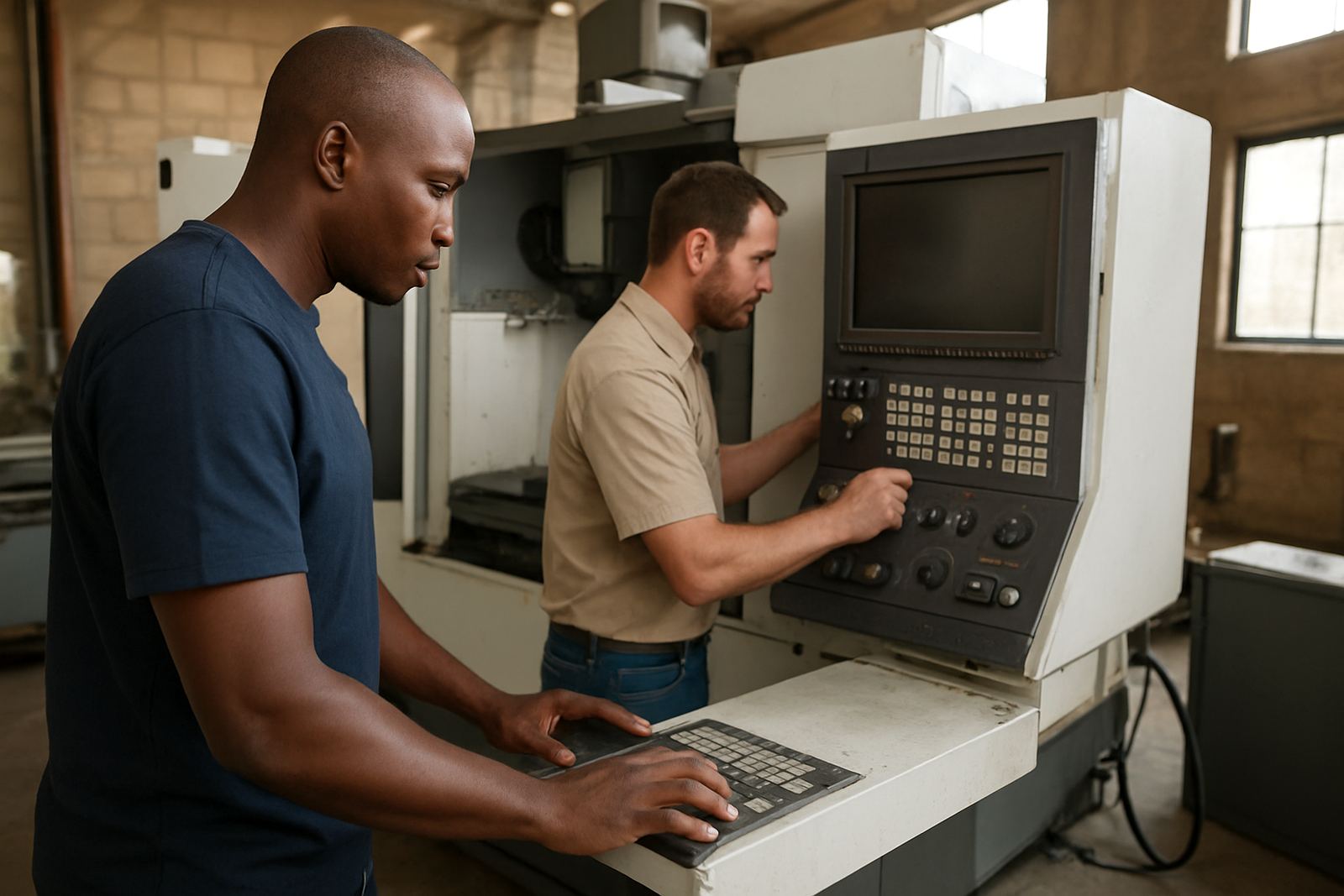
Sessions can be done on-site or remotely, depending on the task and the hardware involved. On-site is better when we need to see the control, prove a file, check the tool library and confirm how the operator handles offsets, probes and dry runs. Remote sessions work well for drawing prep, CAM method review, post file checks and planning changes before a machine is taken out of production. Load-shedding in some areas makes scheduling important, so we plan around uptime and can organise sessions early, late or across more than one visit if needed.
- Pre-session review of current workflow and sample jobs
- Live demonstration using your parts, material and tool list
- Step by step correction of setup and programming mistakes
- Post-session action list for the programmer and operator
What Is Included In The Programme
Programme content is matched to the level of the team, but a standard engagement usually includes a workflow assessment, practical tuition, output checks and support on the first live jobs after training. We also look at file naming, revision control, tool library structure and machine-specific post settings so the shop does not fall back into old habits. If the machine has custom macros, a probing routine, or a special clamping method, we include that in the session too.
For more advanced users, we can cover nesting logic, multi-operation setup, multi-axis considerations where relevant, and how to keep toolpaths consistent when the same part is run again months later. If your shop works in a coastal area like Durban or Cape Town, we also spend time on maintenance habits that help protect electronics, screens and controls from humidity and corrosion. A small amount of prevention makes a real difference when machines are left idle overnight or over a long weekend.
- CAM workflow review and file handling rules
- Machine and material specific setup checks
- Post output review and error spotting
- Tool library setup guidance and naming structure
- First job support after training where arranged
Turnaround, Scheduling And Support After Training
Most training bookings can be scheduled within a practical lead time, depending on the region and the amount of preparation required. If we need to review sample parts, machine details or an existing post before the visit, we ask for those items first so the session is not wasted on basic admin. Turnaround on a standard session is usually quick once the scope is confirmed, while more specialised multi-machine training may need a few days of preparation.
After the session, we remain available for follow-up questions through the enquiry process on our contact page. Many shops ask for a second pass after the first live job, especially if the team is new to CAM or if the machine control behaves differently from what the programmer expected. That follow-up matters because the best training sticks when it is tied to actual production, not just classroom notes. In practice, a well-trained programmer still benefits from maintenance intervals, usually after the first few jobs, again after the first week, and then whenever a new material, tool holder or machine change is introduced.
Pricing Approach For South African Shops
Pricing is quoted according to scope, site location, number of users and the depth of the material covered. A short refresher for one programmer is priced differently from a full training day for a team of operators and programmers, or a programme that includes machine review, post checks and first job support. We keep the pricing practical and explain what is included before any work starts.
For budgeting, it helps to think in terms of value per machine hour saved. One wrong setup can cost more than a proper training session, especially when material is expensive or the machine is booked solid. Shops in Pretoria, Johannesburg and the East Rand often want concentrated sessions to reduce downtime, while smaller teams in Vereeniging or the West Rand may prefer staged visits. Either way, the quote will reflect the actual work and not a one-size-fits-all package.
When A Programmer Needs Refresher Training
Some teams ask for training because they are changing software, and others because the current programmer is getting inconsistent results. In both cases the warning signs are easy to spot: long setup times, frequent post edits, unclear tool naming, avoidable scrap, and operators who do not trust the file before starting the machine. A refresher session helps reset the standard and gives the team a common way of working.
We also recommend maintenance intervals for training itself. If your shop runs high volume work, or if you add new tooling, a new machine, or a different control format, a quarterly review can be useful. For steadier production shops, twice a year is often enough. The point is to keep the programmer current, keep the post aligned, and avoid drifting into habits that cause errors later on.
- After software changes or licence updates
- When a new machine or control is added
- When operators are missing steps on the floor
- Before a new contract or repeat job is released
Key facts
| Training mode | On-site or remote, depending on job scope and machine access |
|---|---|
| Focus areas | Drawing prep, toolpath strategy, post confidence, setup checks |
| Machine types | CNC routing, milling, turning and plasma |
| Typical session length | Half day, full day, or staged multi-session format |
| Service areas | Centurion, Pretoria, Johannesburg, Vereeniging, Durban, Cape Town and surrounding regions |
| Maintenance interval | Review after first live jobs, then quarterly or twice yearly depending on production load |